Every narrative is great.
A graduation review, a first menu, an hour of class. If you have something to show, you have a narrative.

For everyone with something to show.
SSHOW is a design tool that brings design, motion, interaction and presentation onto one canvas. Make it on your own, with your team or with the AI you already use.
-
A graduation review
Four years of work, shown in ten minutes.
-
Opening day
A shop’s first story, told on its menu.
-
An hour of class
Students’ questions carry the lesson.
-
A first exhibition
Each photo, shown with the reason it was taken.
-
Prototype day
Show it before anyone holds it.
-
A first performance
The poster starts dancing before the curtain rises.
-
A new collection
The season’s mood, shown before the first rack goes up.
-
And your narrative
We saved the next place for you.
Point at a photo to play an example made for that story.Tap a photo to play an example made for that story. The people in these photos are AI-generated. The examples were made by the SSHOW team.
The moments stories began to move.
-
1868
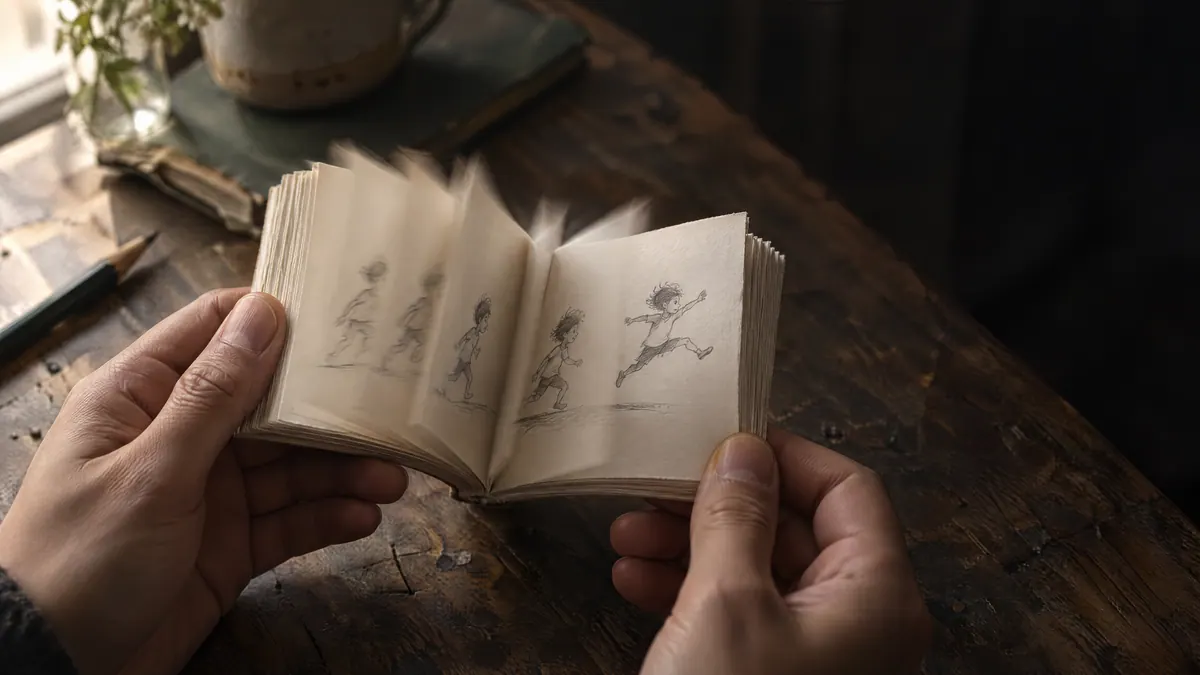
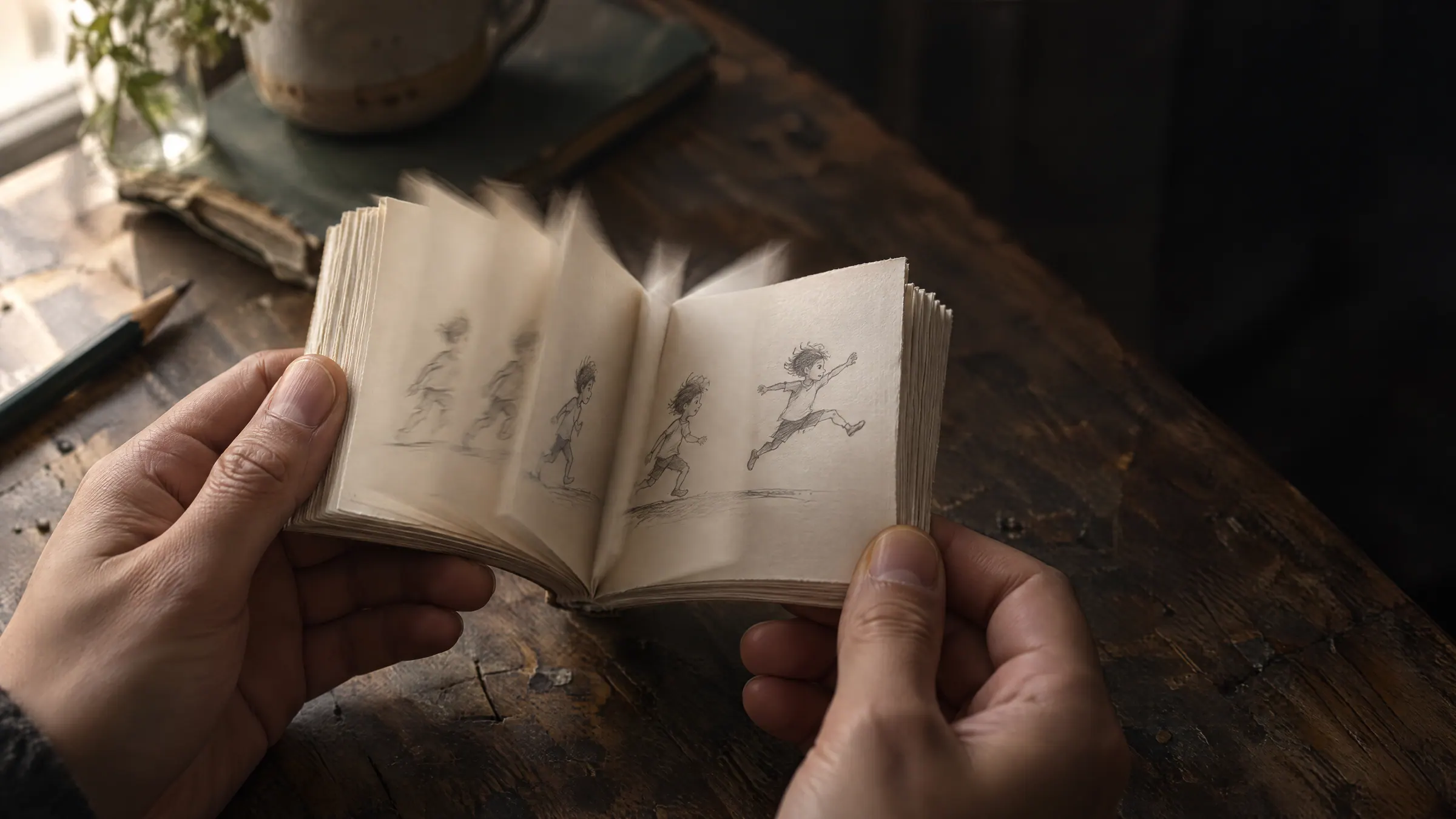
Flip books
Flip the pages, and the drawings moved.
-
1895
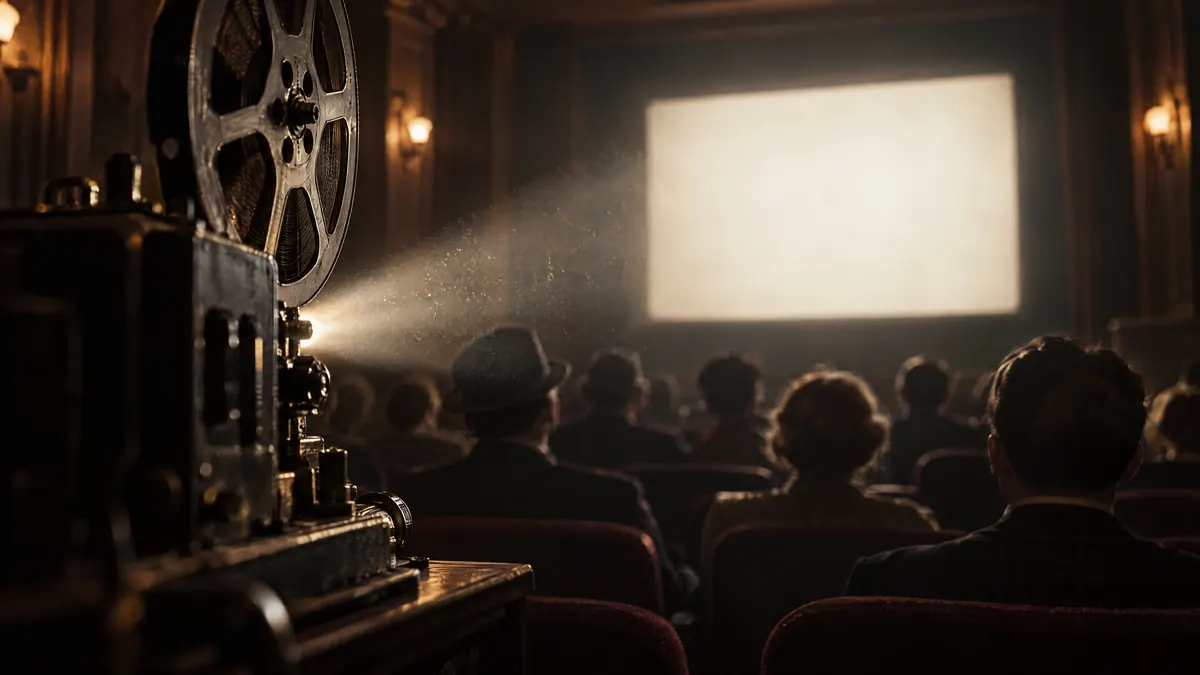
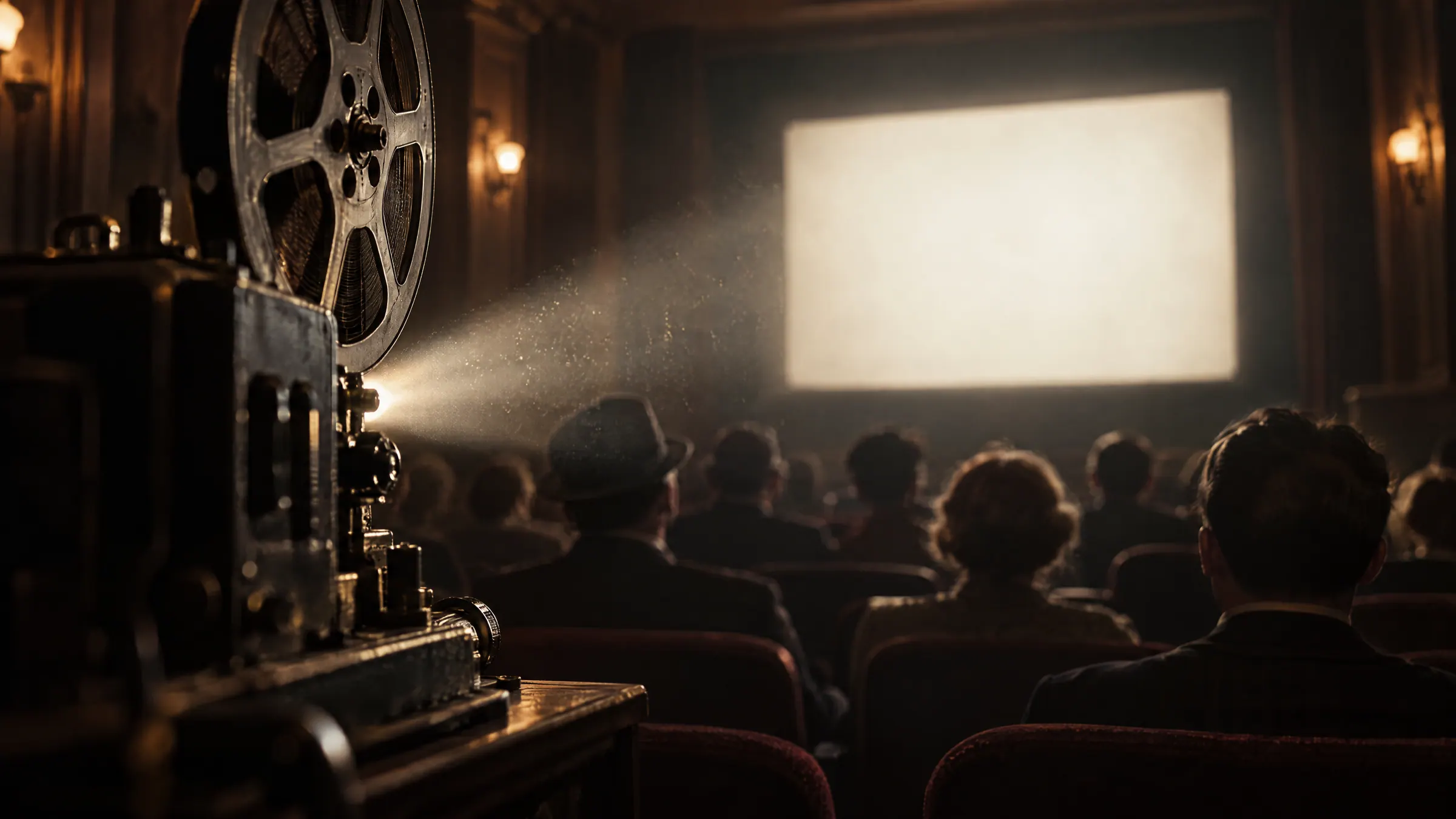
Cinema
Cast it in light, and a whole room saw the same story.
-
2003
Webtoons
Scroll the screen, and comics began to flow.


-
2026
SSHOW
Now, a story has become a conversation.


We made SSHOW for that conversation.
From the first line to the moment you show it, on one canvas.
A story is completed by the people who hear it.
A good story doesn’t rush on alone. That’s how SSHOW scenes are made, too.

Good stories wait for the people listening, and answer how they respond.
Which light should it end in?

Good stories are made together.
-
With your team
Open one project with your team, and every change shows up on everyone’s screen right away.
-
With AI
Ask the AI panel in the editor, or connect the Claude or ChatGPT you already use and make it together in conversation.
Connect the AI you use -
With your tools Beta
Carry on from the Figma screens and PPT, PDF or SVG files you already have, and export the finished work as video, documents or images.
Packed with everything a story is made of.
Type and photos, motion, what happens on a click, even the teammate editing with you. One scene holds every element a story is made of. Scroll to look inside.
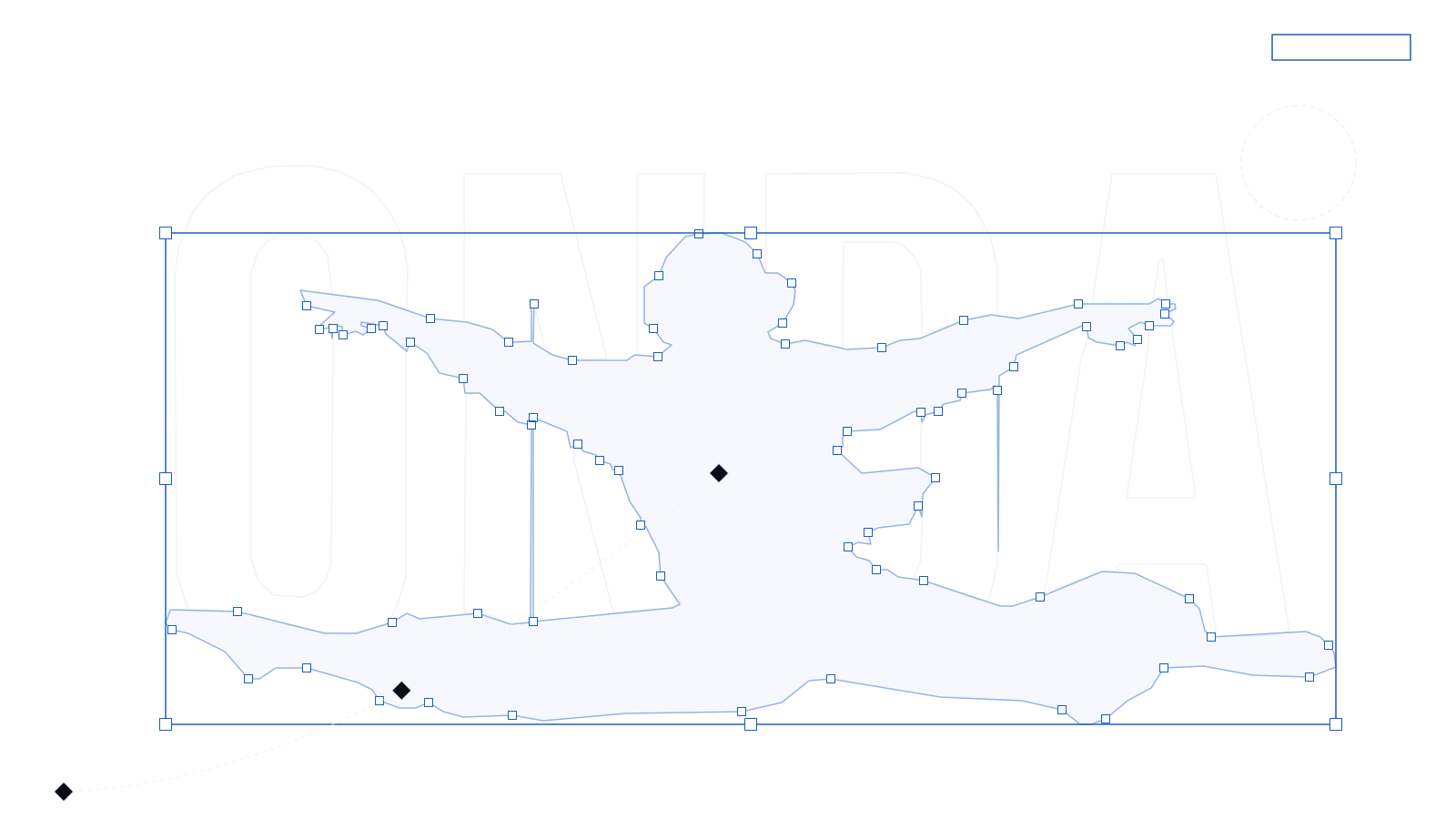

And all you see is this one scene.
The SSHOW engine
Built for showing, from the engine up.
What SSHOW does is show stories at their best.
So we built the engine that draws every screen ourselves, from scratch.
-
One scene, wherever it opens.
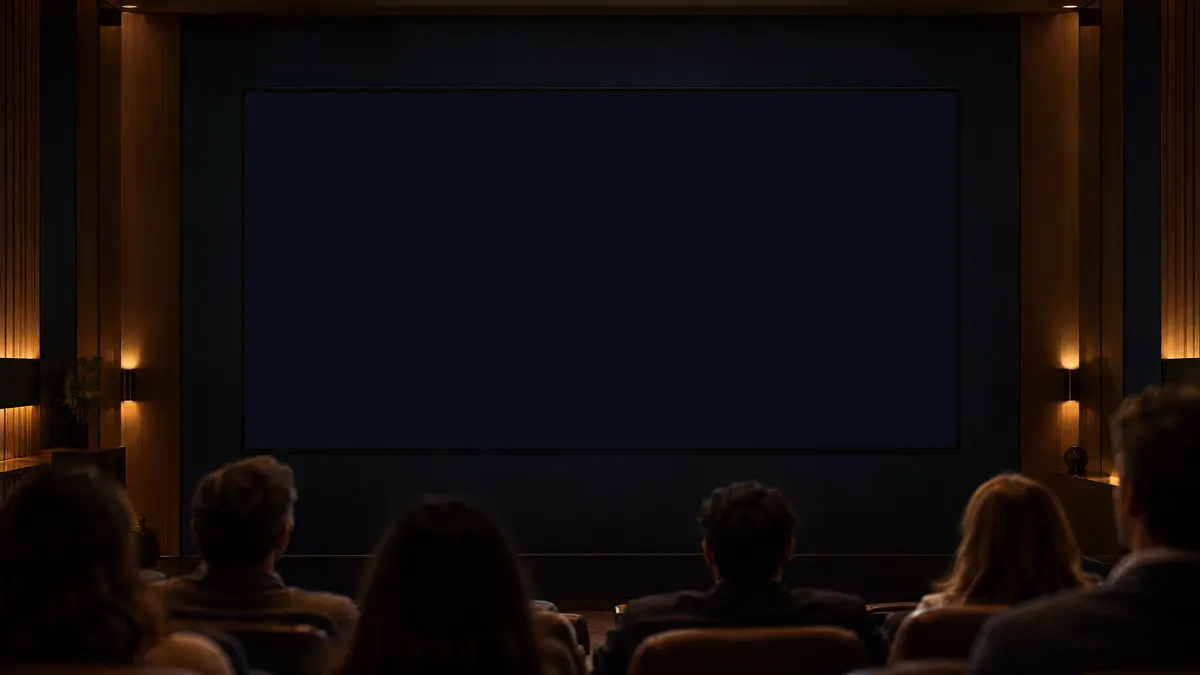
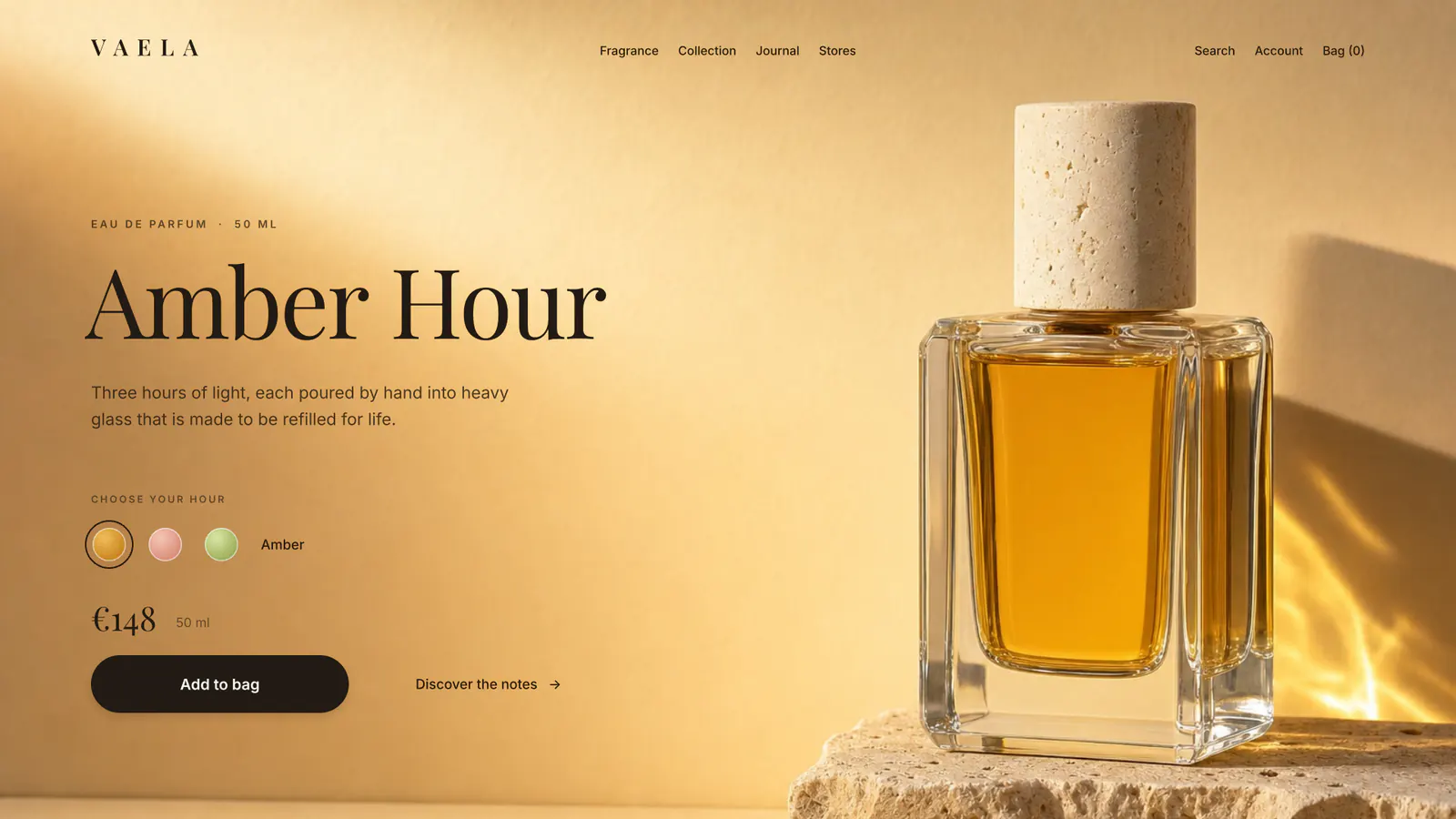
The web, the desktop and tablet apps and every shared link draw with the same engine, so every screen shows the scene just as you made it.



-
Light and shadow, written as shaders.
Glass, aurora, lens flare and drop shadows are shaders we wrote ourselves, computed right on the graphics chip. Stack several and the scene still moves smoothly, and you can change any of them anytime.
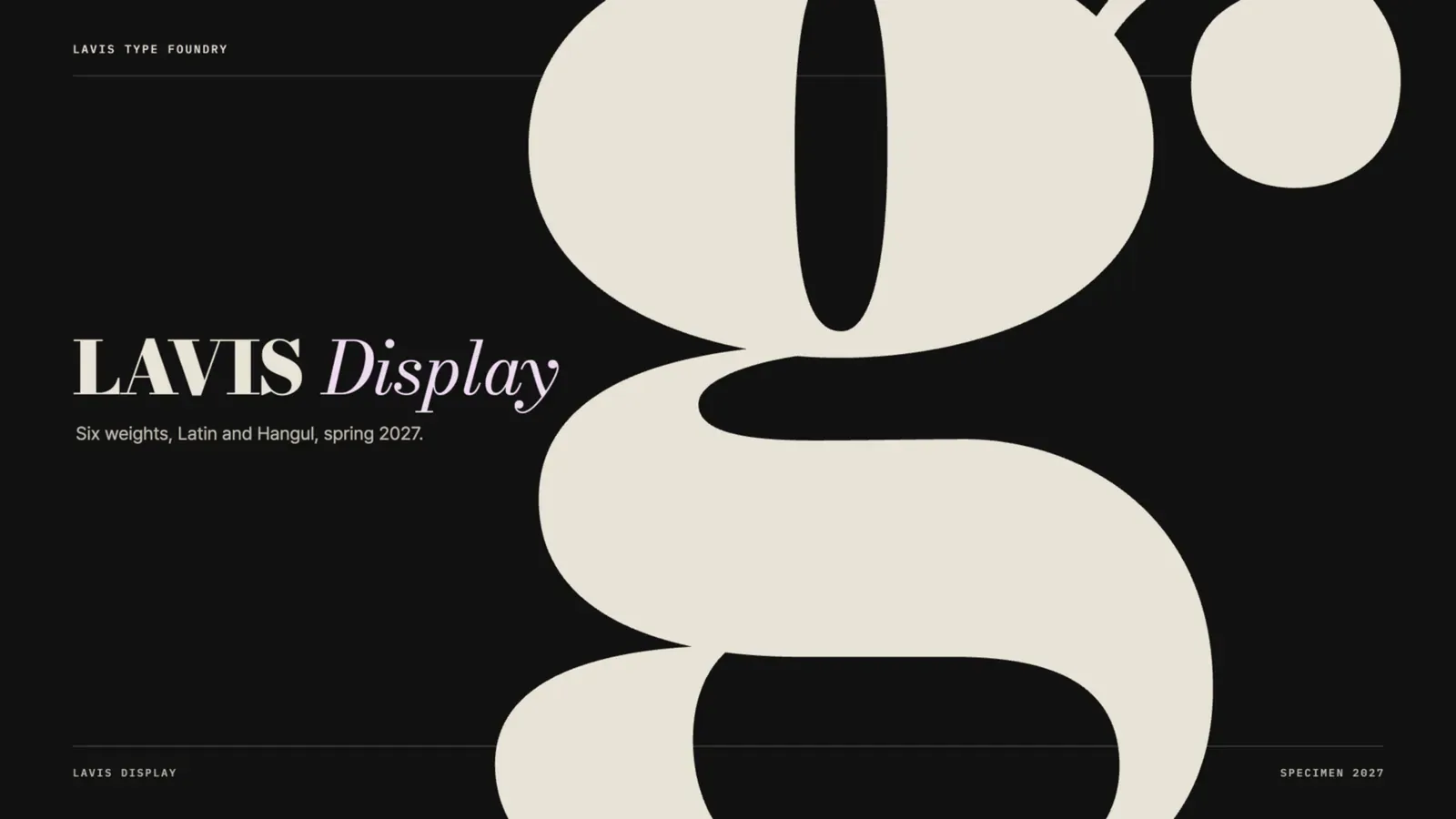

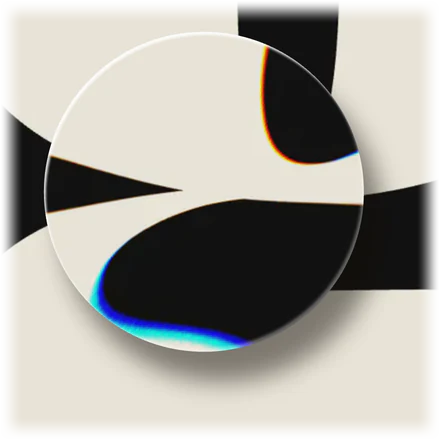
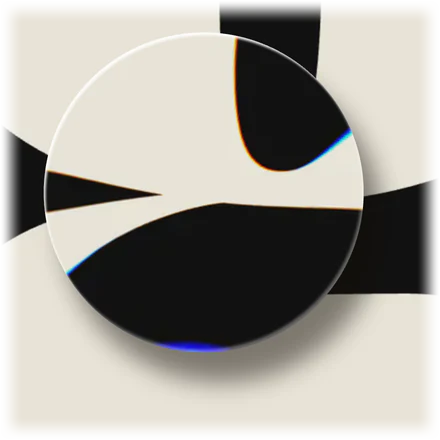
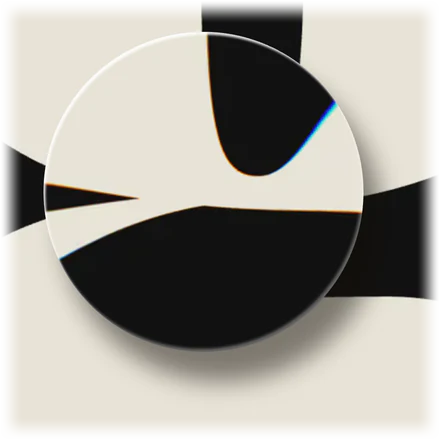
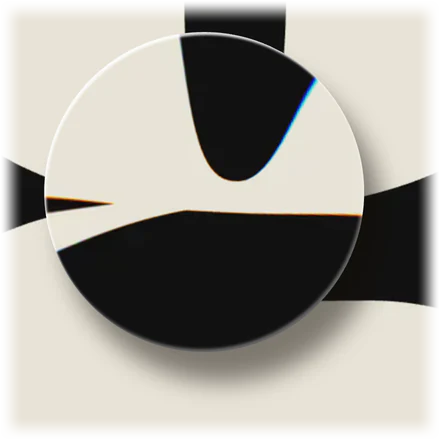
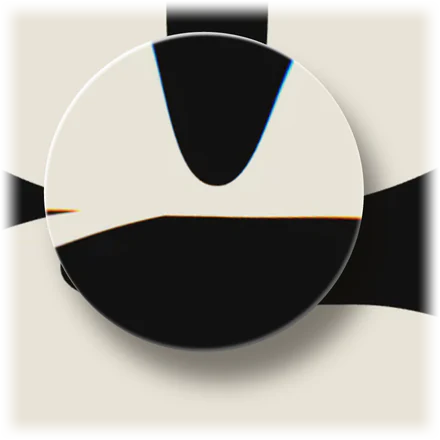
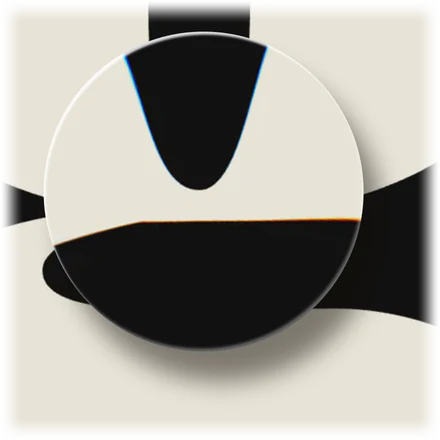
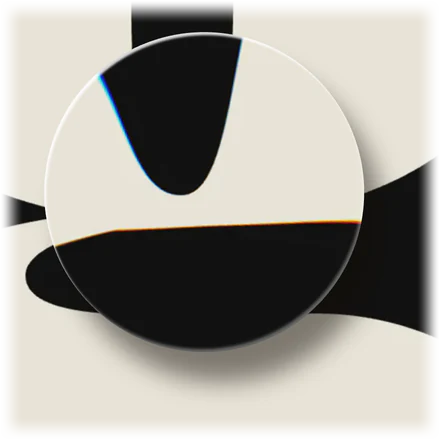
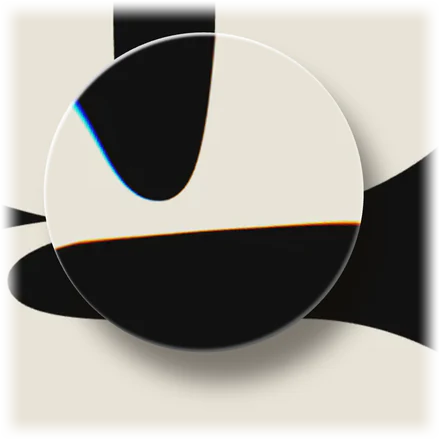
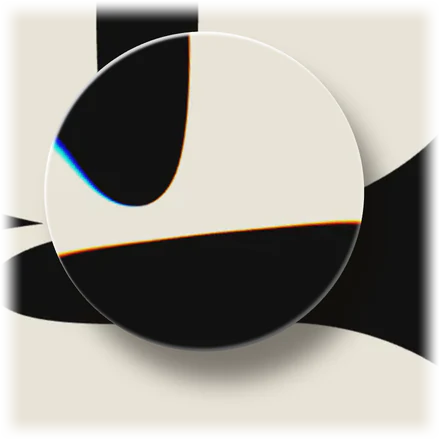
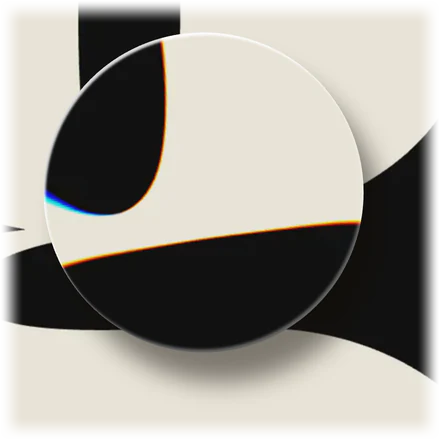
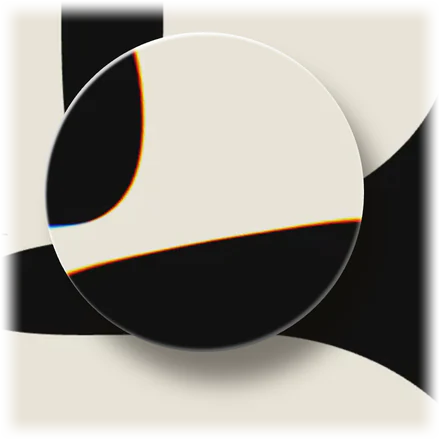
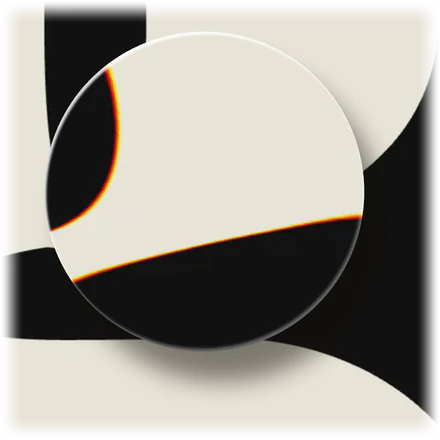
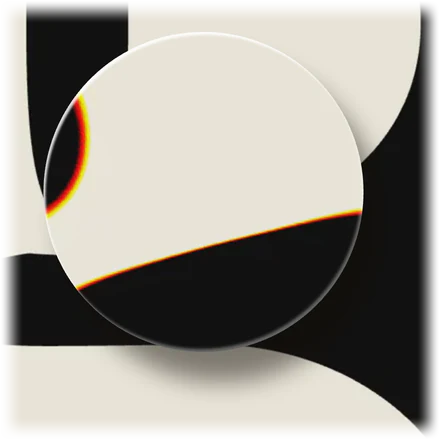

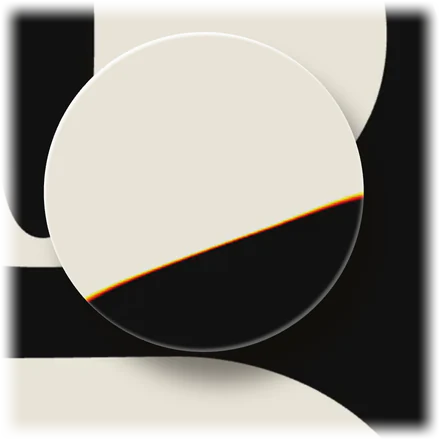
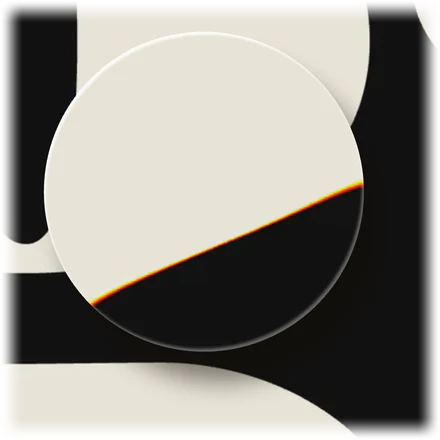
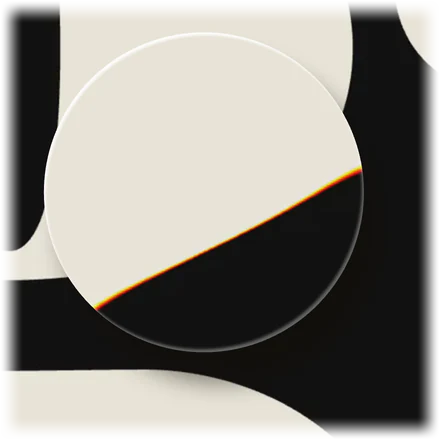
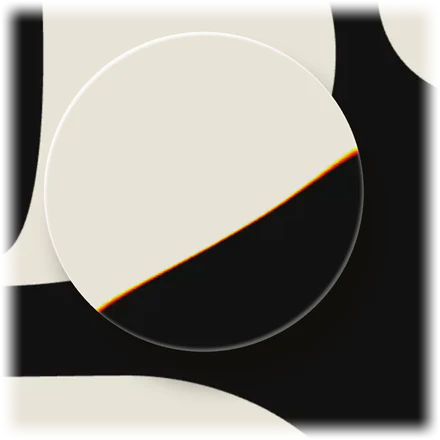
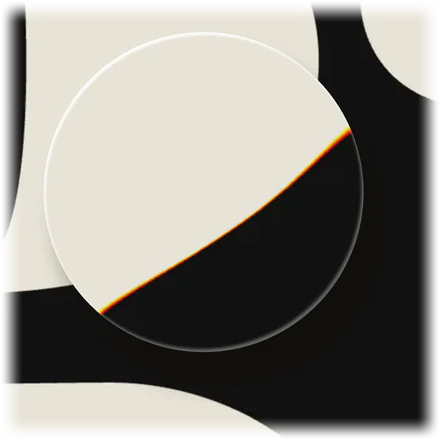
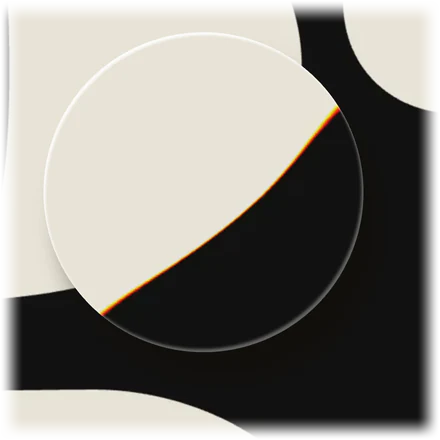
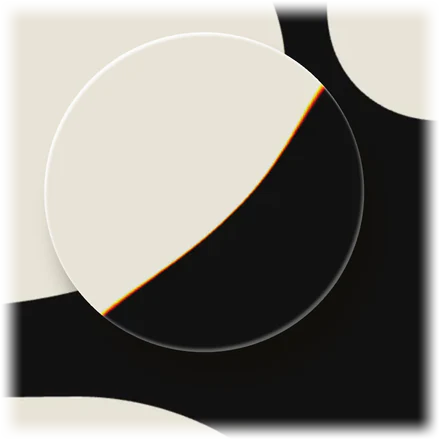
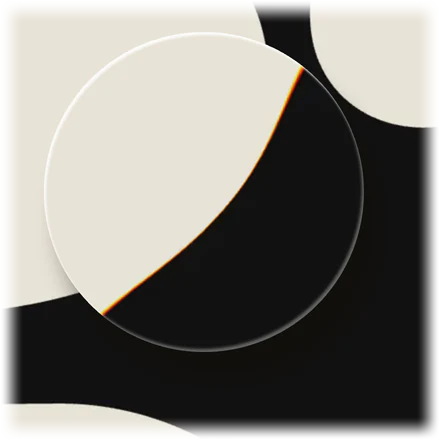
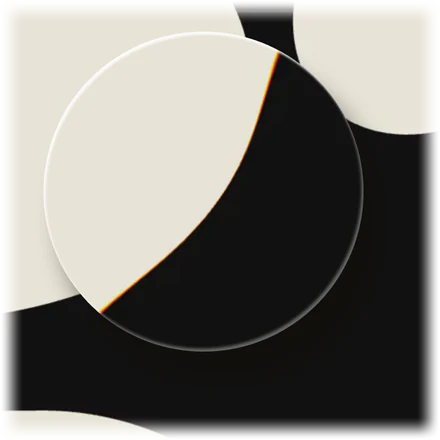
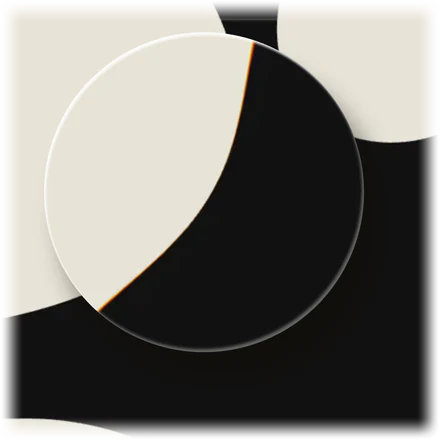
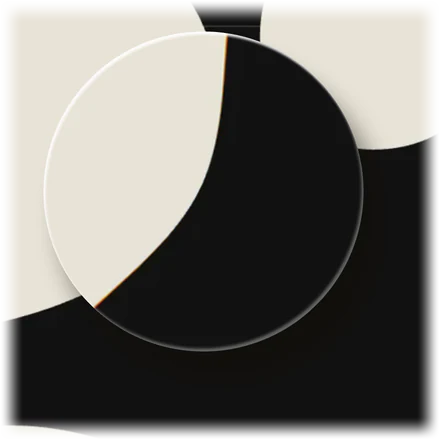
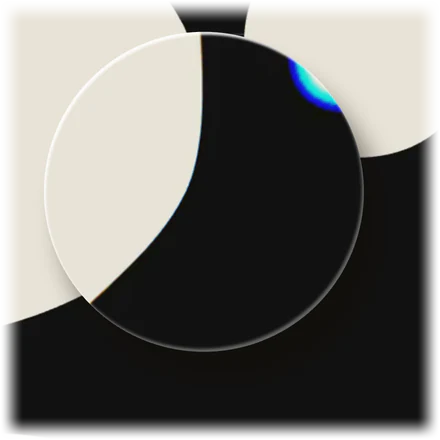
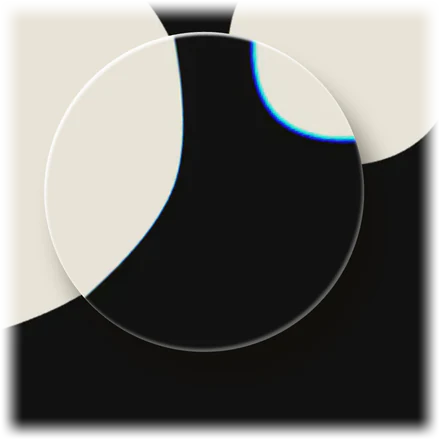
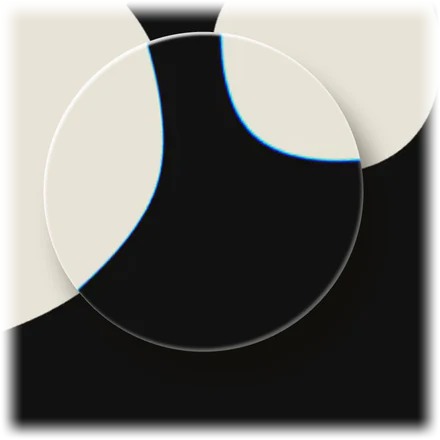
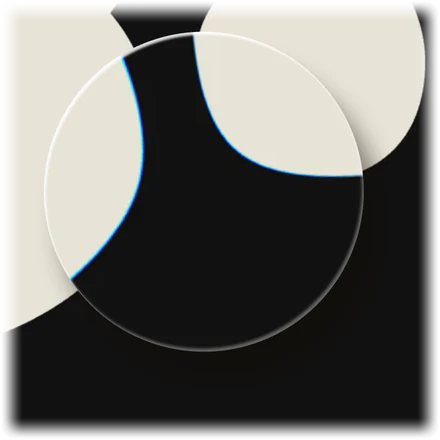
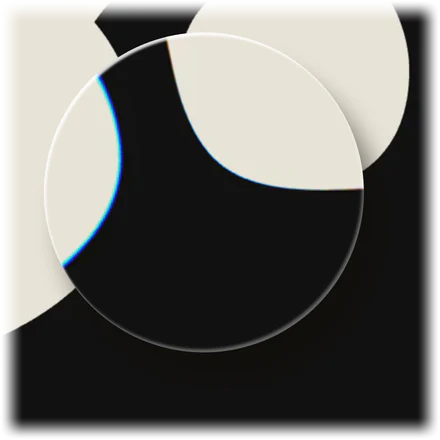
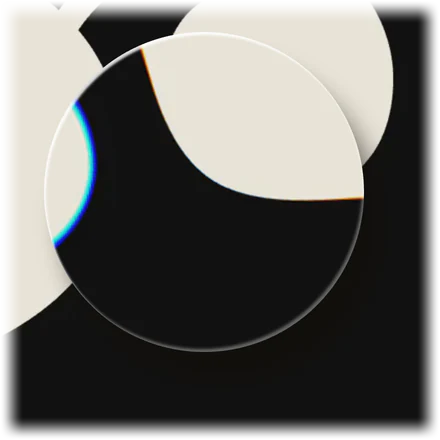
A glass lens rendered by the SSHOW engine -
Made for the hands that use it.
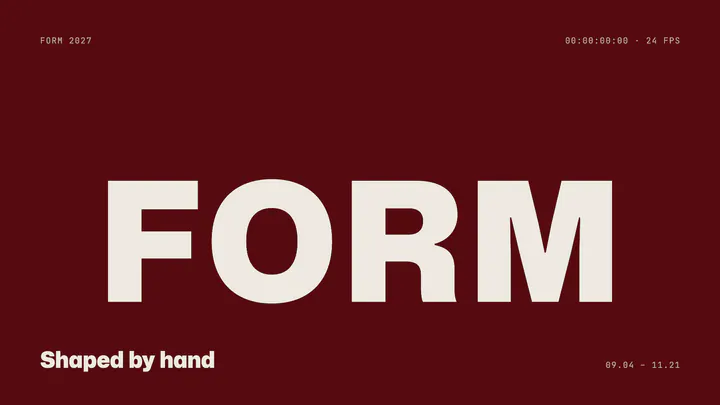
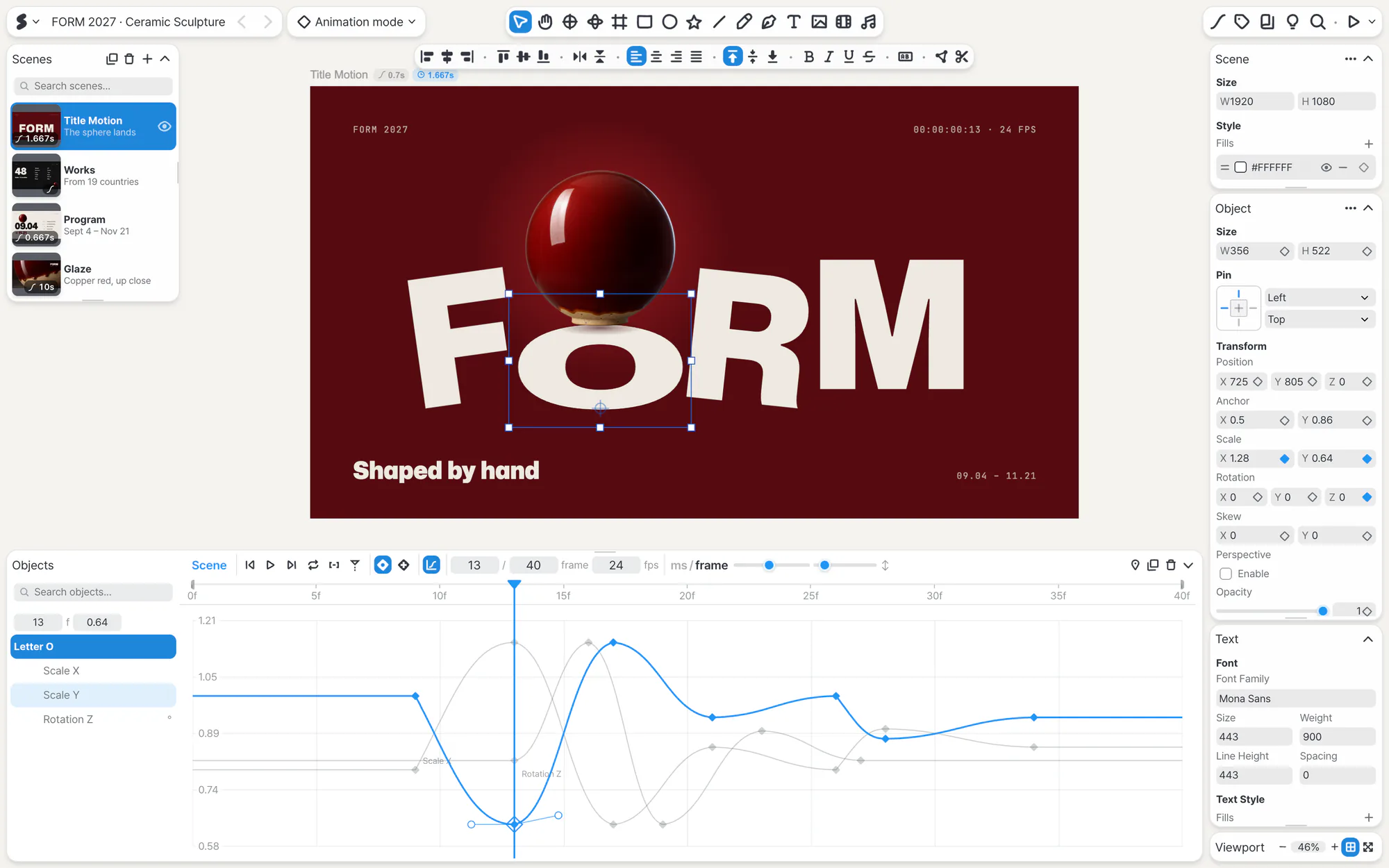
While you make, the tools you need stay close. When you present, they step aside and only the work remains. Every drag, drop and change answers right where your hand is.
-
What people see, AI can read.
The engine keeps every scene, object, motion and rule in a form AI can read directly. So AI reads a scene the way people do, and edits it the same way.

- Scene “Product”On scene enter → Play intro
- Headline “Light you can carry.”Text · rises in over 0.9 s
- Lamp colours3 states · Butter, Sky, Blush
- Notify me buttonOn click → Go to Notify
DOMO scene 1, as AI reads it
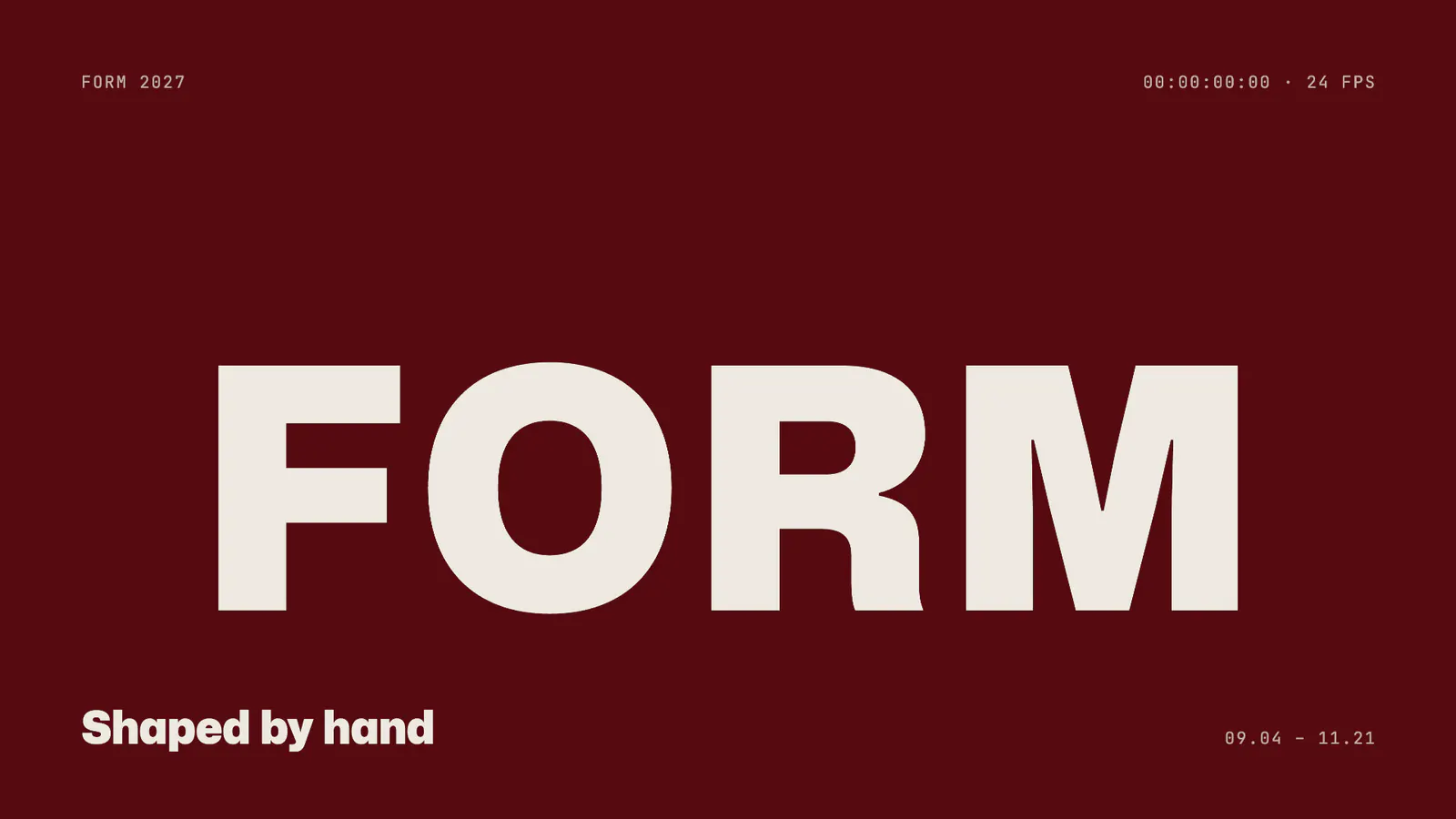
Delicate in the details.
Solid underneath.
And wider still.
On that solid ground, what you can use keeps widening. Fonts, shapes, motion presets, effects and plugins all run on the same engine, and there’s always room for the next tool.
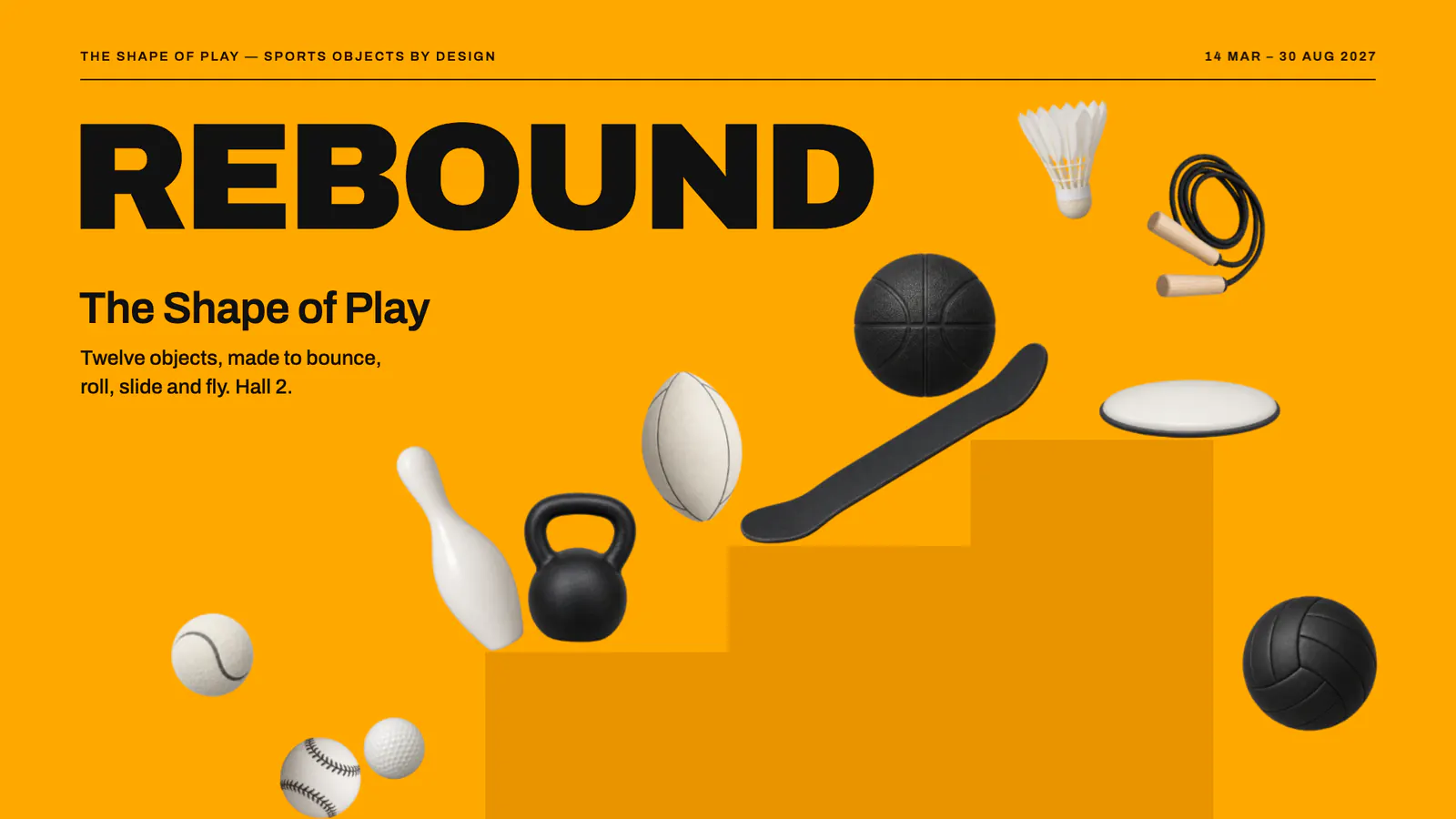









Point at a plugin to see what it does.Tap a plugin to see what it does.
Beautiful from the very first try.
However refined the engine, it should feel easy in anyone’s hands. Start from examples and presets our designers shaped, then just pick and swap, and anyone’s story looks beautiful.

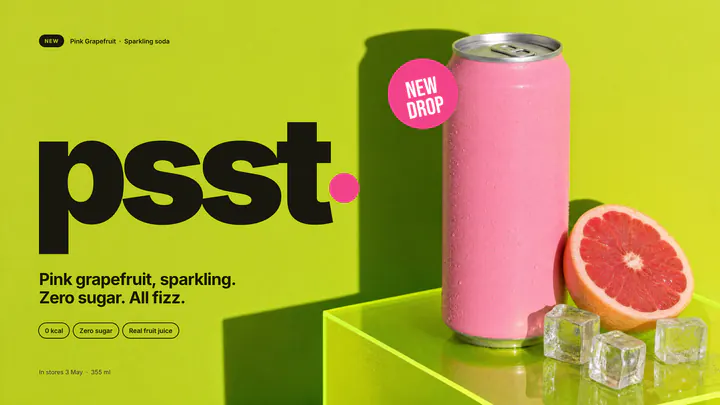


These photos are AI-generated. The examples on the screens were made by the SSHOW team.

A letter from the makers
There’s one moment we kept coming back to while making SSHOW. Someone begins to share their story, and the people listening lean in, just a little.
We wanted to bring everything that moment needs into one place: design just as you imagined it, motion with feeling, a screen that answers the people watching, and work that looks just as you made it on any screen.
So it took a long time. Still, the hero of this tool isn’t SSHOW. It’s your story.
There are many good tools in the world, and we believe more stories reach people because they exist together. SSHOW wants to stand beside them, helping your story be seen at its best.
The people who make SSHOW

Your narrative is already great.
Now, show it.
During the beta, SSHOW runs on the free plan only.