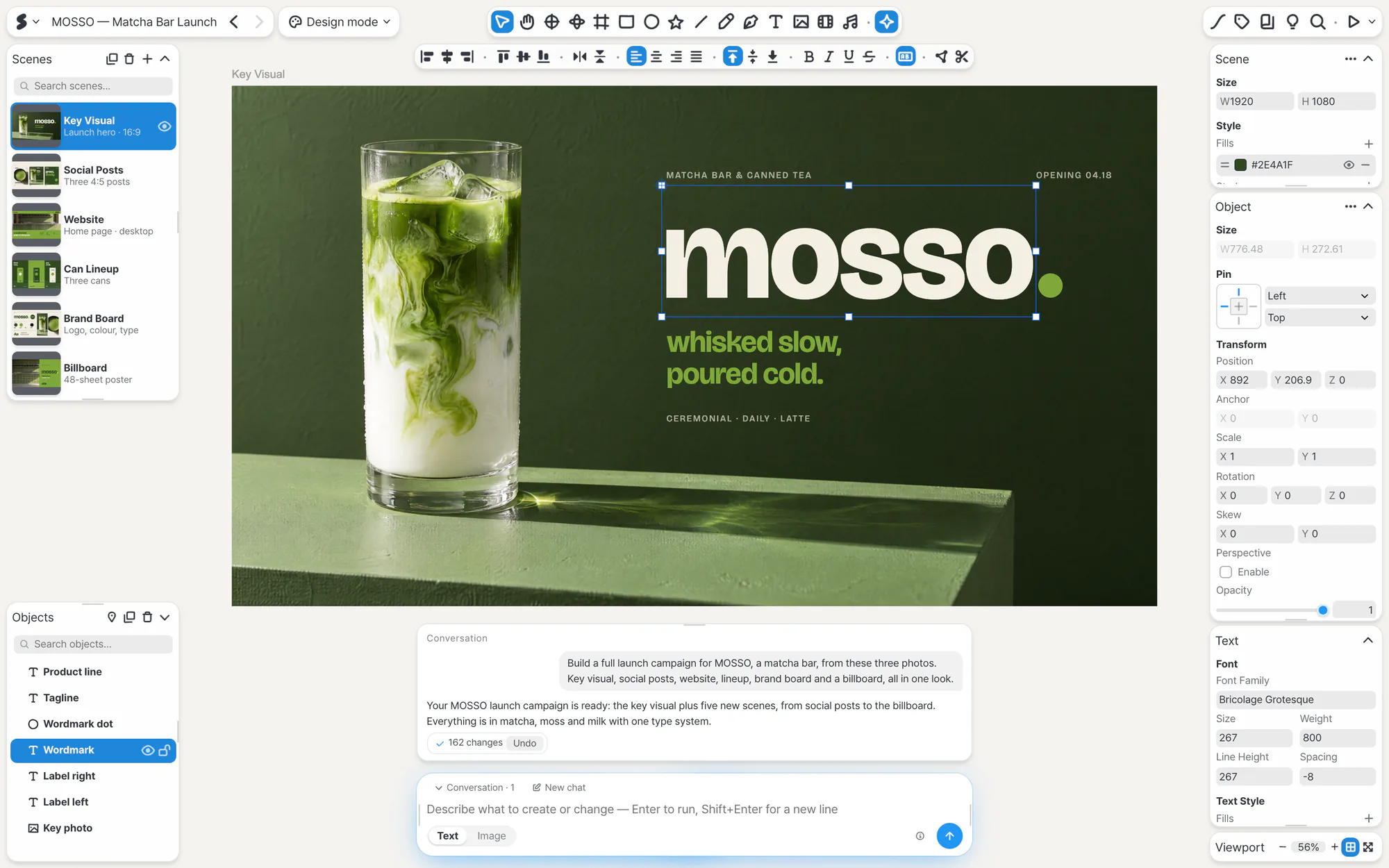
Make it here, show it there.
Put the scenes you made on a computer or tablet up on the big screen, then move through them and point from your phone. Your audience follows along from one link.
-
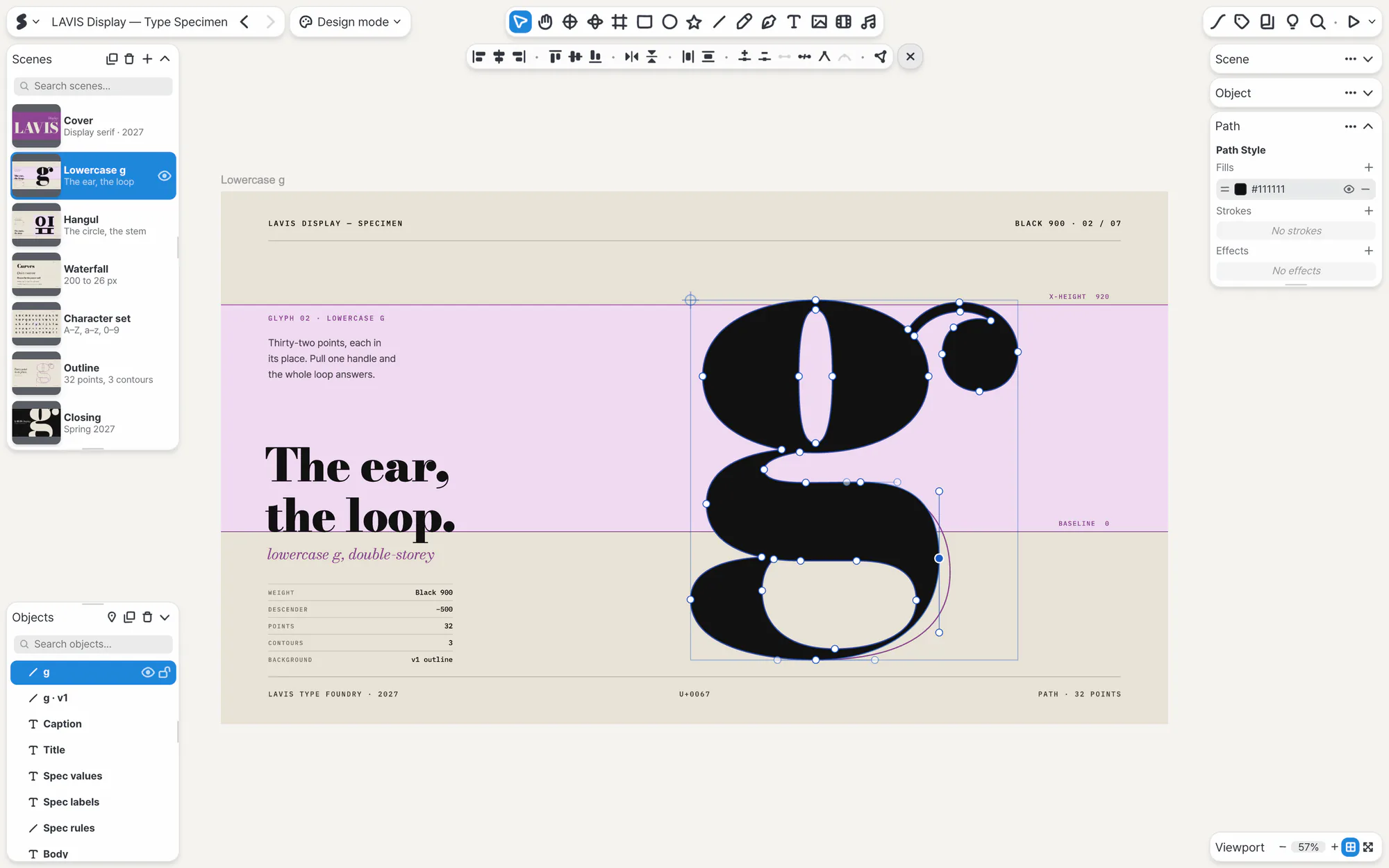
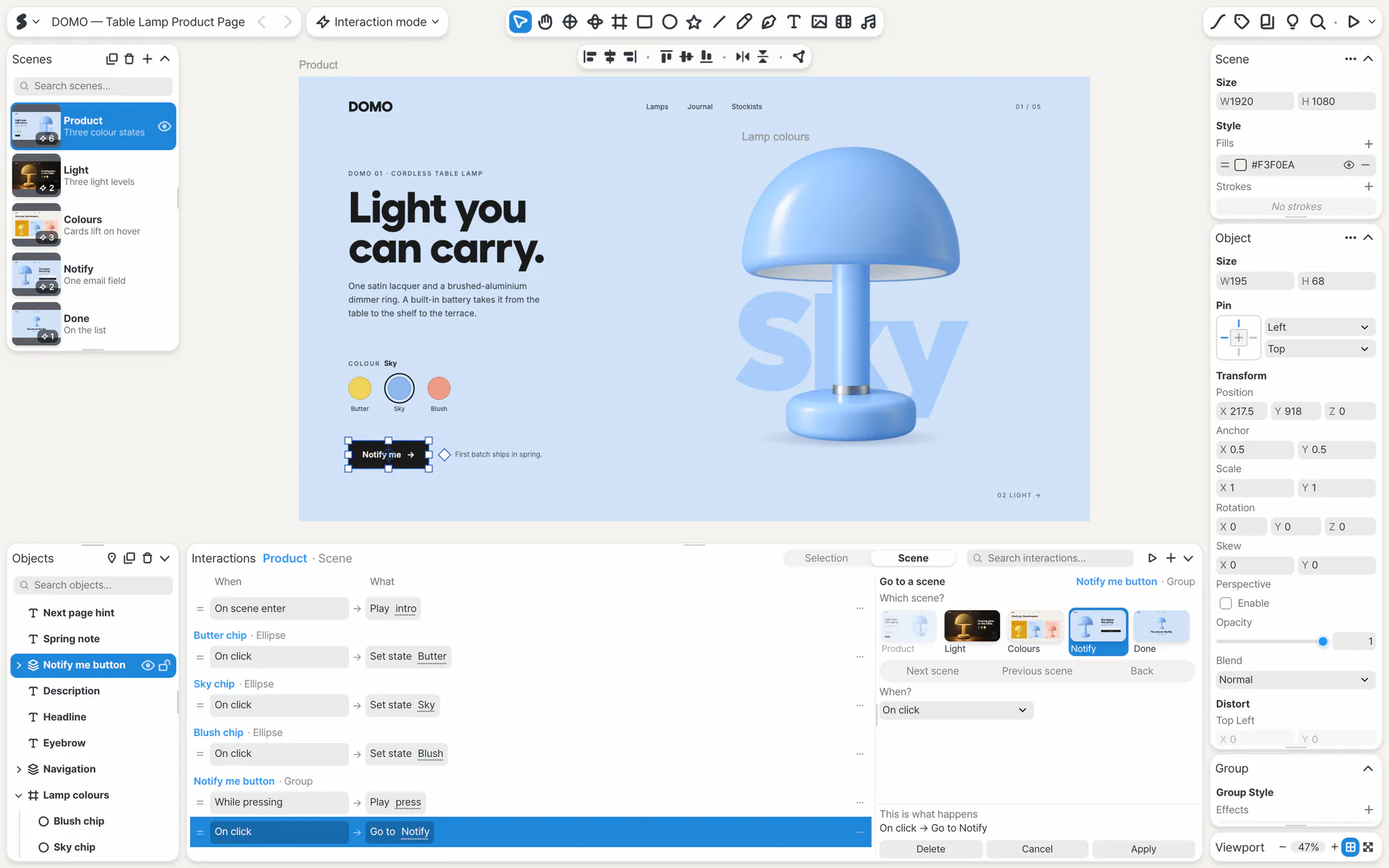
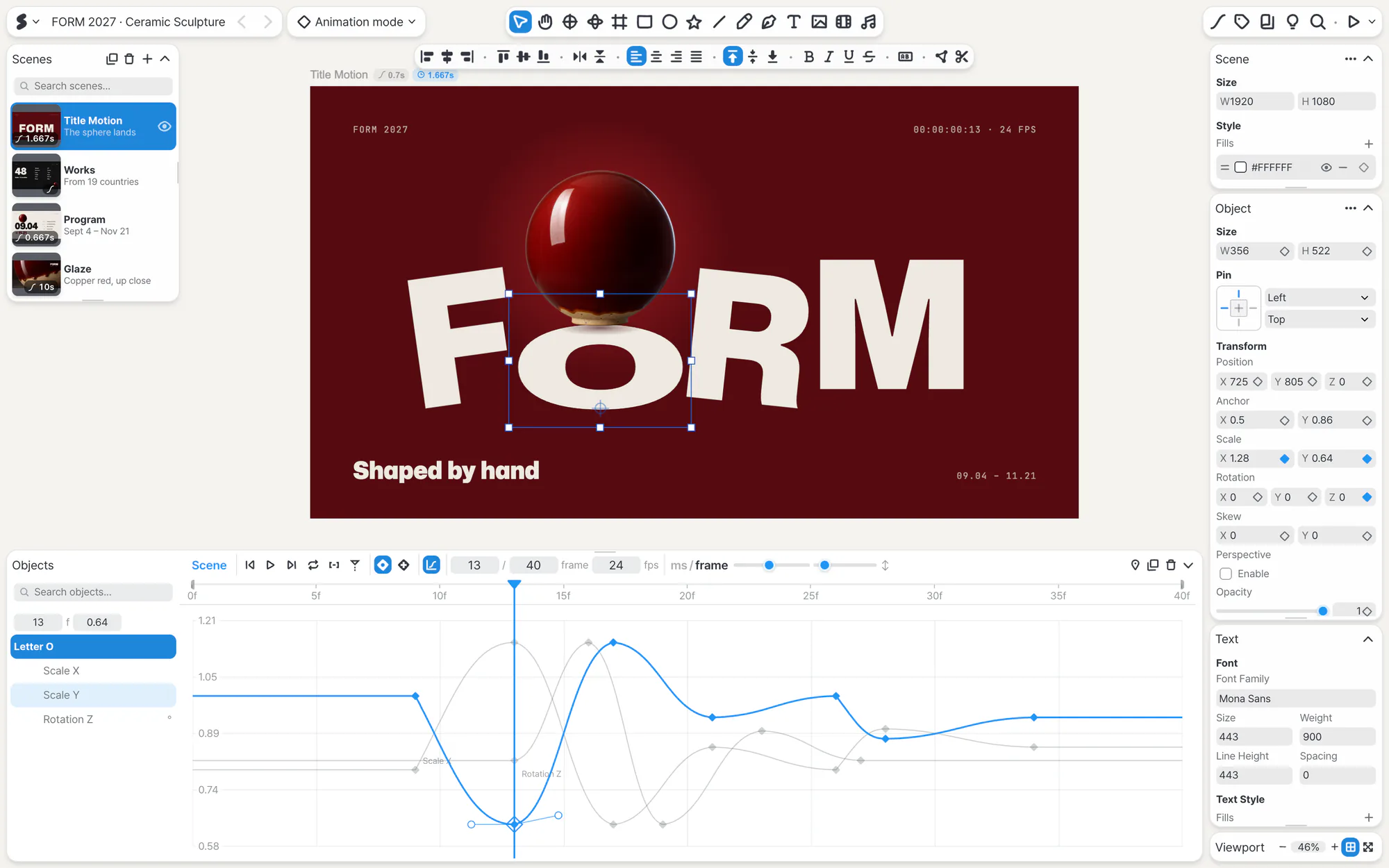
Make
Make it with the same editor on your computer or tablet.
-
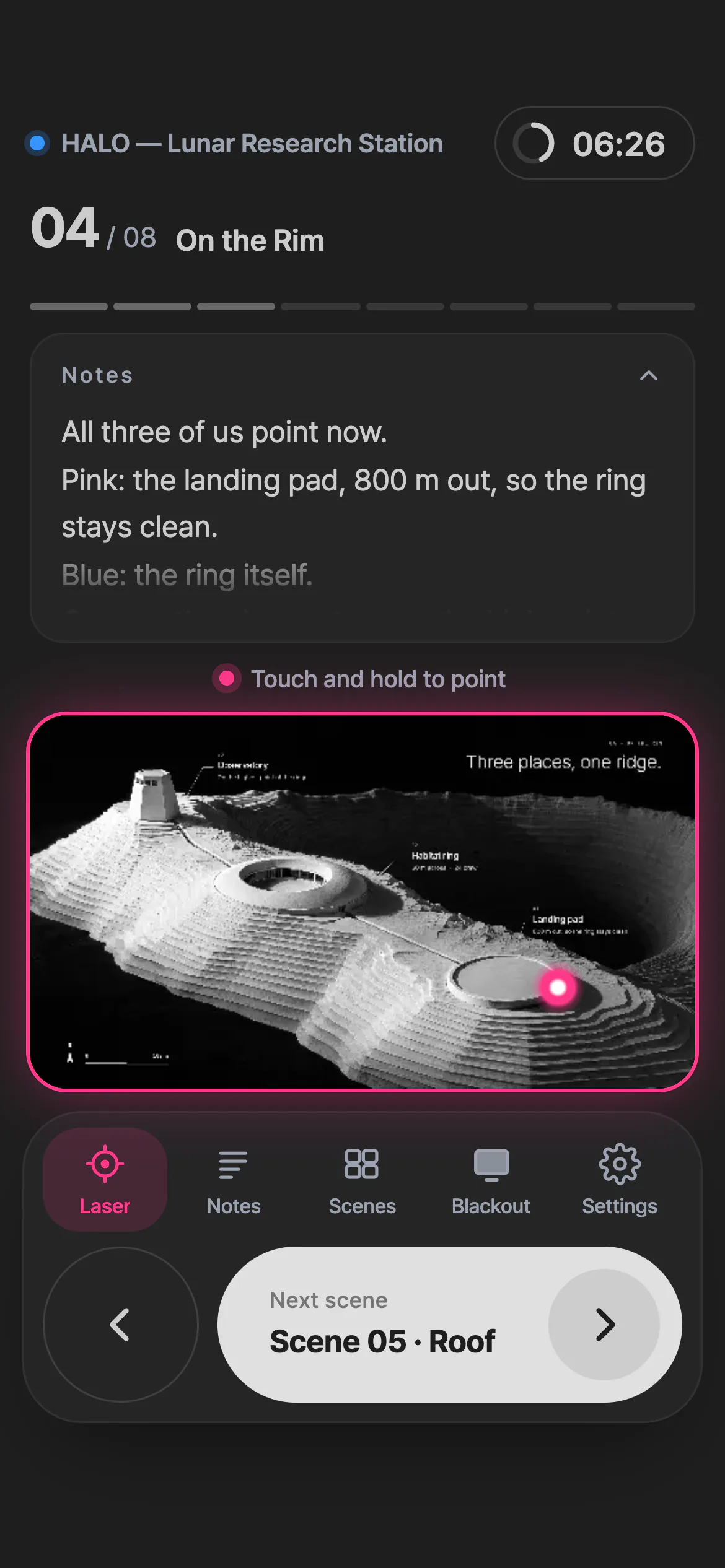
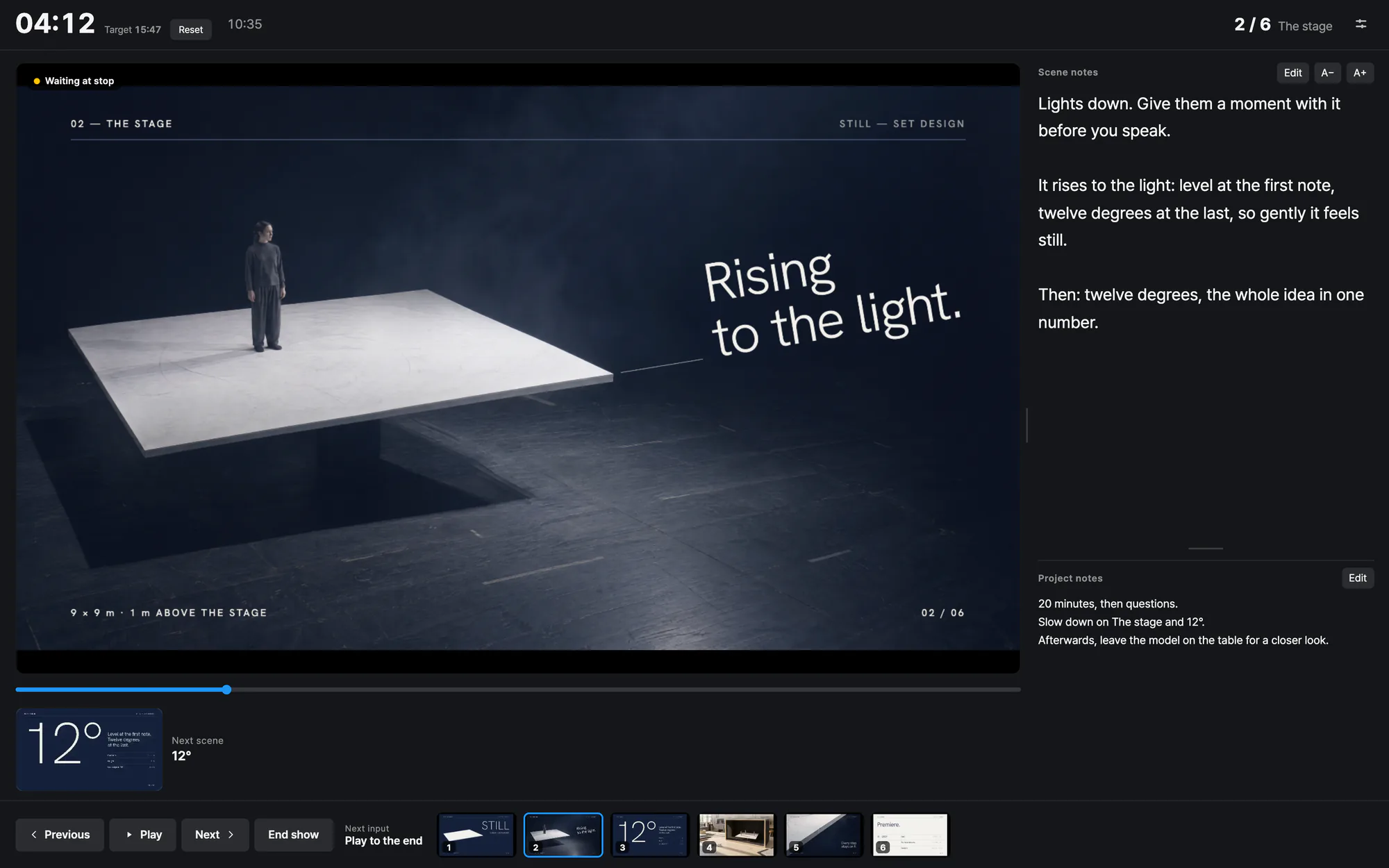
Present
Your phone becomes the remote and the laser pointer. Move through scenes with your notes in hand.
-

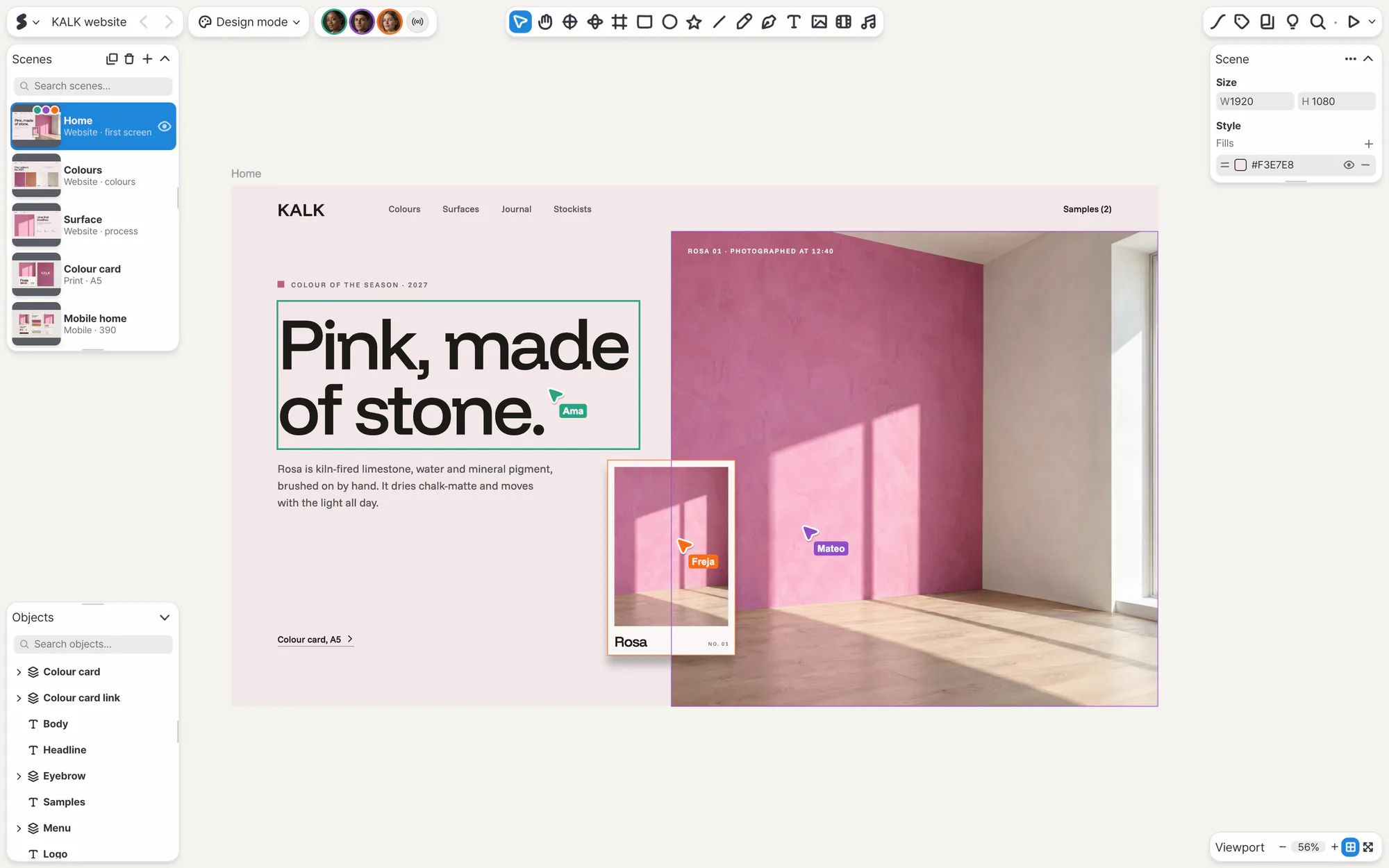
Watch
Anyone with the link watches without an app, and follows along while you present.
Where you can use SSHOW.
Create
-
WebThe full editor in your browser, no install
-
Mac This deviceMac App Store

-
Windows This deviceMicrosoft Store 64-bit (x64)

-
iPad This deviceApp Store iPadOS 15.4 or later

-
Android tablet This deviceGoogle Play Android 7.0 or later

Watch and present
-
Phone iPhone · Android This deviceWatch from a link, and use it as the remote when you present.
More ways in
-
Figma plugin BetaBring in screens you made in Figma with the plugin.
-
Import files BetaBring in PPT, PDF and SVG files and keep going.
-
AI appsAdd SSHOW to Claude or ChatGPT and build as you chat.
Mac, iPad, iPadOS and iPhone are trademarks of Apple Inc., registered in the U.S. and other countries and regions. App Store and Mac App Store are service marks of Apple Inc. Windows and Microsoft Store are trademarks of the Microsoft group of companies. Android, Google Play and the Google Play logo are trademarks of Google LLC.
Which screen will you start on?
During the beta, SSHOW runs on the free plan only.
Open on your tablet

Point your tablet’s camera at the code to open this page with the right button for it.