Design, Alive
Make designs that move and respond. Show them anywhere, as they are.
Sign up, then create on a computer or tablet You can also create from Claude or ChatGPT
Examples made with SSHOW
From one poster to the stage.
Campaigns, product pages, exhibitions, type specimens and architecture pitches. All made on one canvas.
Made by the SSHOW team. 18 works · 103 scenes
Drag to look around. Click any work to play it.Swipe to browse. Tap any work to play it.
-
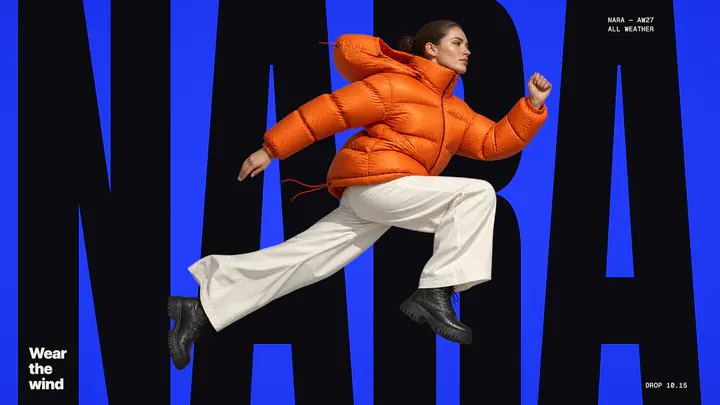
NARA Campaign
-
HALO Architecture pitch
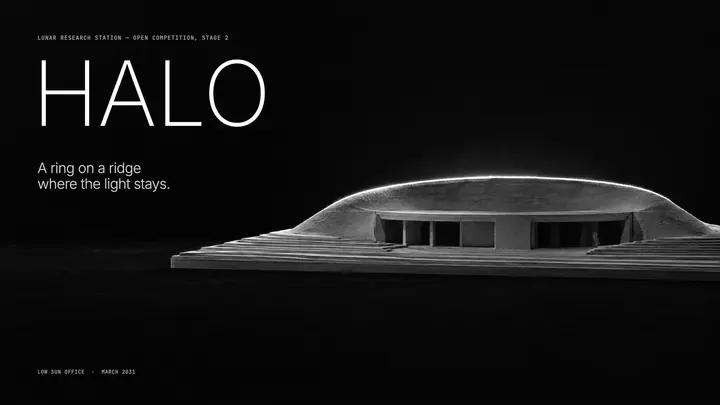
-
LAVIS Type specimen
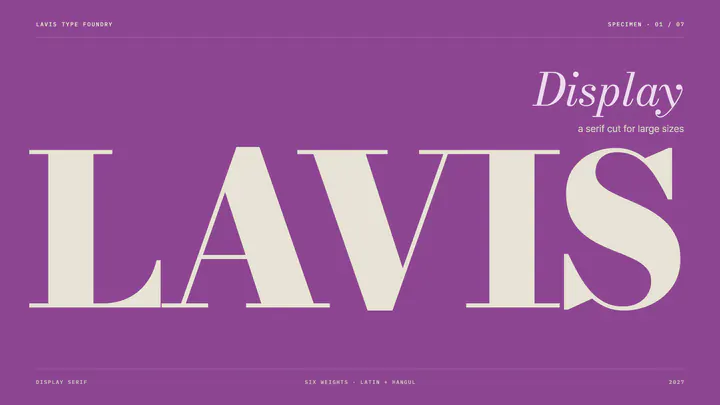
-
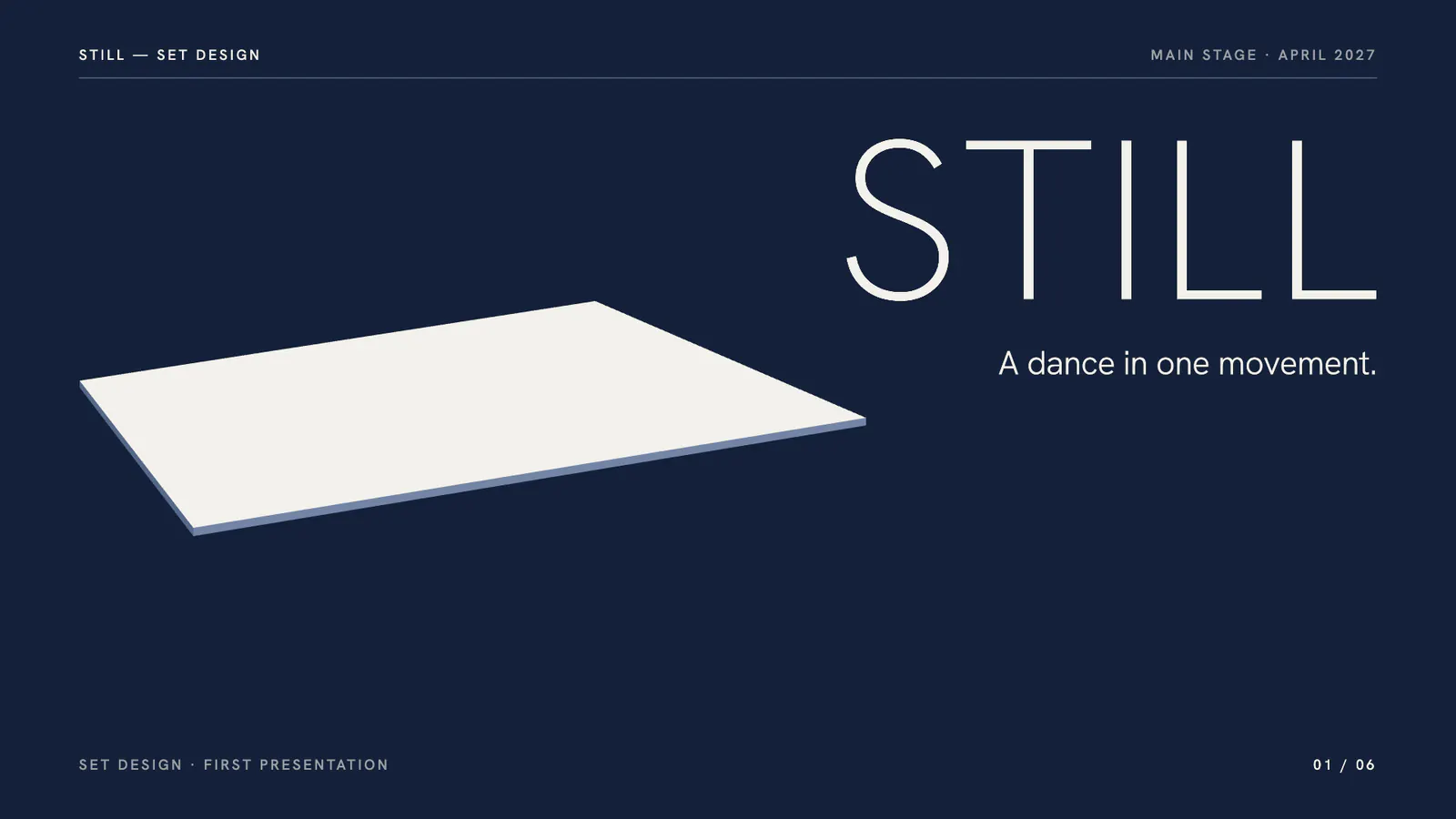
STILL Set design pitch
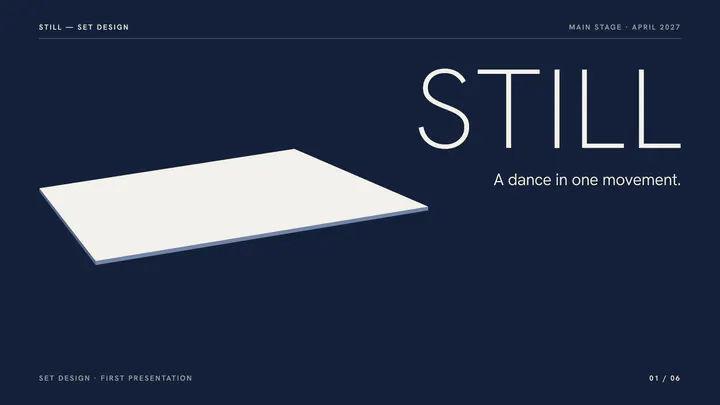
-
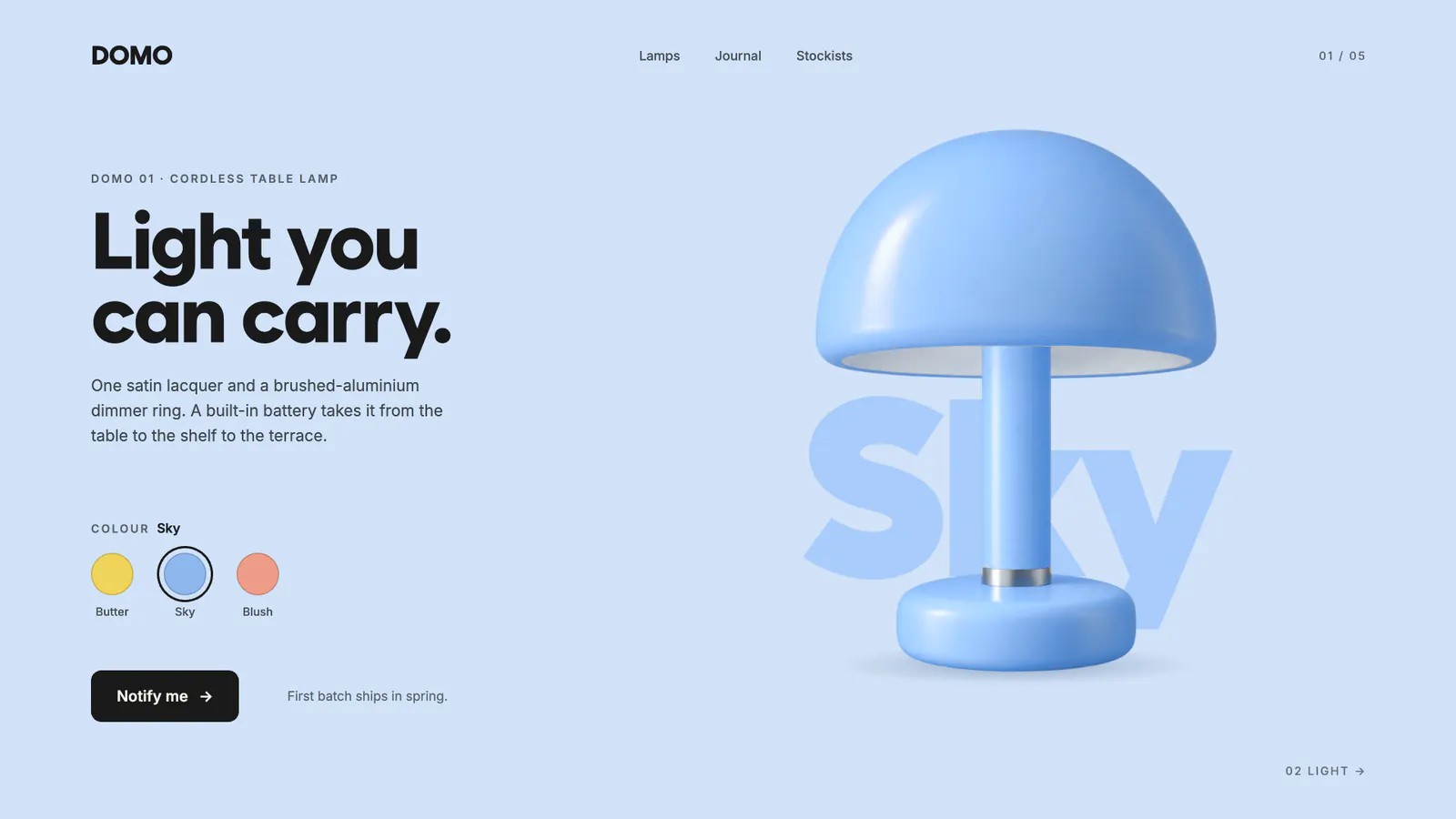
DOMO Product page
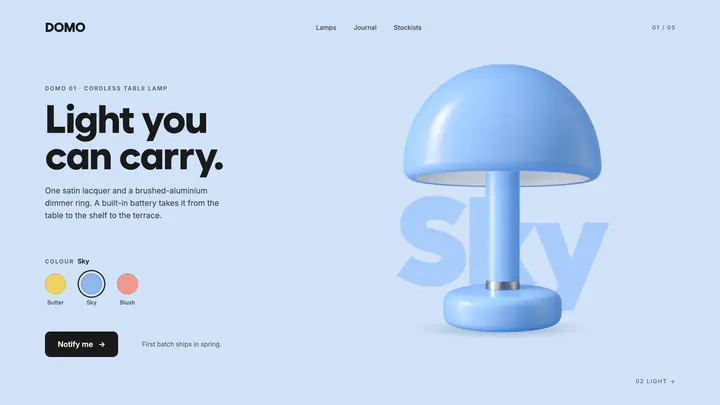
-
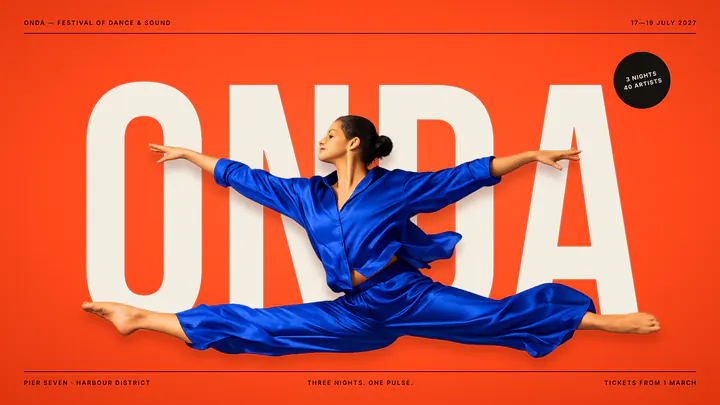
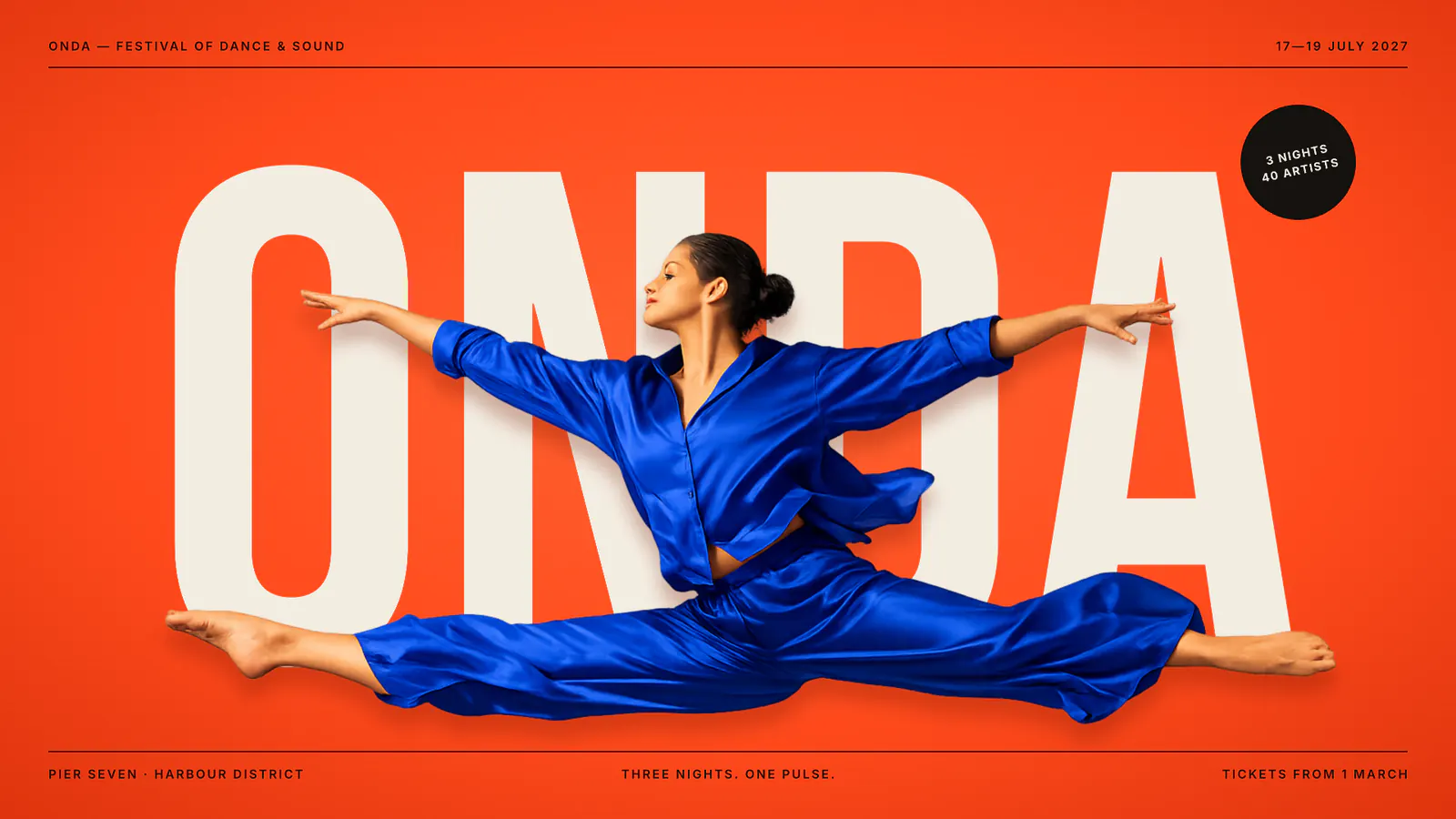
ONDA Festival campaign
-
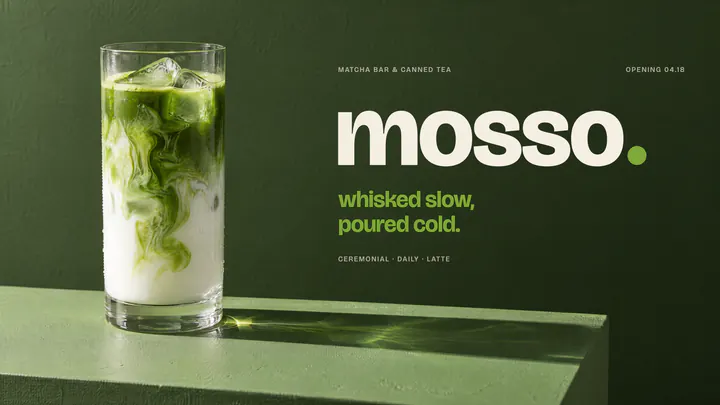
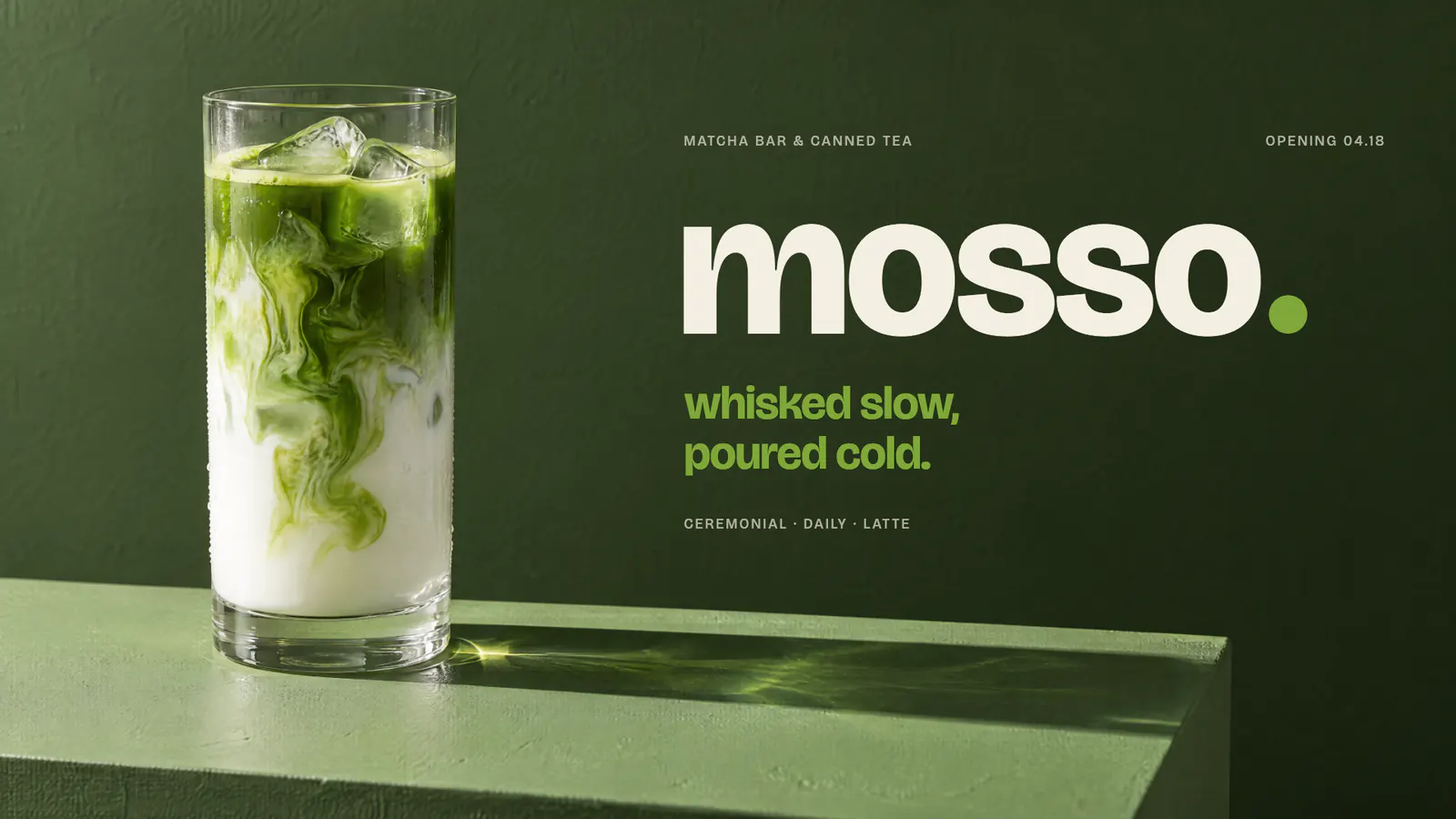
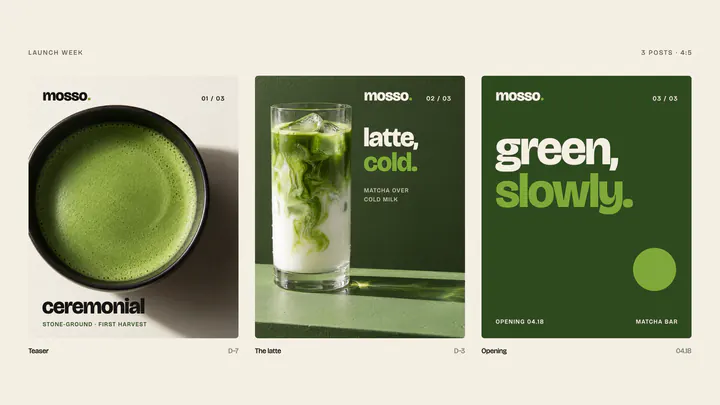
MOSSO Brand launch
-
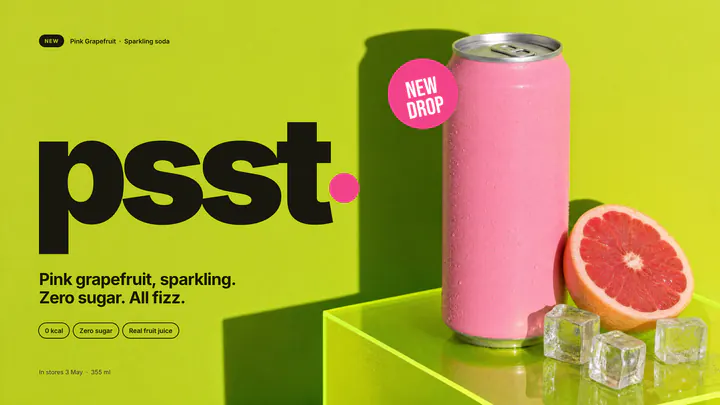
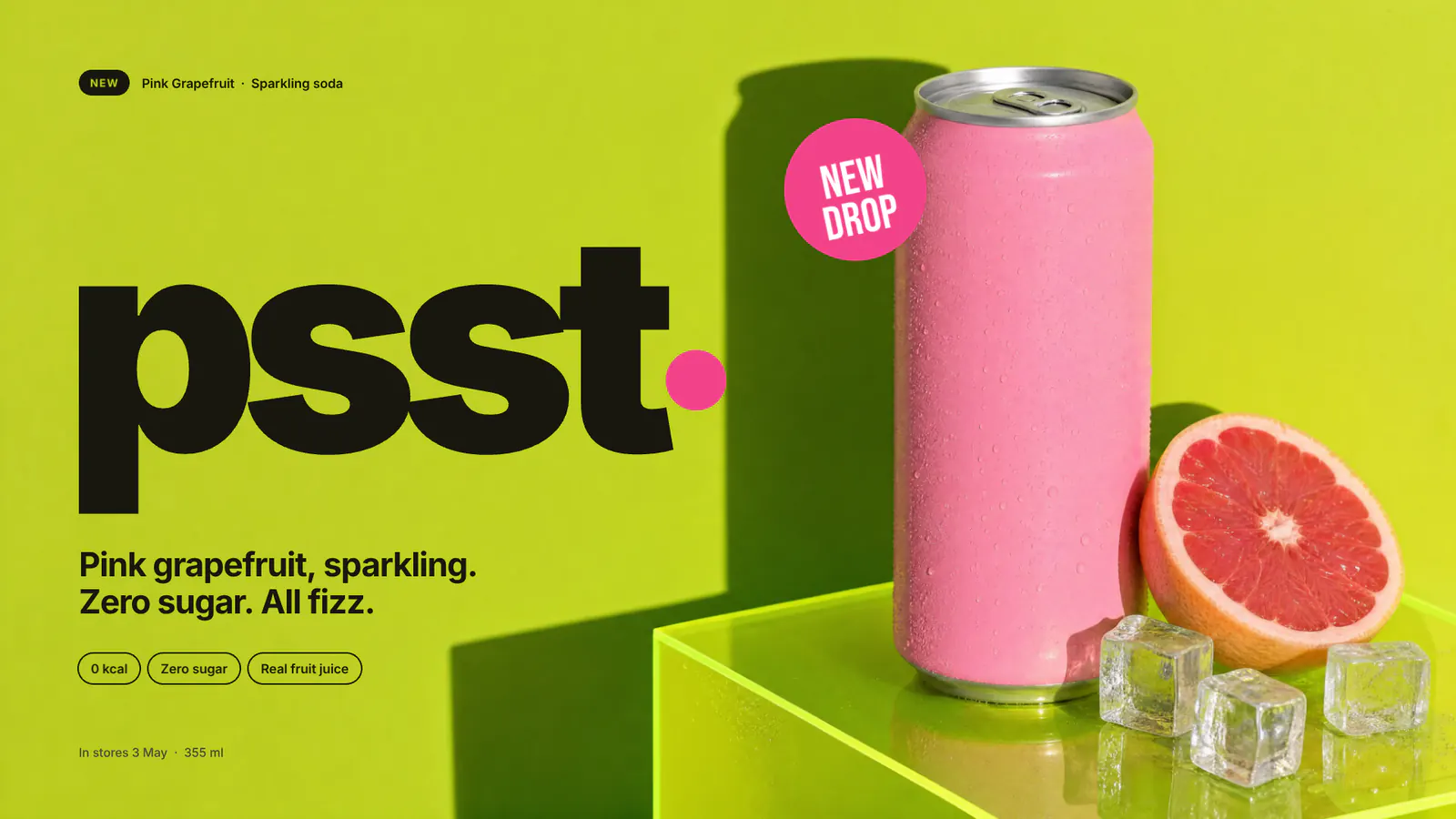
psst Drink launch
-
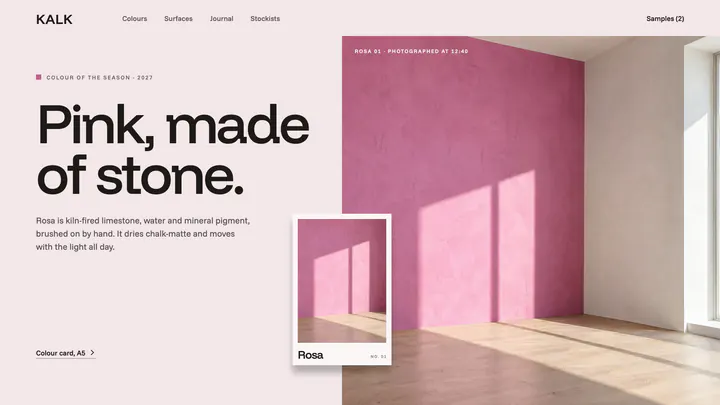
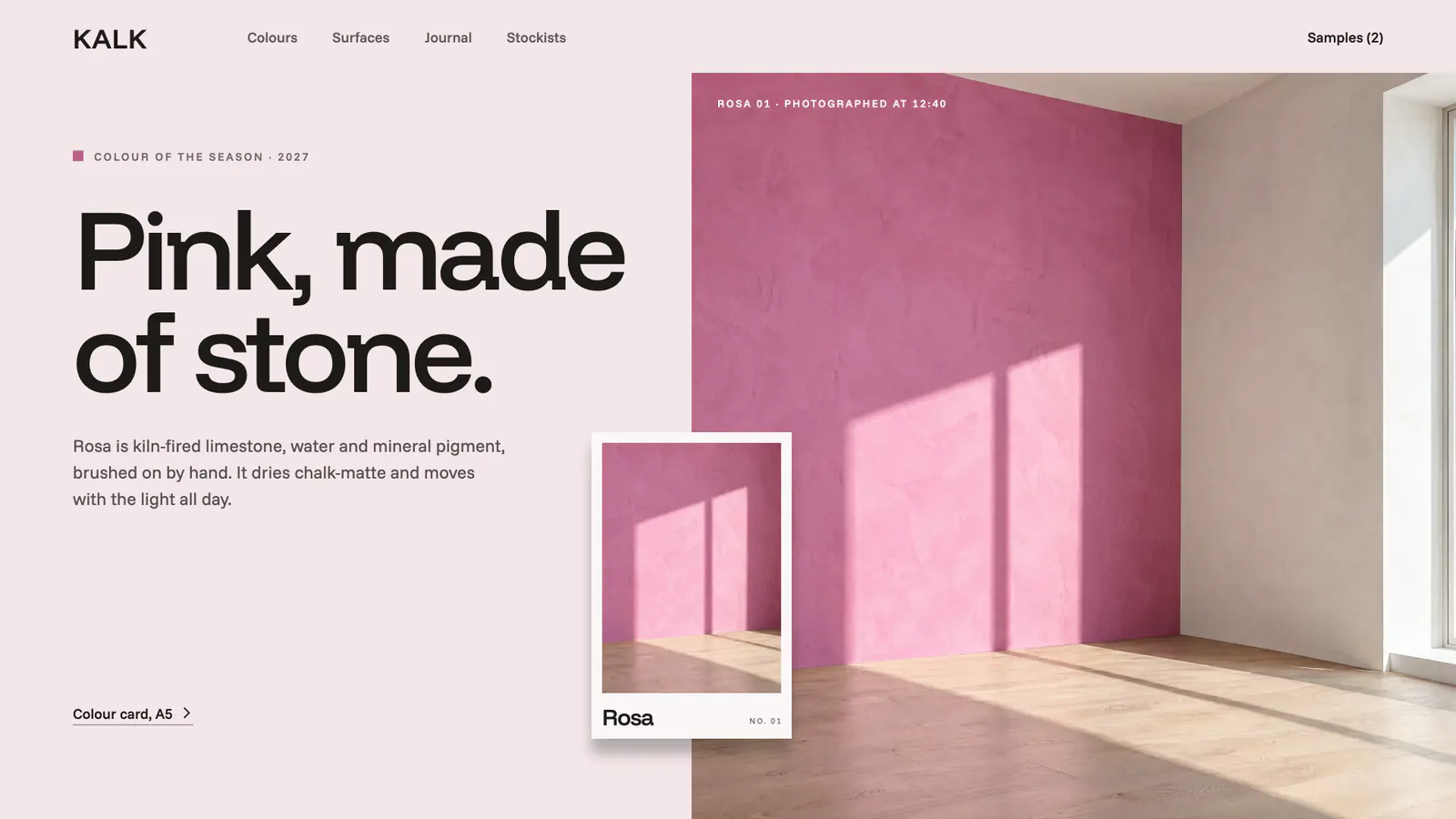
KALK Brand site
-
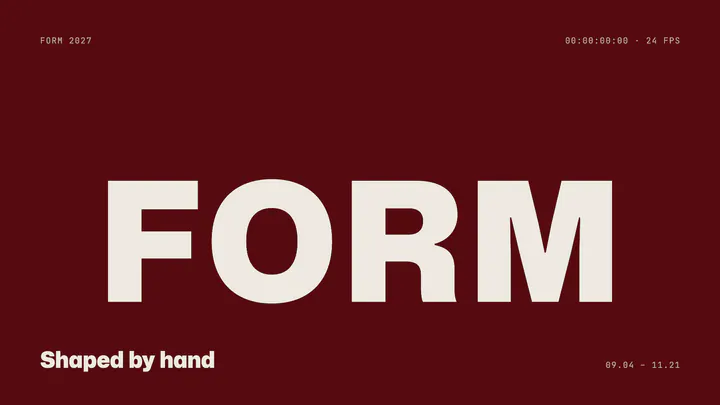
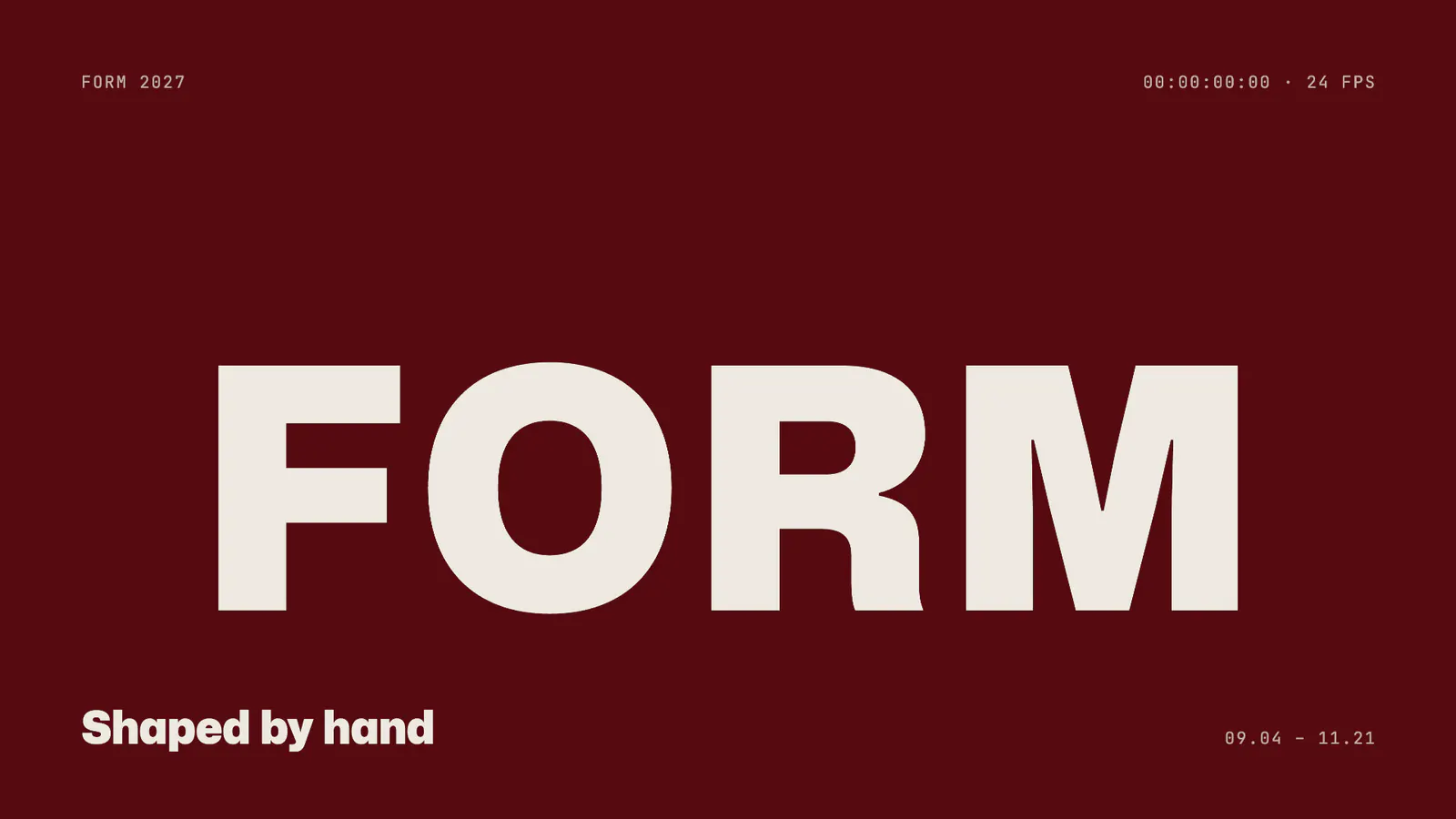
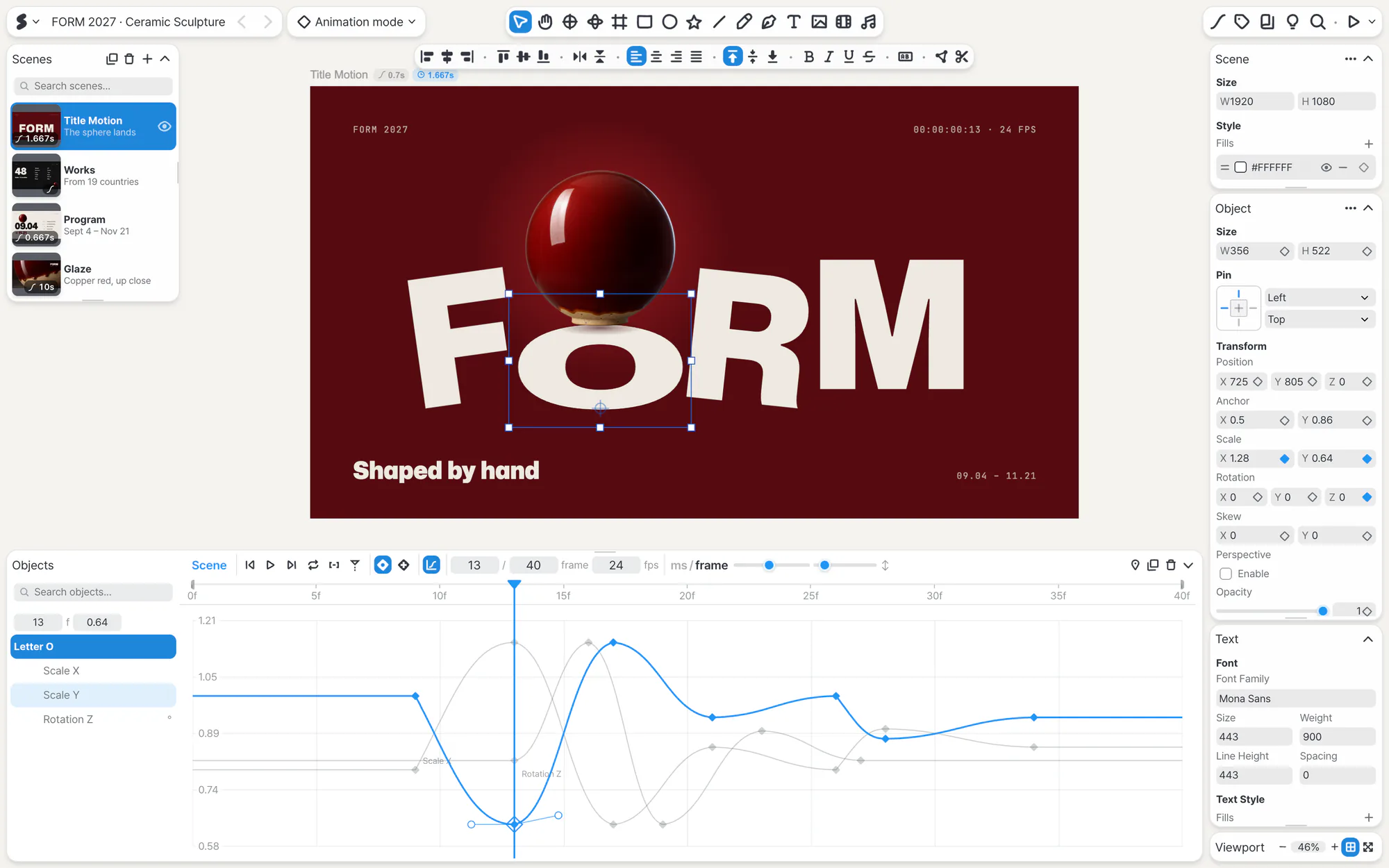
FORM Motion title
-
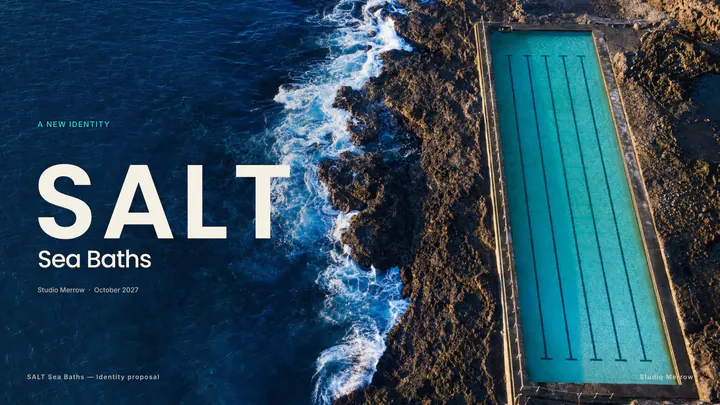
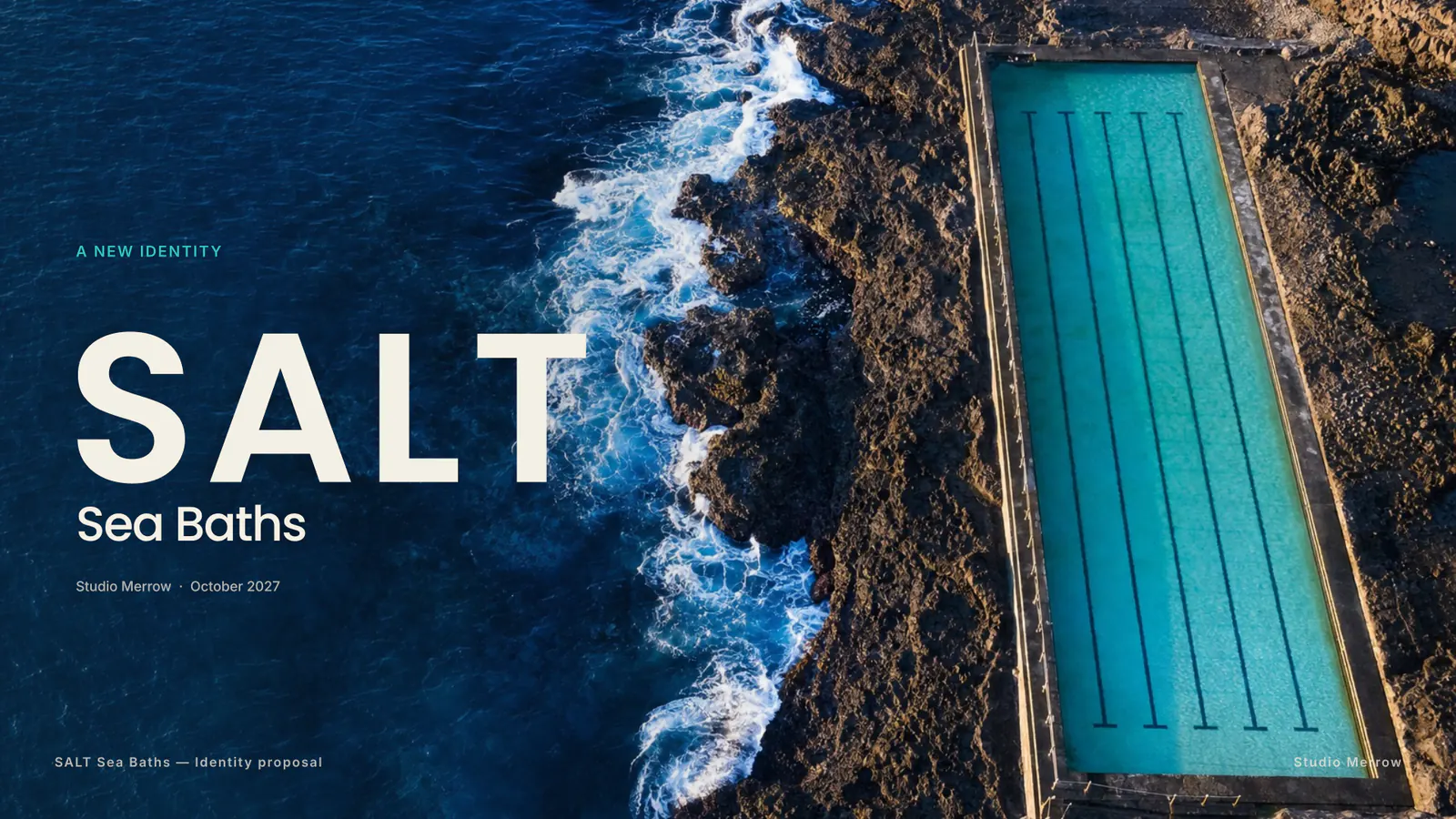
SALT Presentation
-
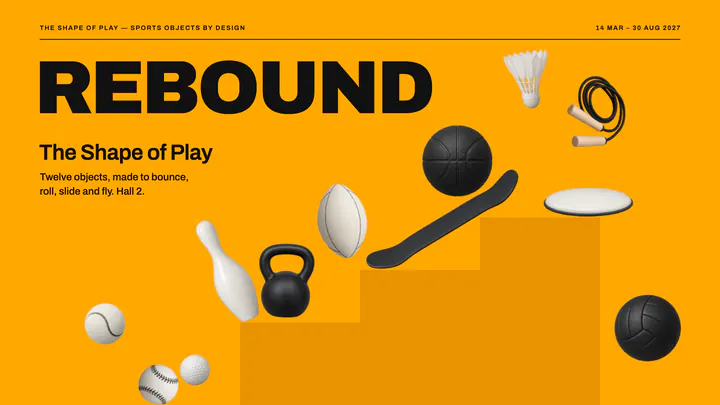
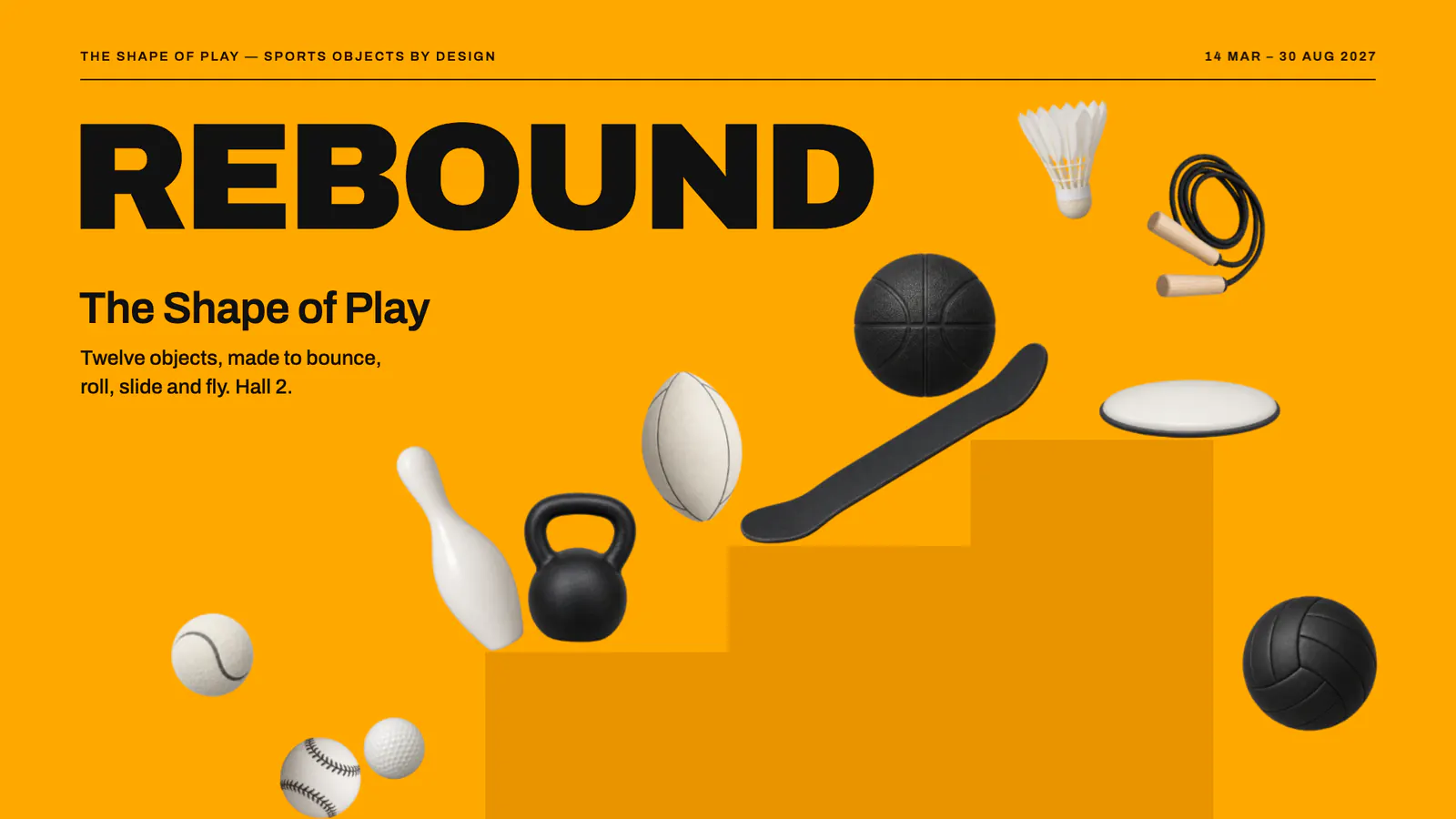
REBOUND Exhibition
-
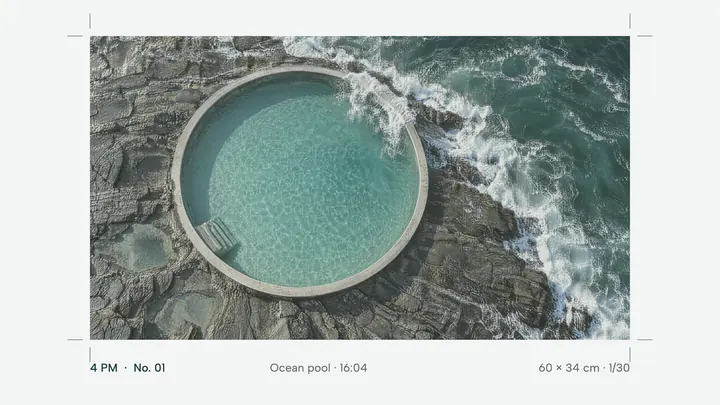
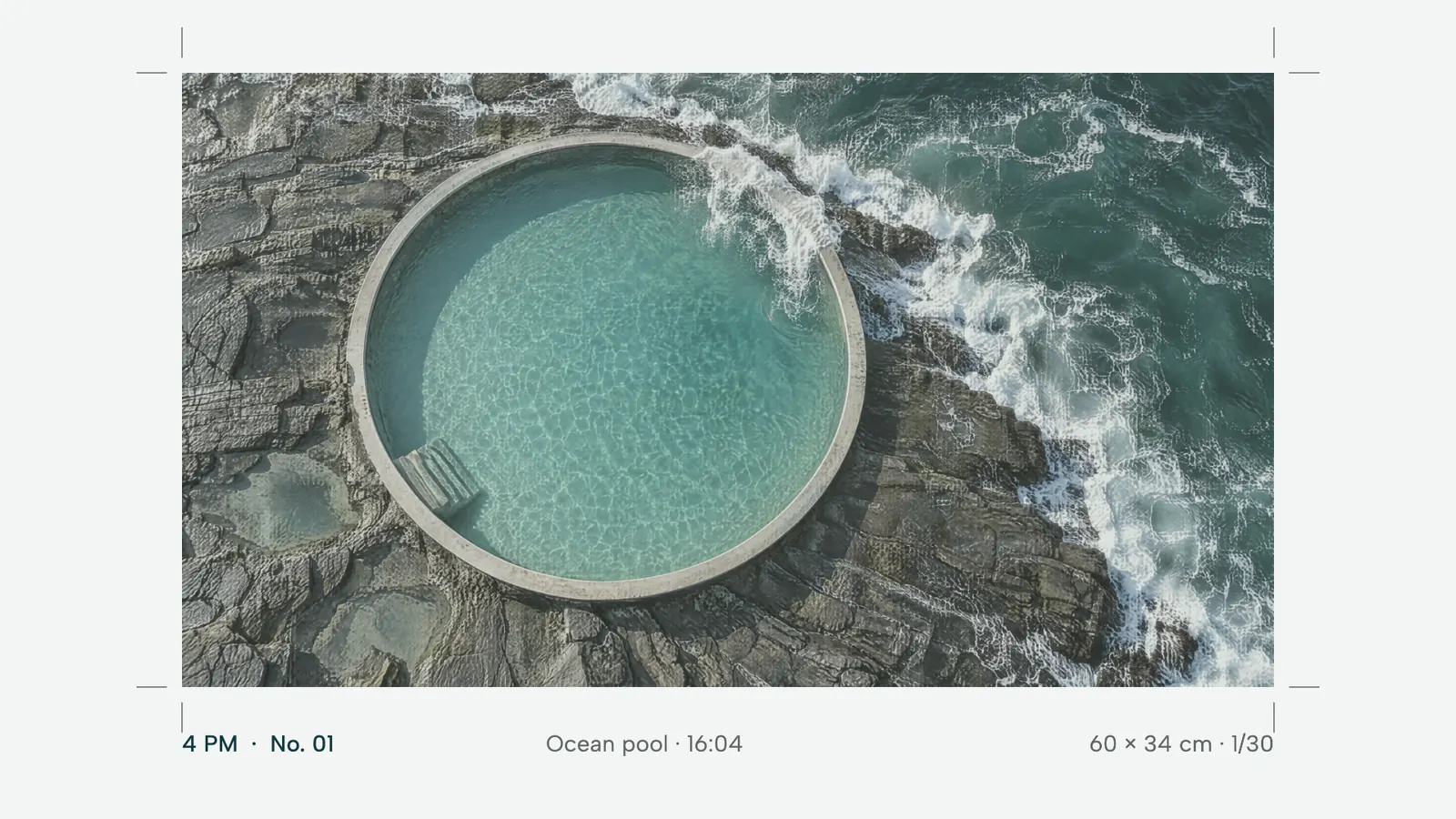
4 PM Photo print
-
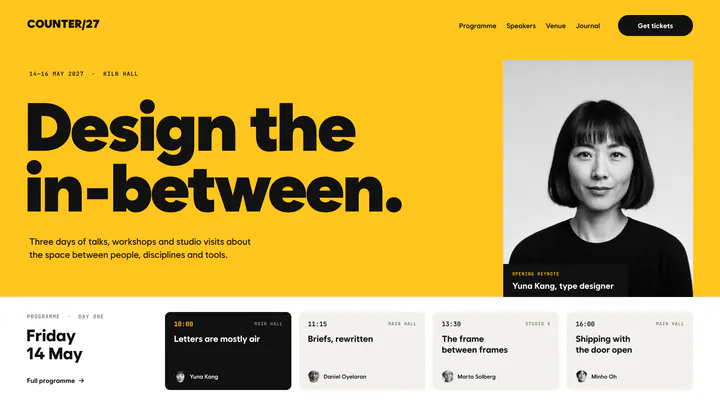
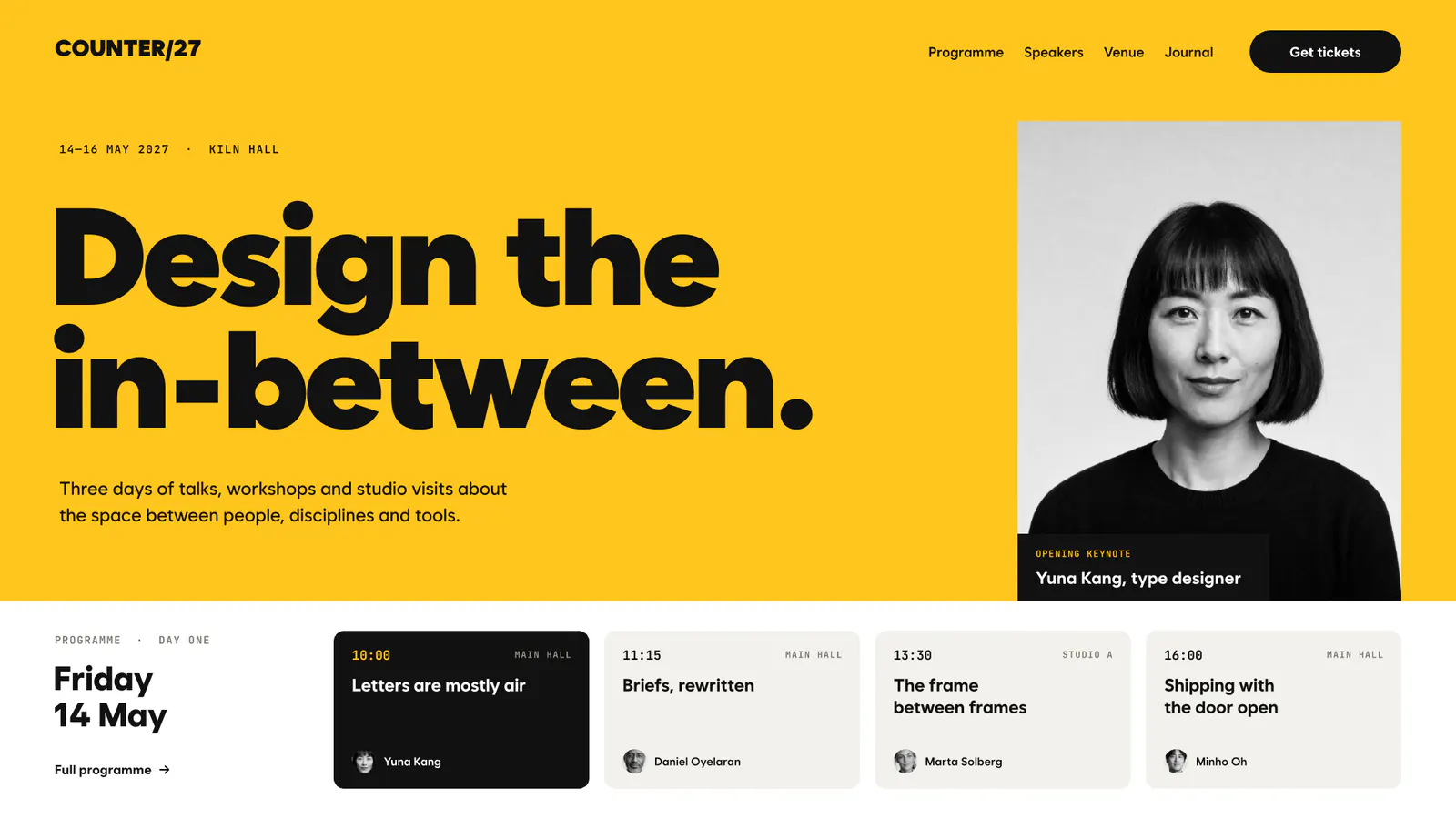
COUNTER/27 Conference
-
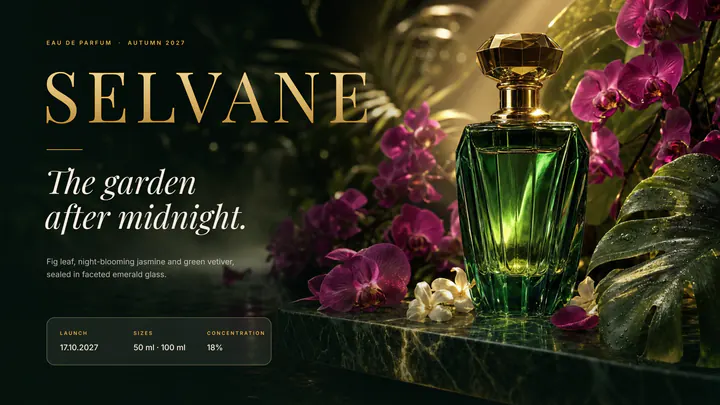
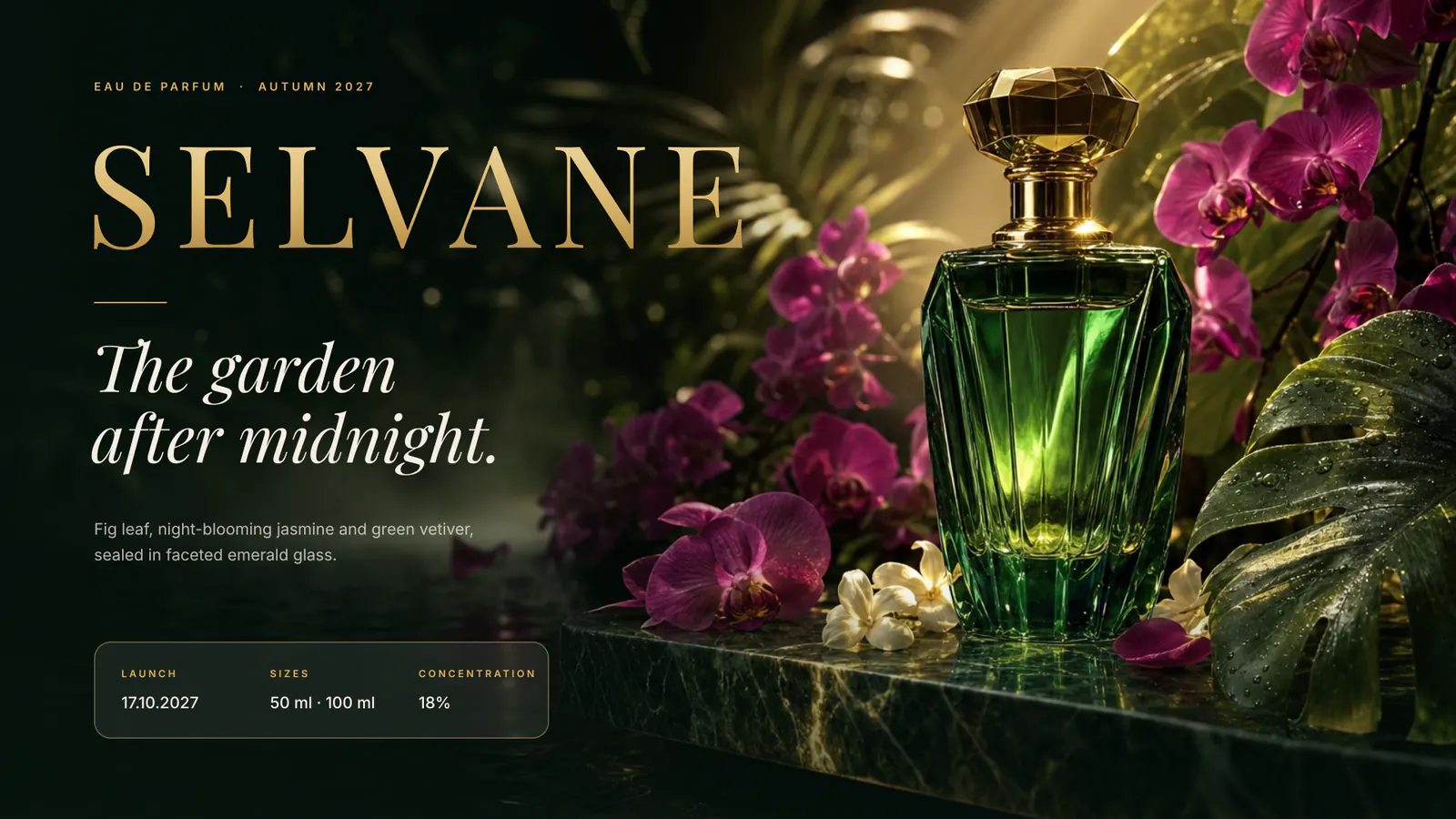
SELVANE Perfume
-
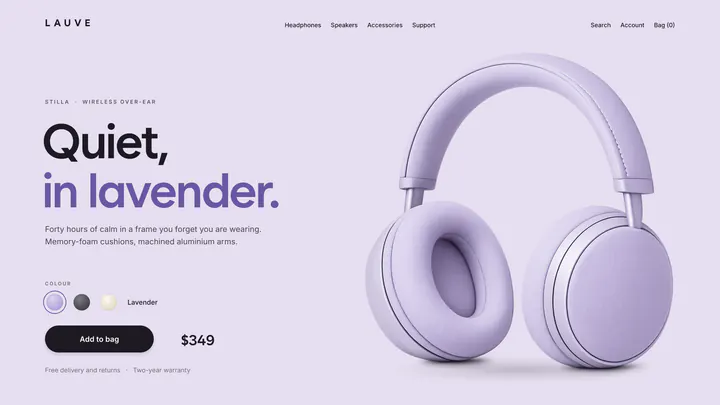
LAUVE Product page
-
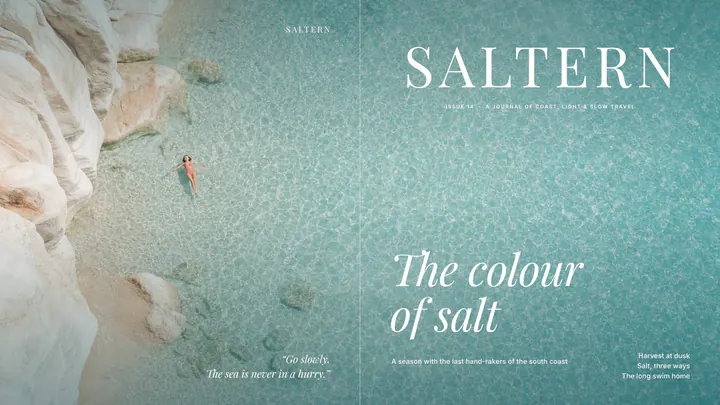
SALTERN Brand story
-
VAELA Perfume
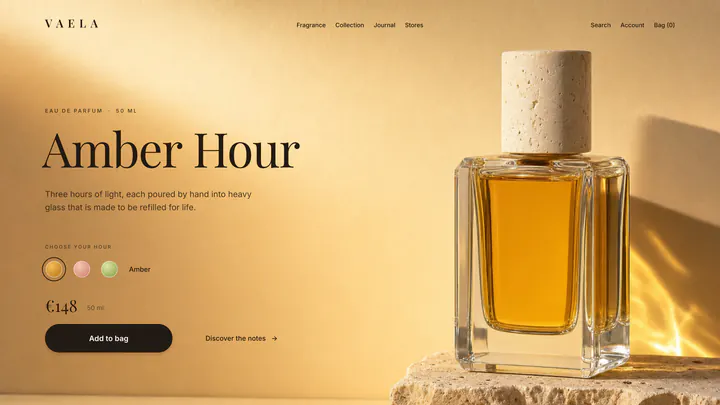
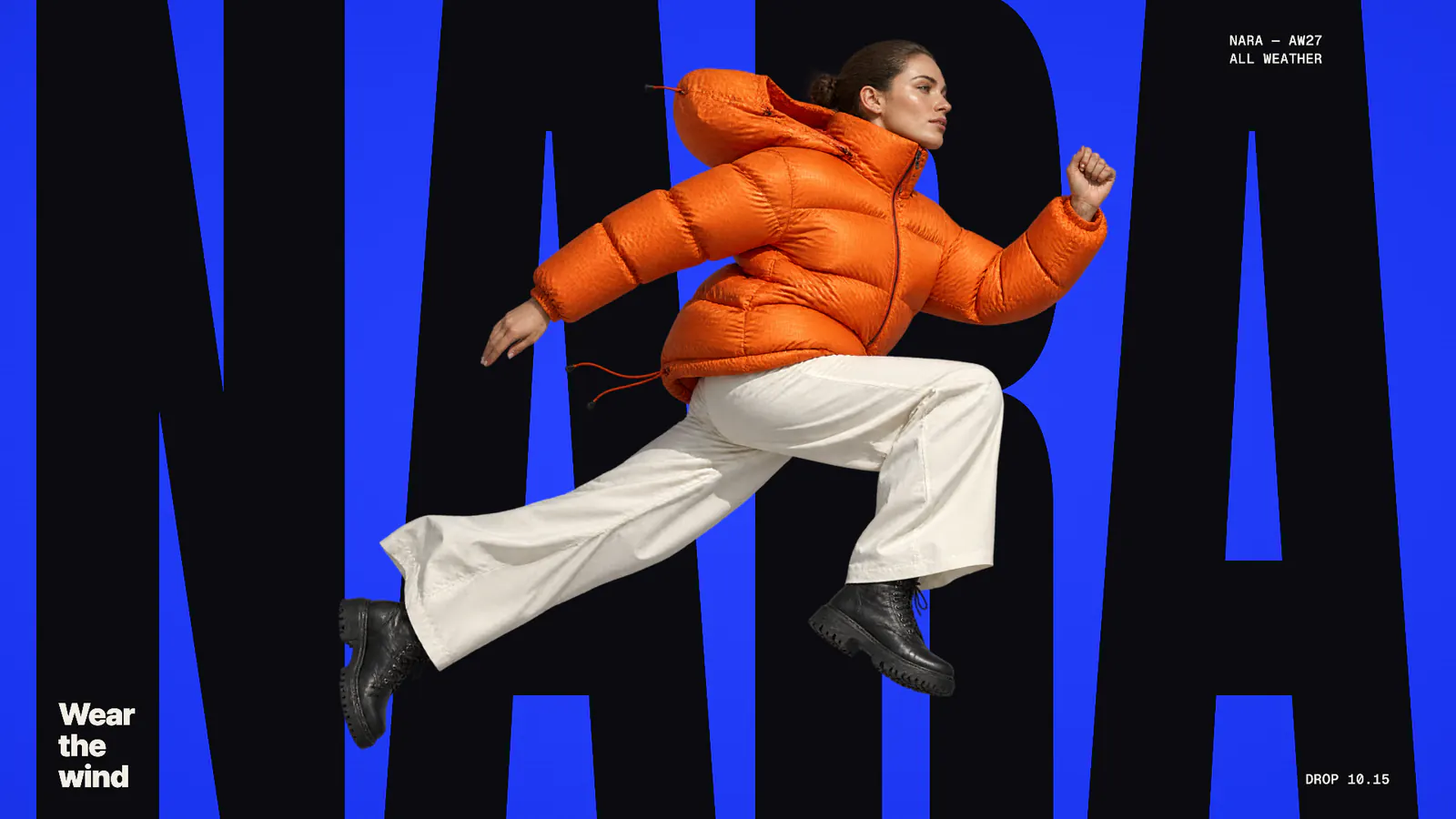
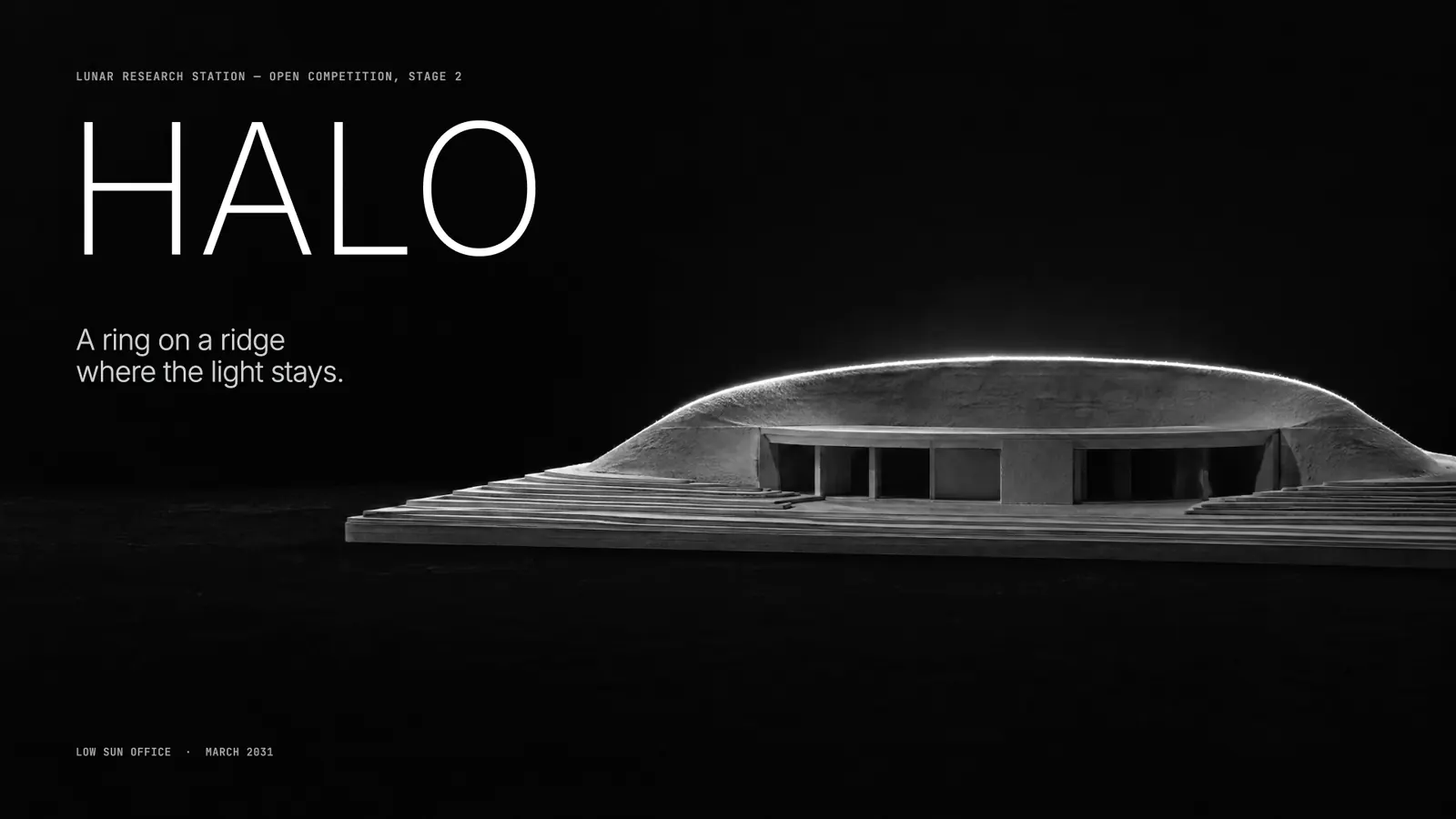
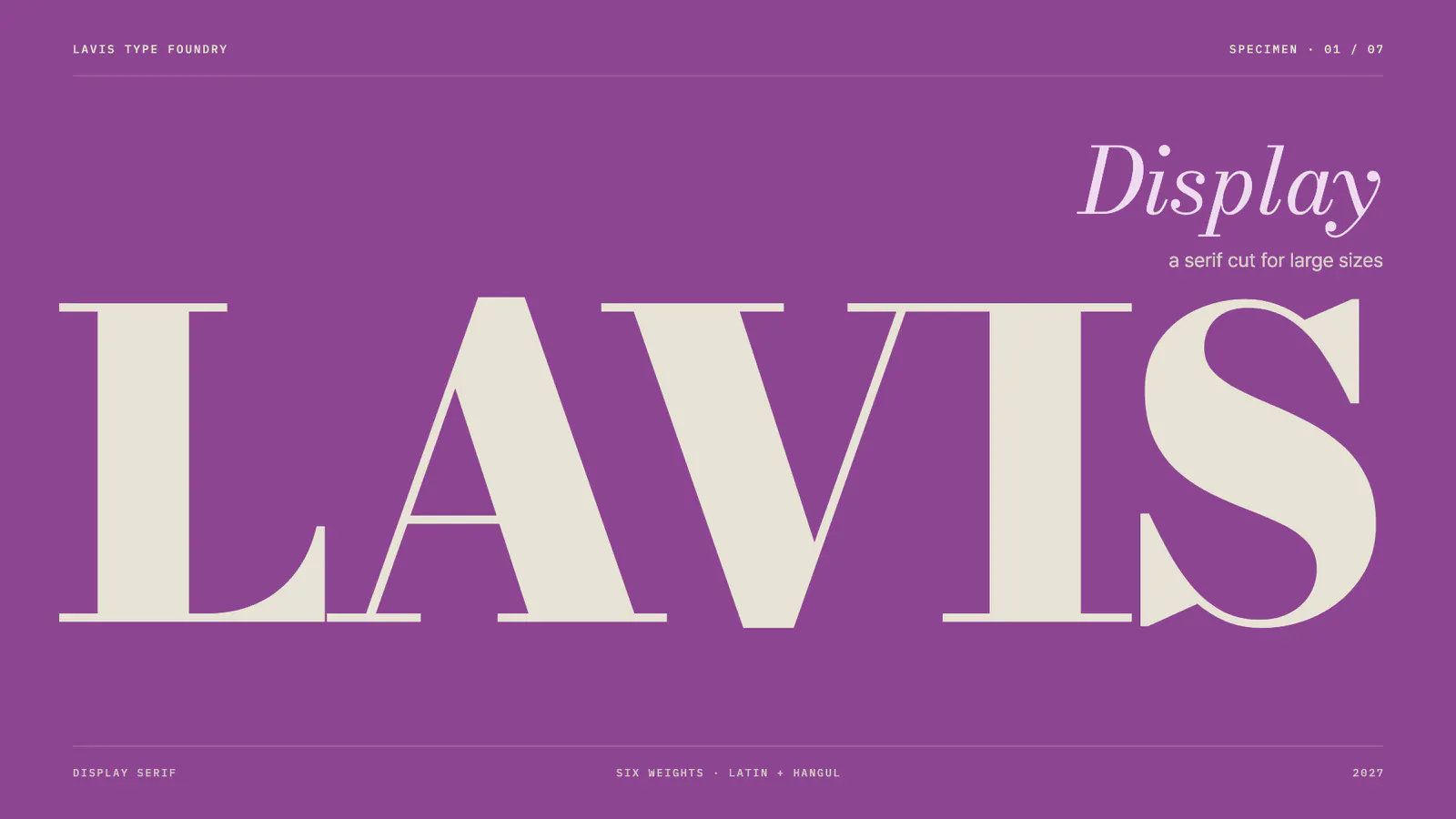
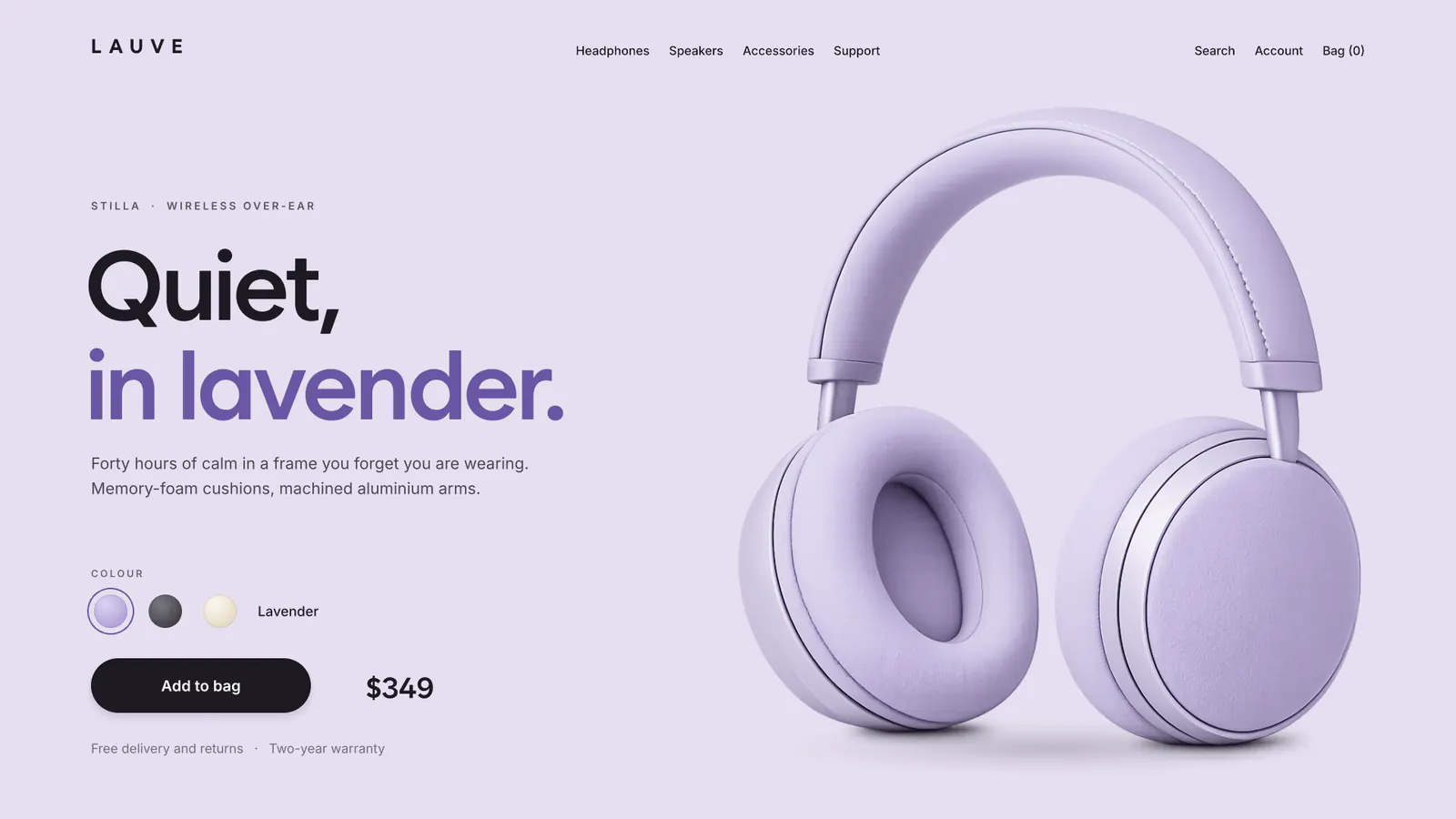
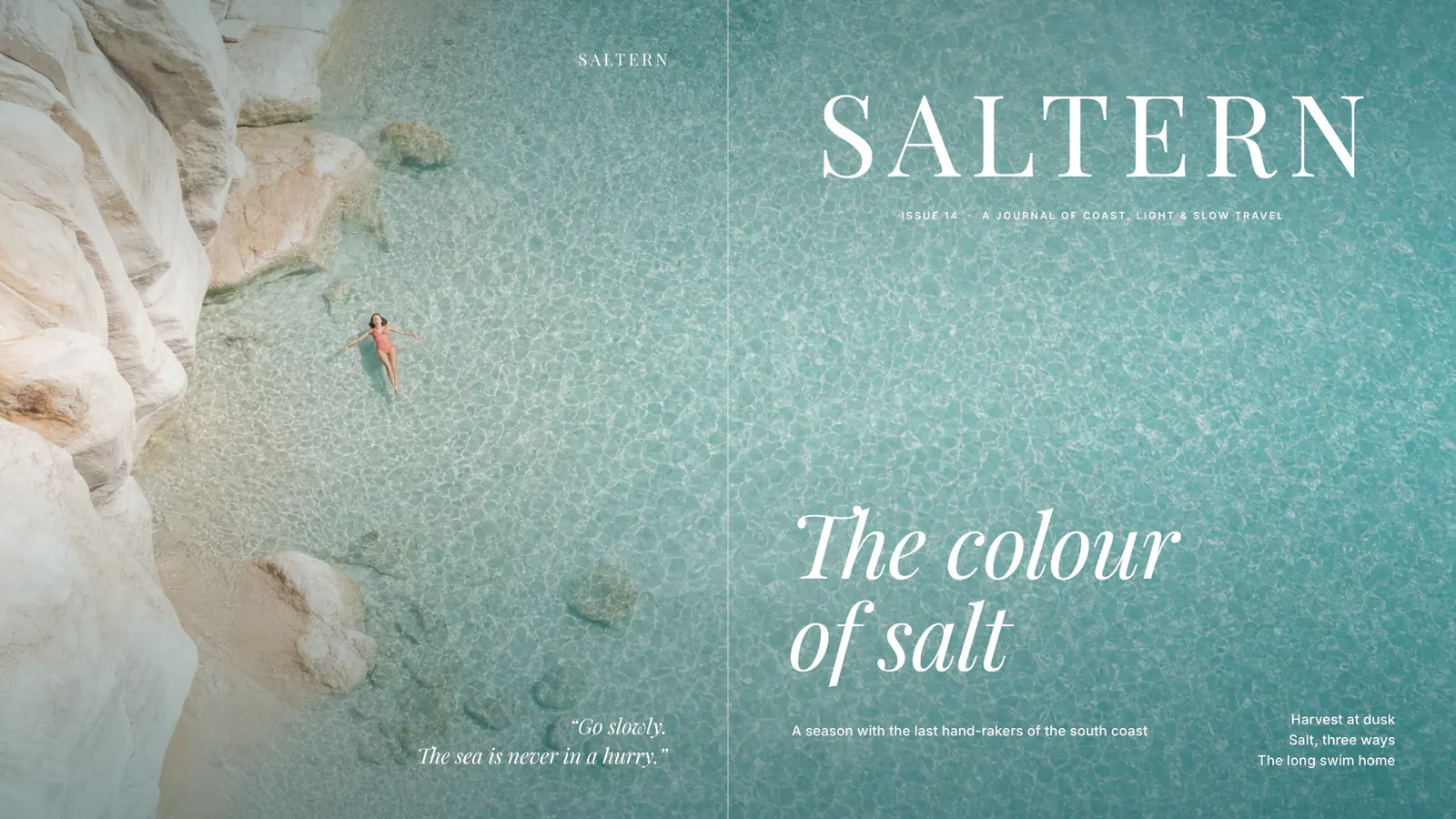
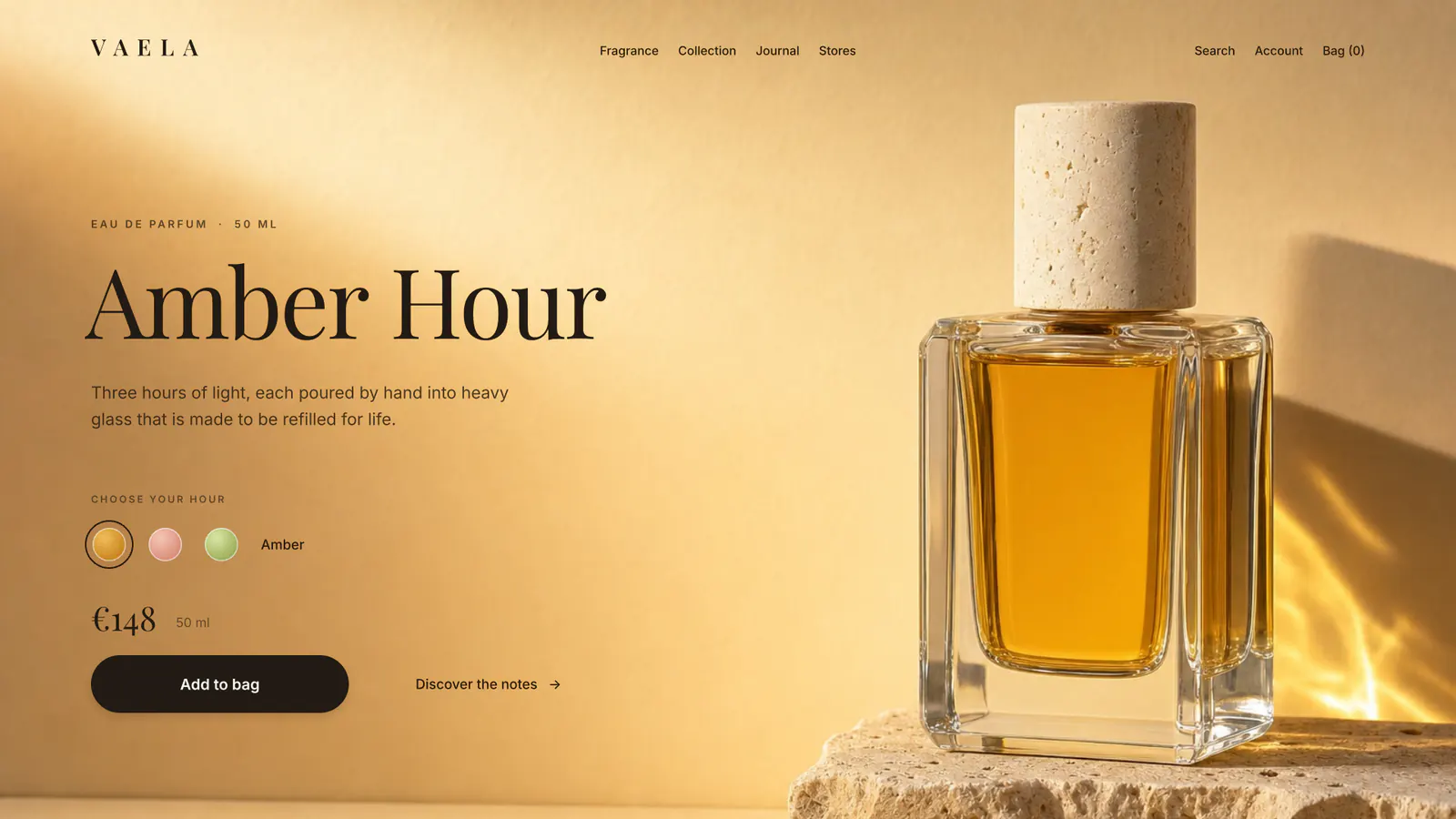
Now on Stage.
Made with SSHOW and shown on Stage. Press one and it plays just as it was made.
See more on StageDraw. Animate. Interact. Present.
-
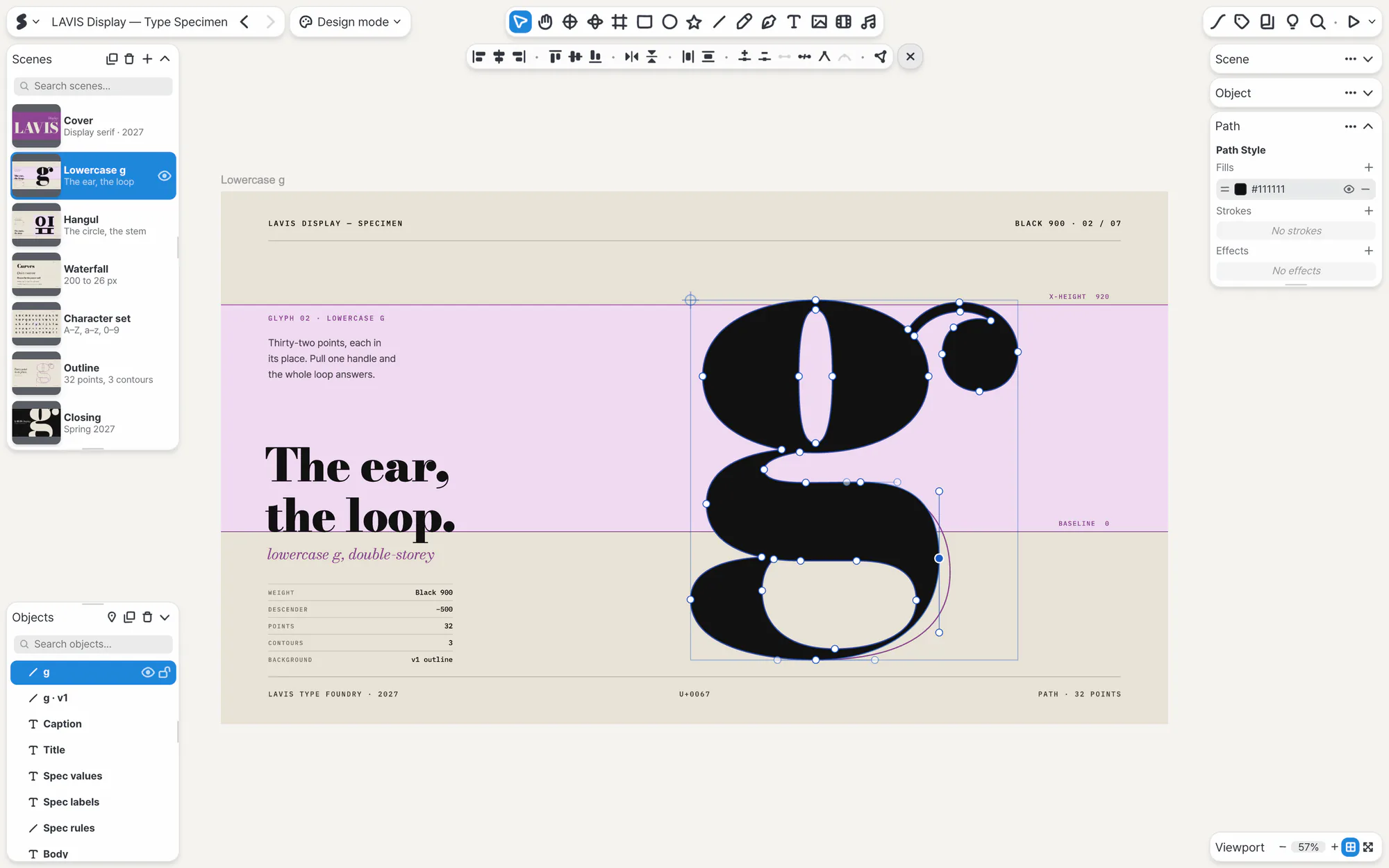
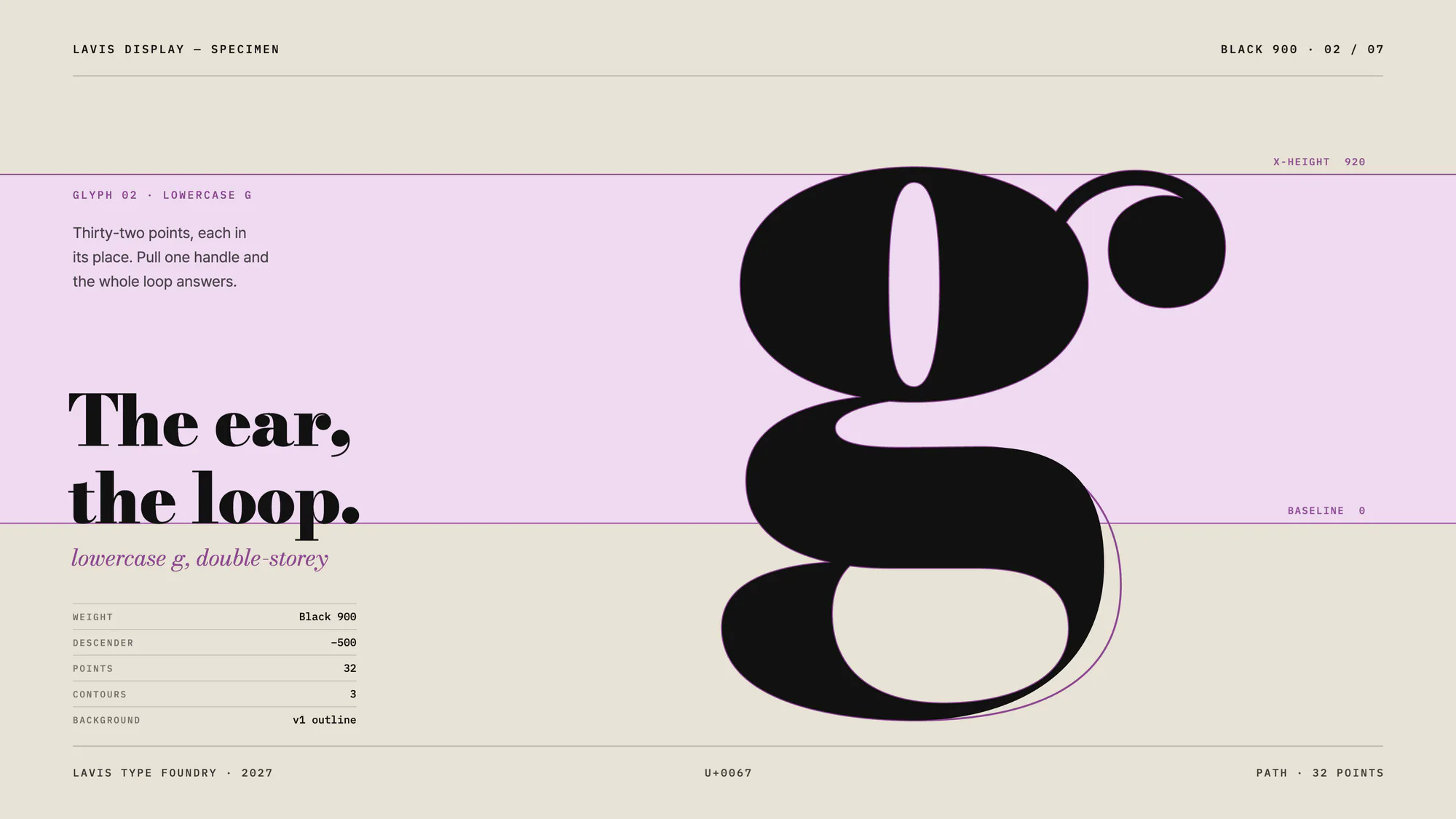
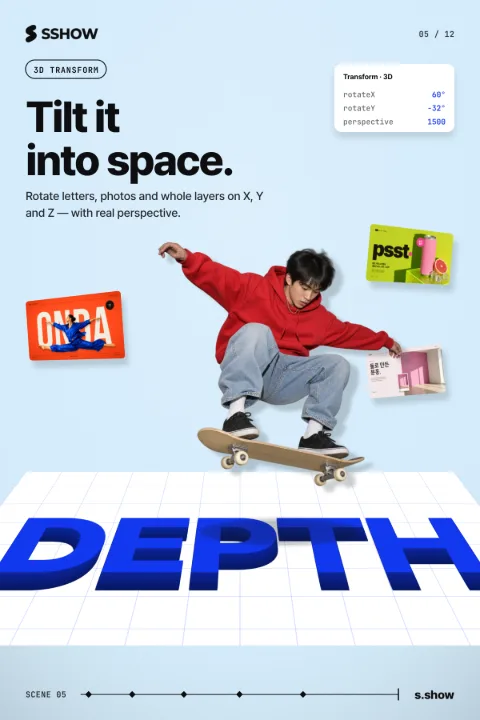
From curves drawn with the pen to adjusted photos, light that drifts like an aurora and letters tilted into depth. Finish the picture you have in mind, right here.
-
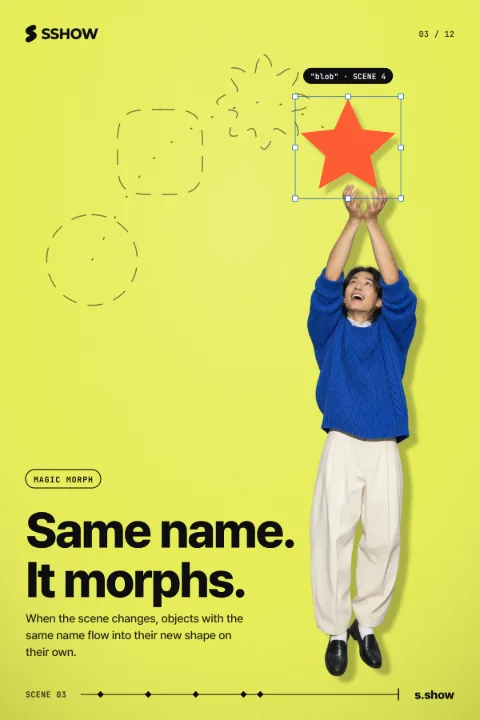
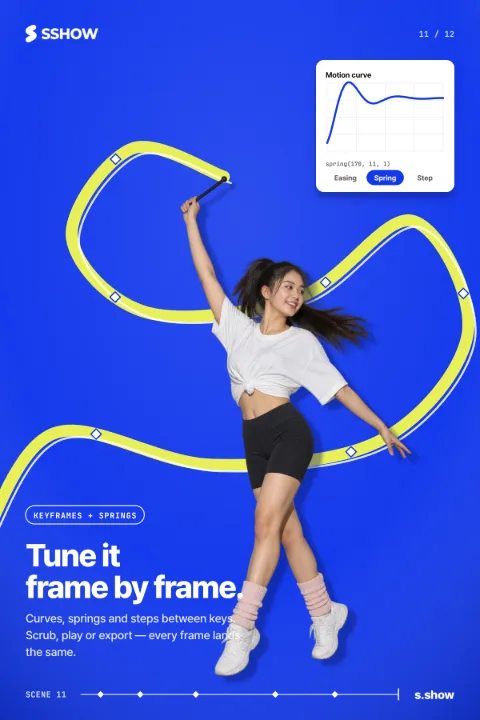
Tune the motion frame by frame until it feels right. When the scene changes, objects with the same name flow into their new shape on their own.
-
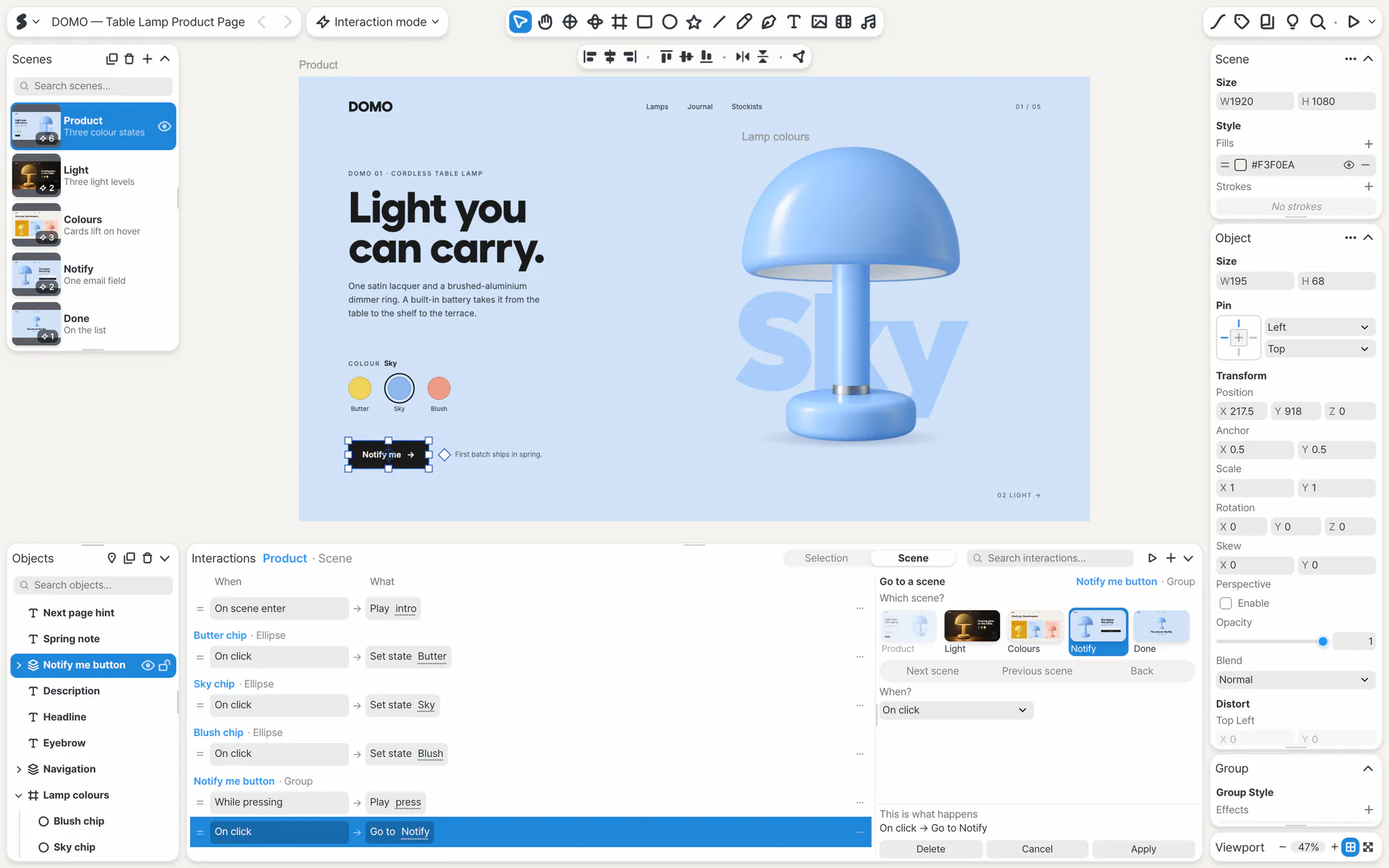
The screen responds as viewers click and swipe. Just pick rules like “On click” or “On pointer enter”.
-
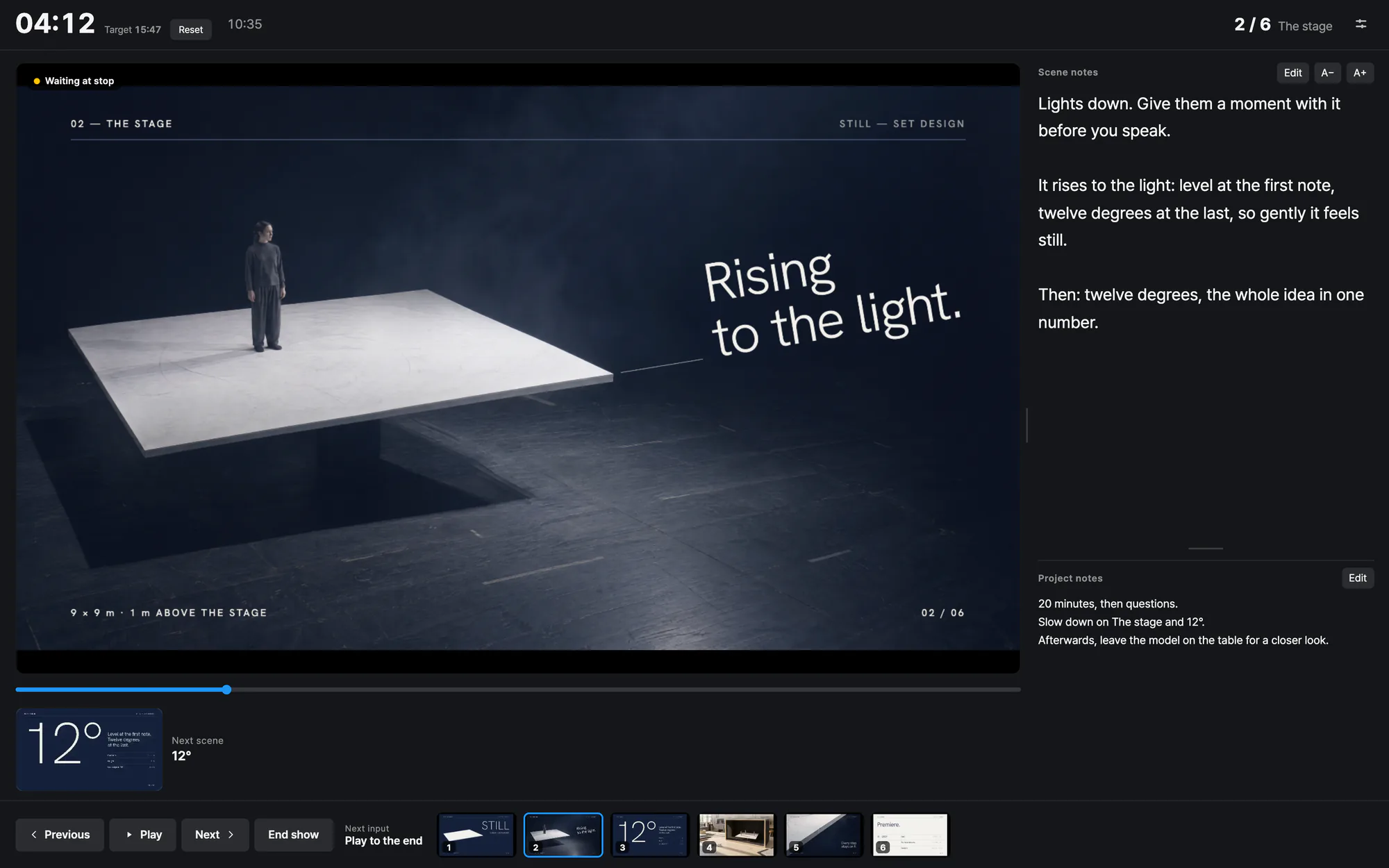
The screen waits at each stop point to match your pace, then carries on when you click. Read your notes in the presenter view, and change scenes from your phone.

Butter chip On click Set state Butter
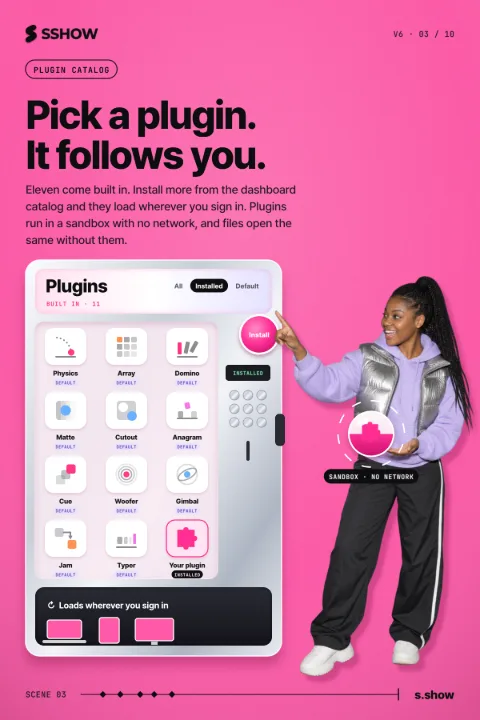
Pick one, and it's in your work.
Open the editor and the fonts, shapes and plugins are already there.
THE SHAPE OF PLAY — SPORTS OBJECTS BY DESIGN
14 MAR – 30 AUG 2027
REBOUND
The Shape of Play
Twelve objects, made to bounce,
roll, slide and fly. Hall 2.
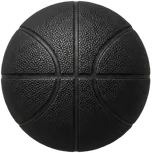
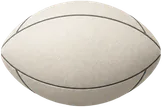
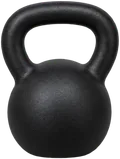
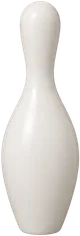



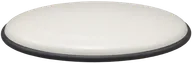

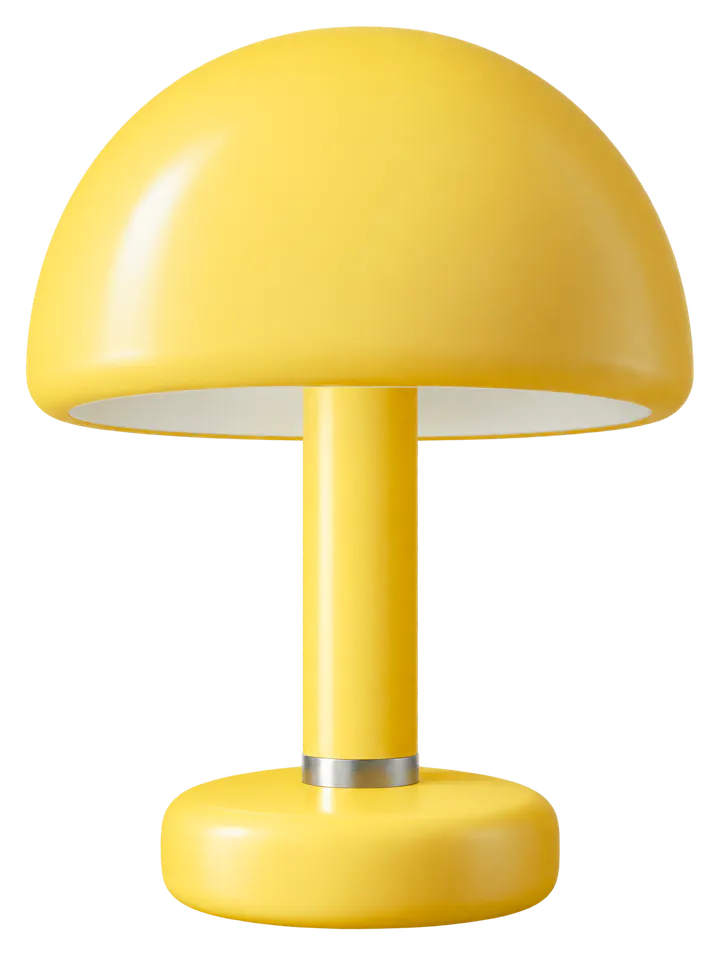
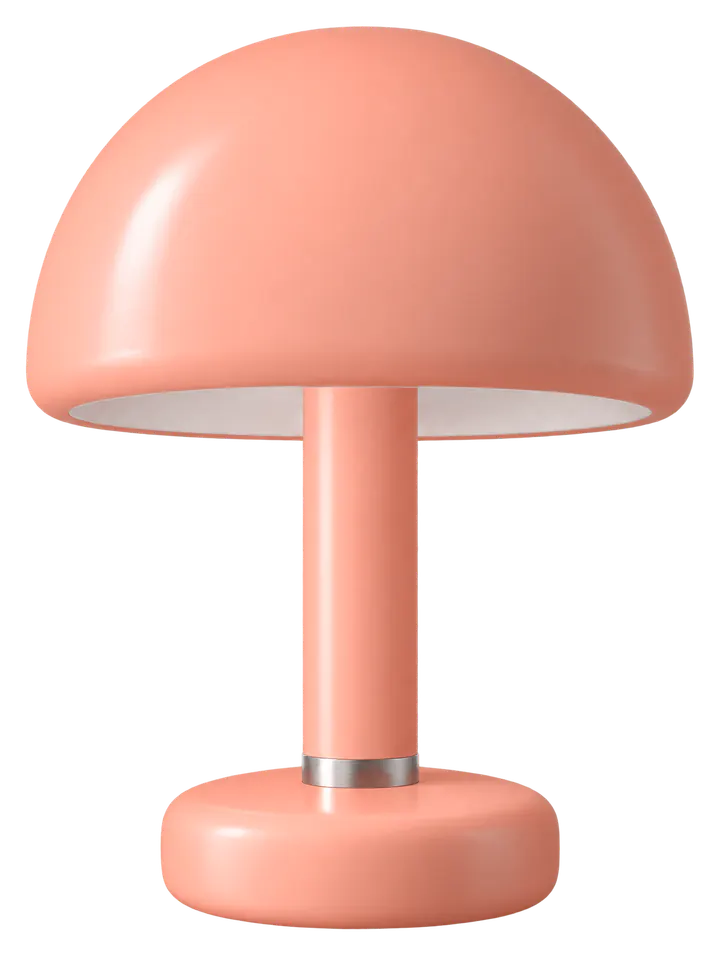
Pick a font, a shape or Physics to change the poster.
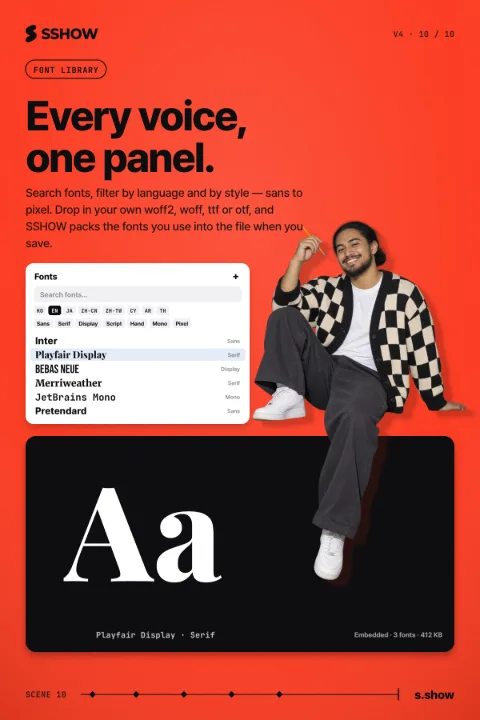
1,100+ fonts, 330+ of them Korean, and over 3,300 shapes.
You can add your own font files too.
People and AI, on one canvas.
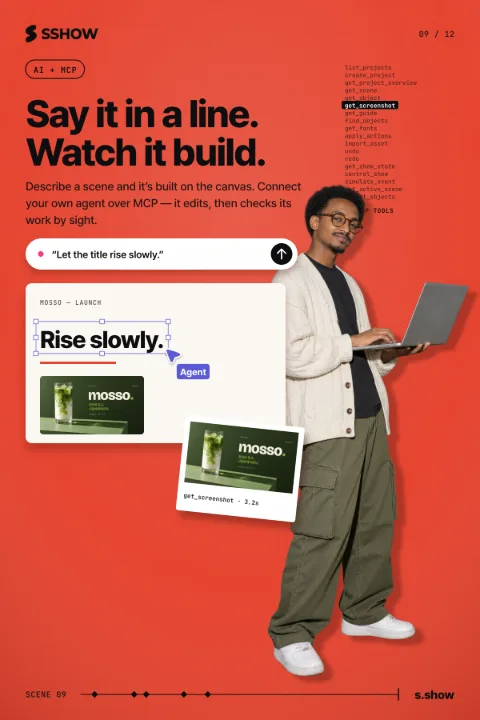
A few photos and one request, and AI makes the first draft. Then shape it yourself, down to each letter and each movement.
Find SSHOW in Claude or ChatGPT, add it, and build as you chat.
Connect the AI you use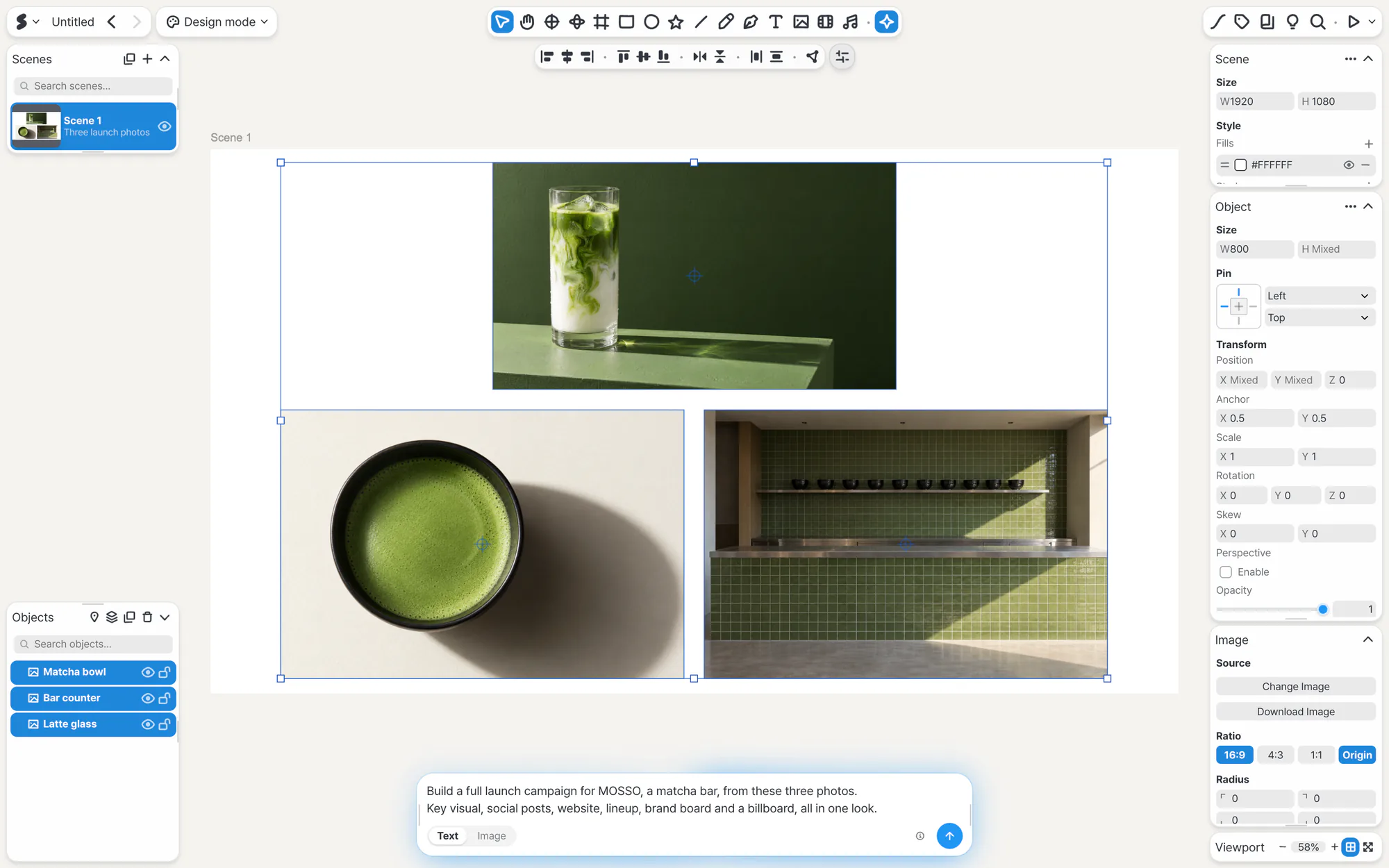
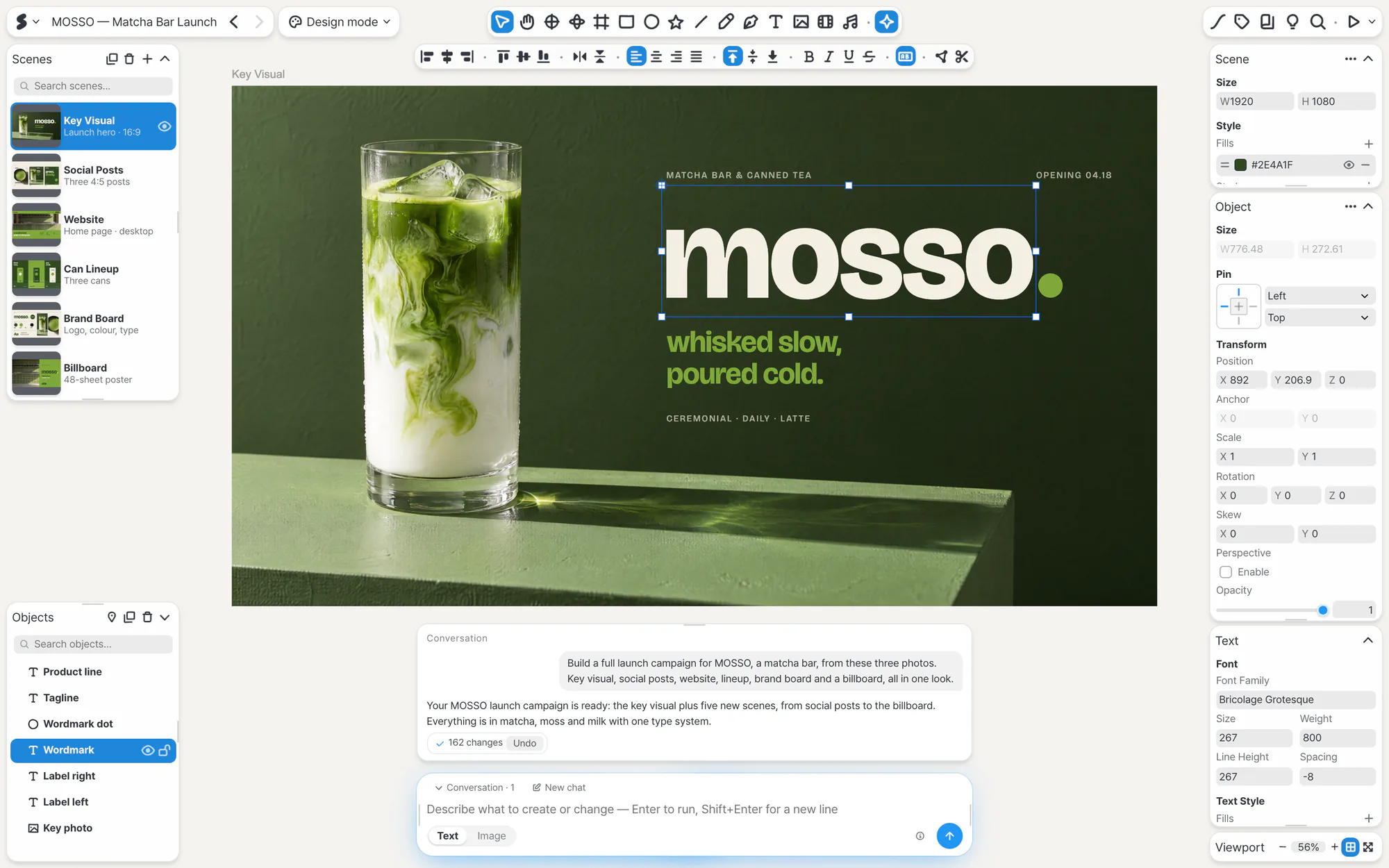
- “Let the title rise slowly.” “Change color on click.” Motion and interactions come from words too.
- Ask as often as you want, and keep only what you like.
- An AI you connect looks at the result and clicks through it as it refines.
Just as you made it, anywhere.
Scenes play the way they looked in the editor, on a big screen in the room and on the phone of whoever you send them to.
All it takes is one link.
On a phone, watch from a link and use it as the remote when you present.




Mac and iPad are trademarks of Apple Inc., registered in the U.S. and other countries and regions. App Store and Mac App Store are service marks of Apple Inc. Windows and Microsoft Store are trademarks of the Microsoft group of companies. Android, Google Play and the Google Play logo are trademarks of Google LLC.
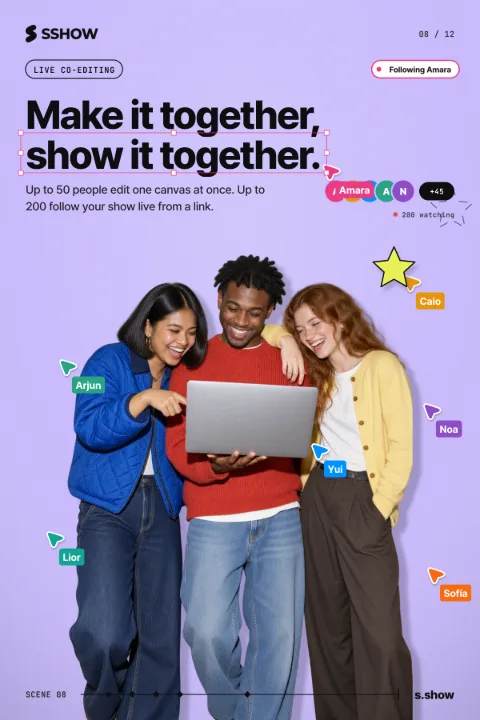
Make it together, show it together.
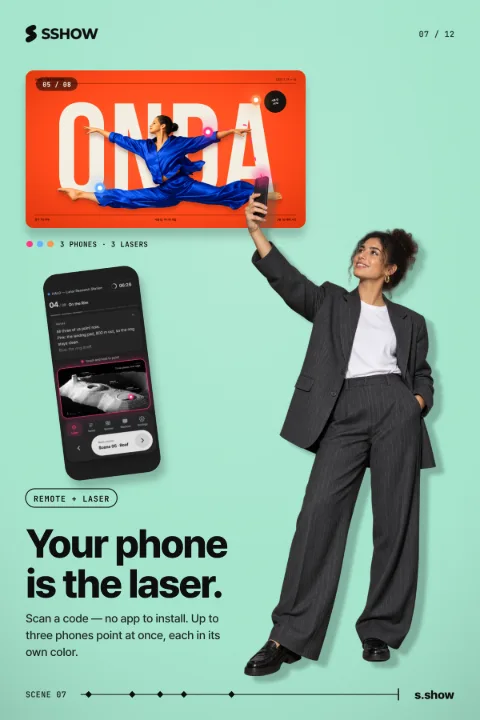
Your team edits one canvas at the same time. When you present, your phone becomes the remote and the laser pointer, and people watching from a link follow along as you go.
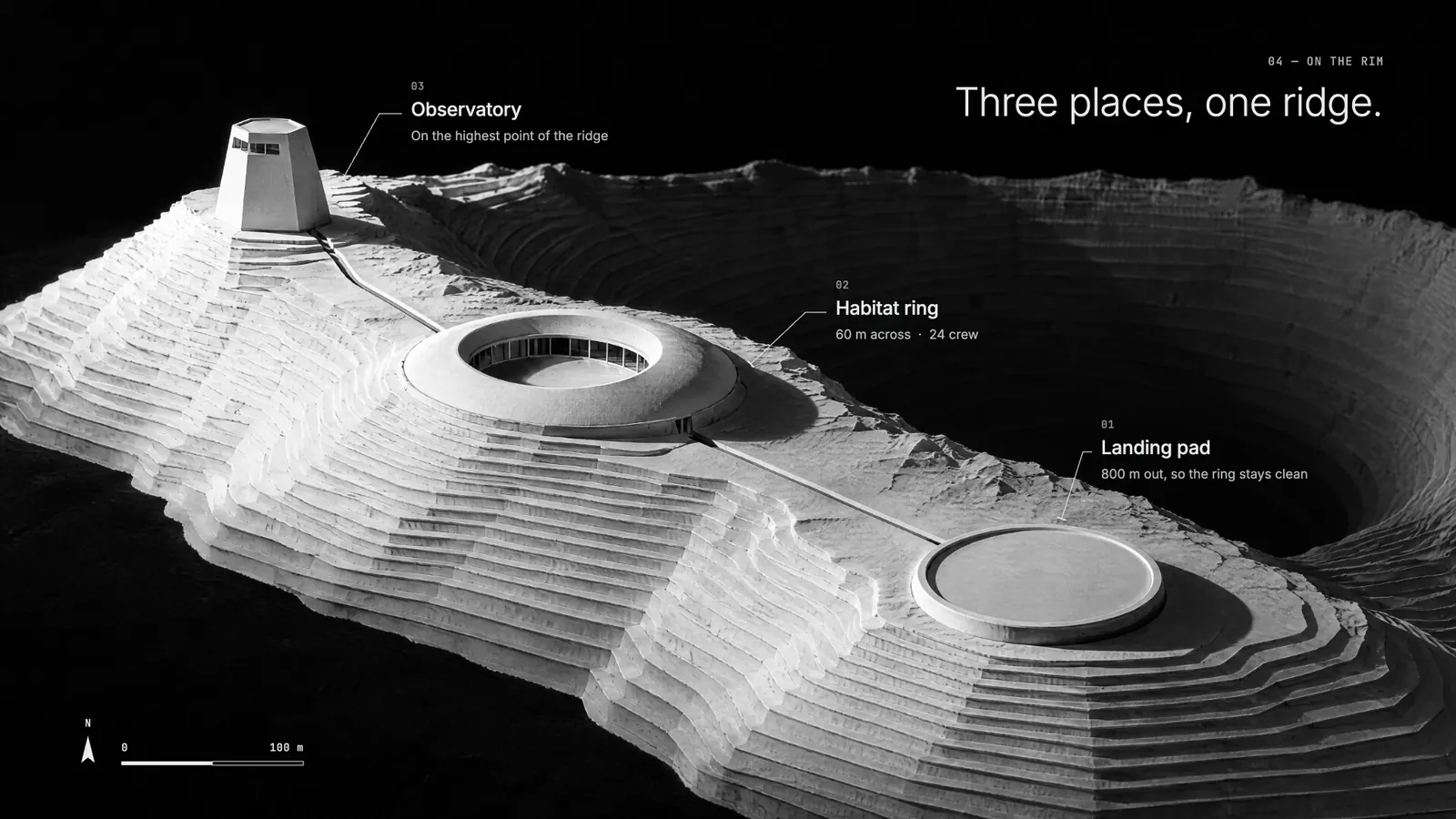
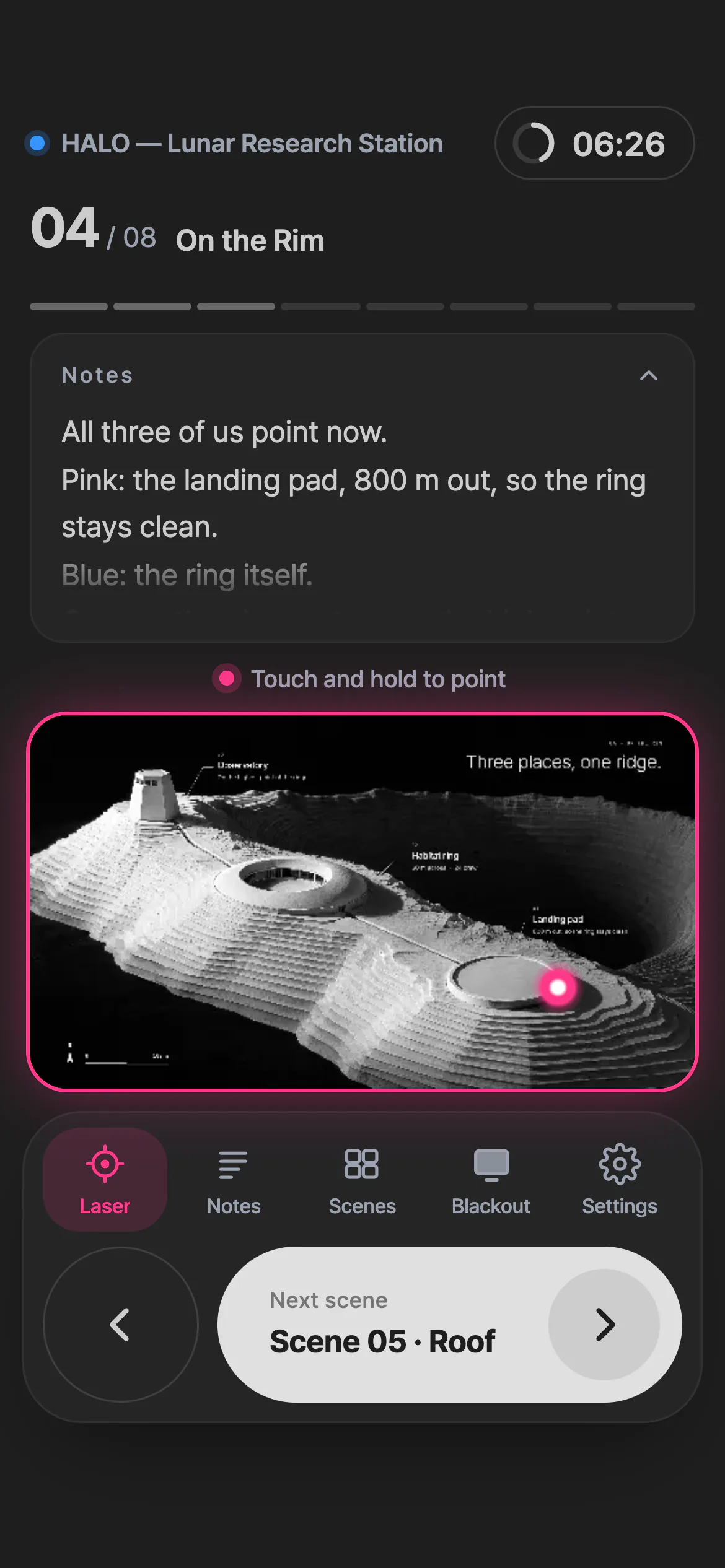
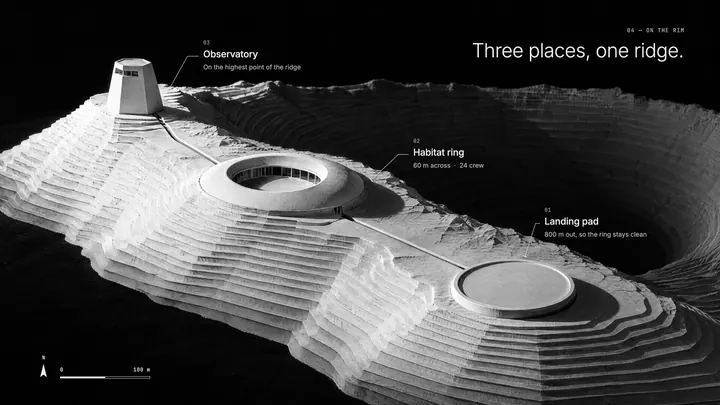
Touch and hold the scene on the phone to point, or press Next to move on.
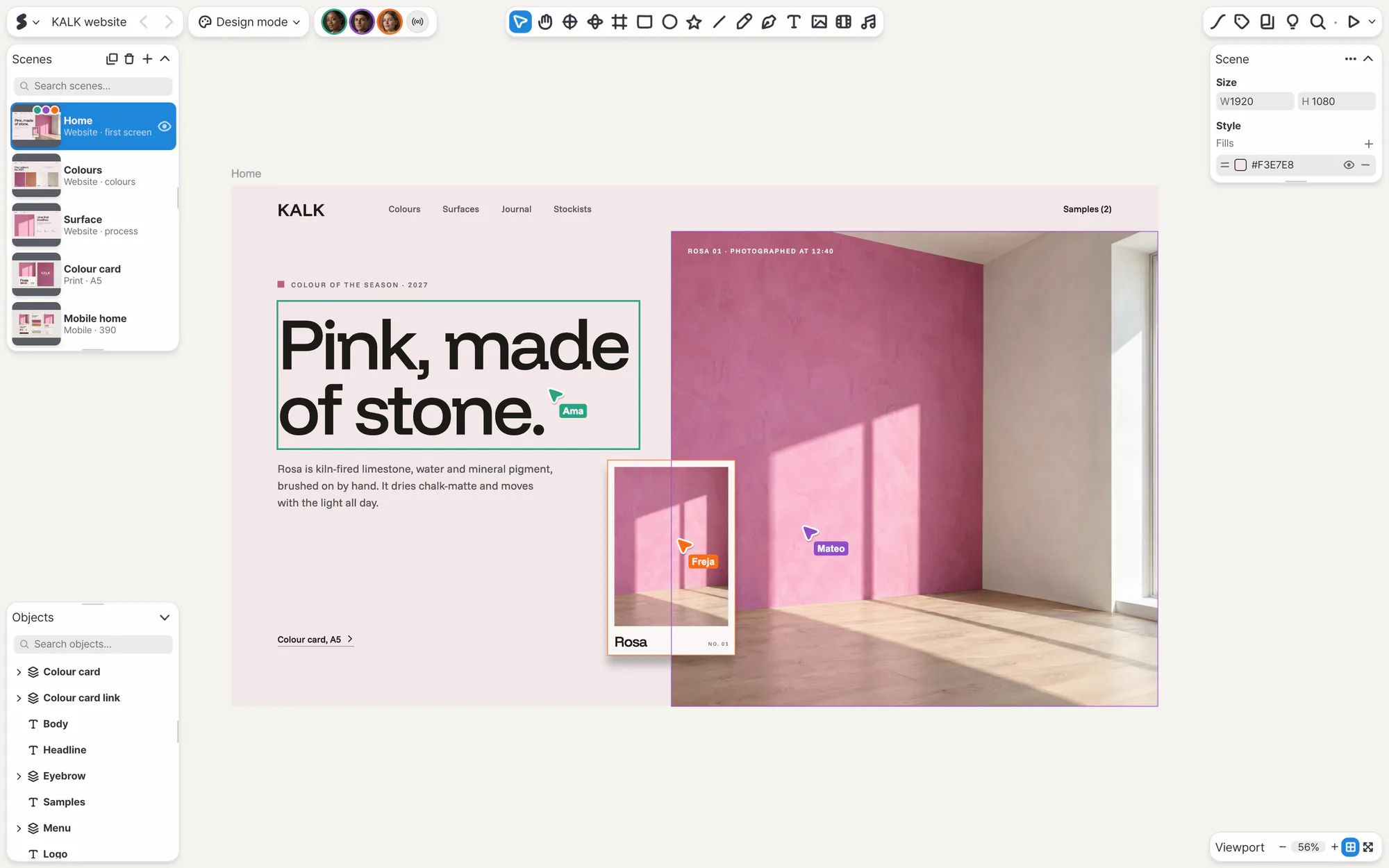
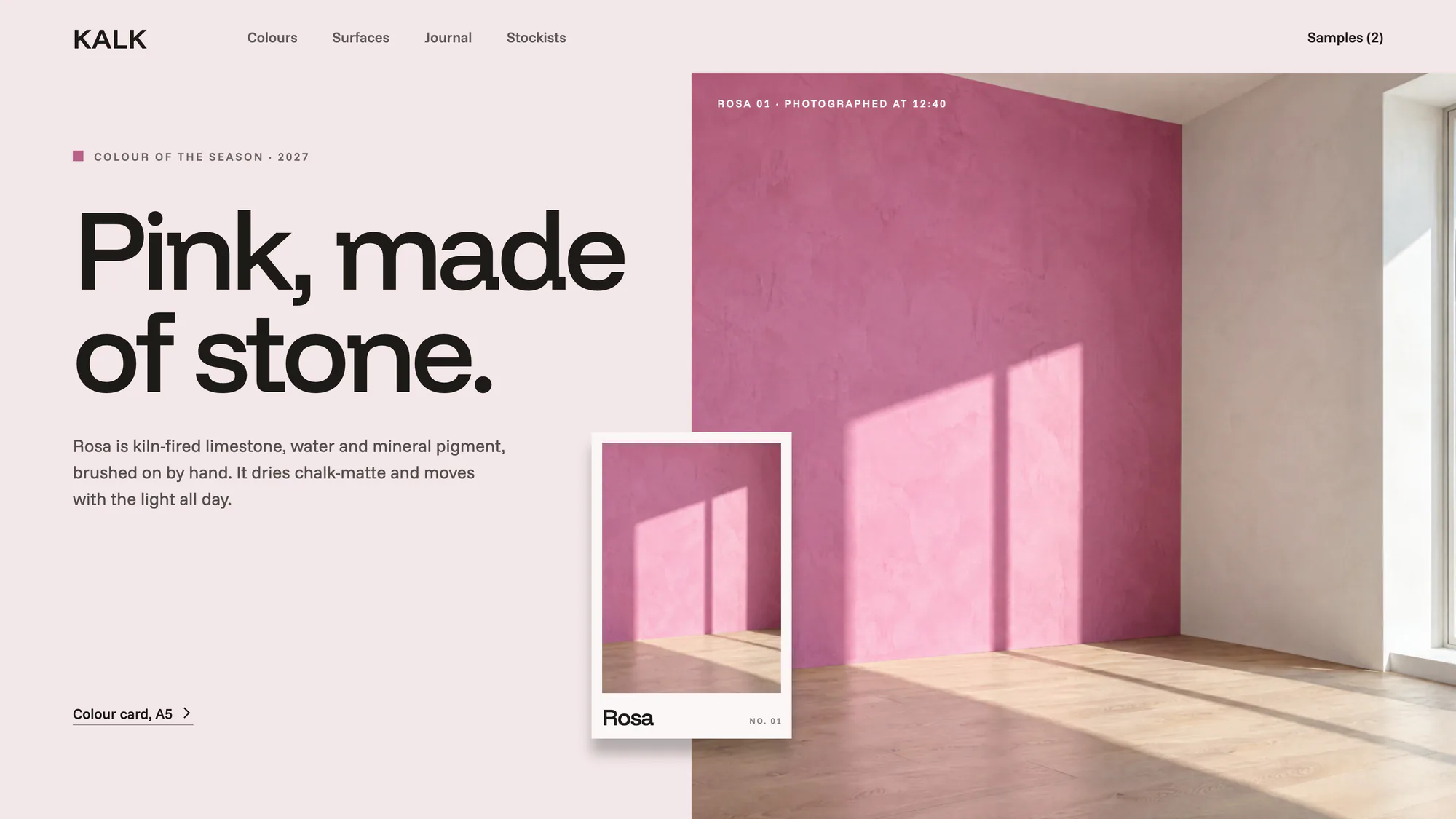
Edit together. See where your teammates are and what they are doing.
Move your pointer over the screen.Tap the screen.
This is how your teammates see your cursor.
Everyone follows your view.
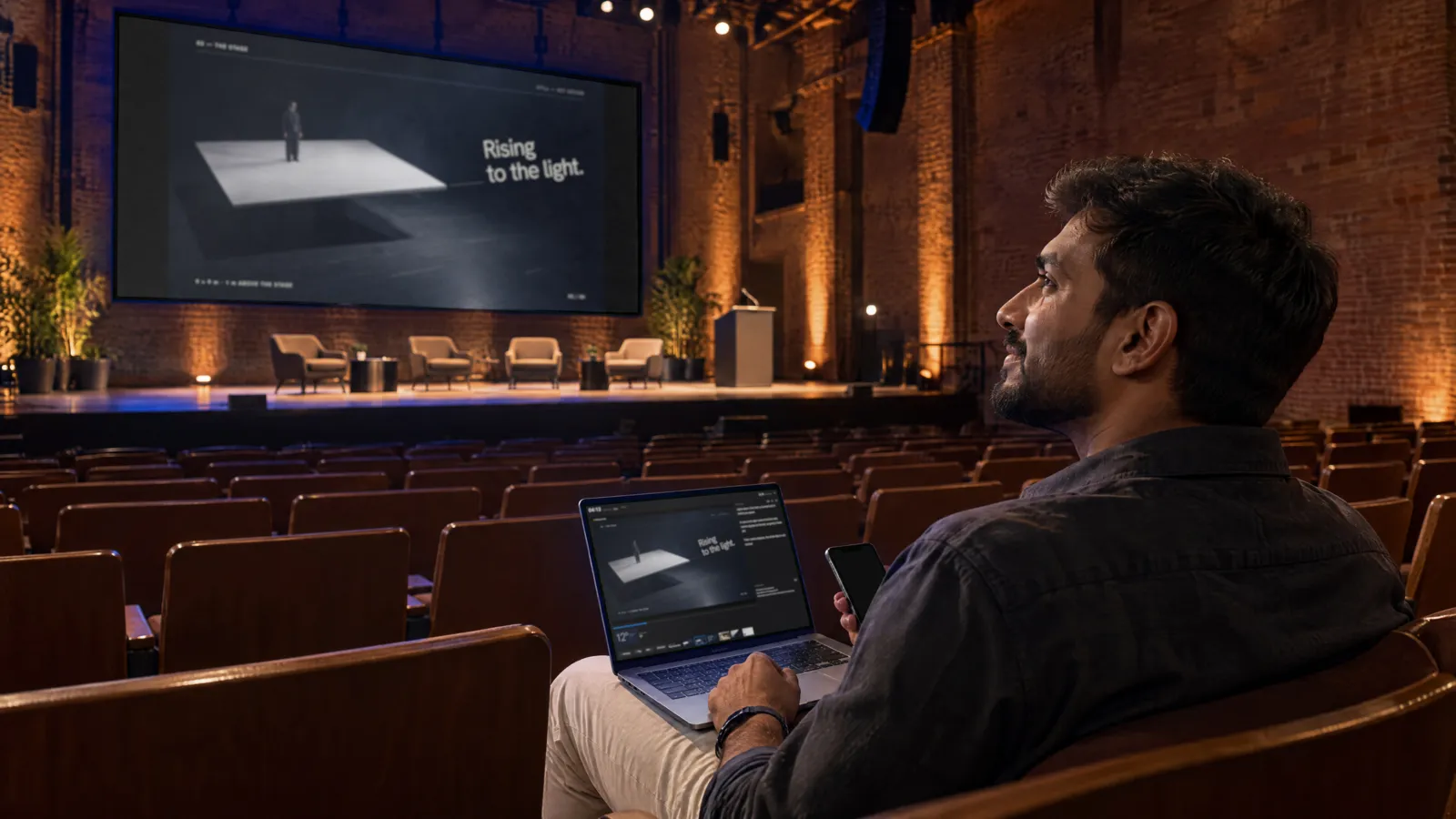
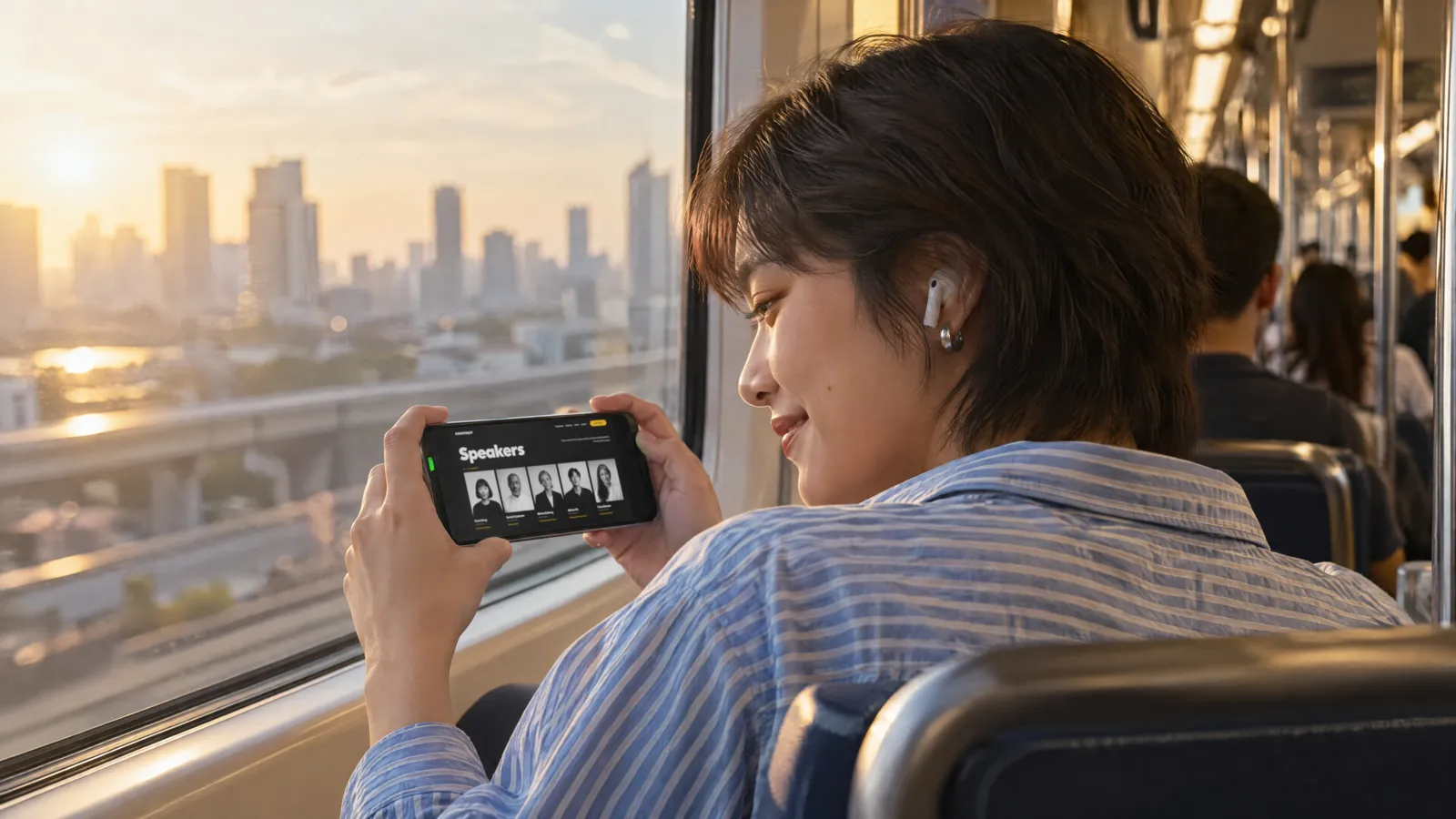
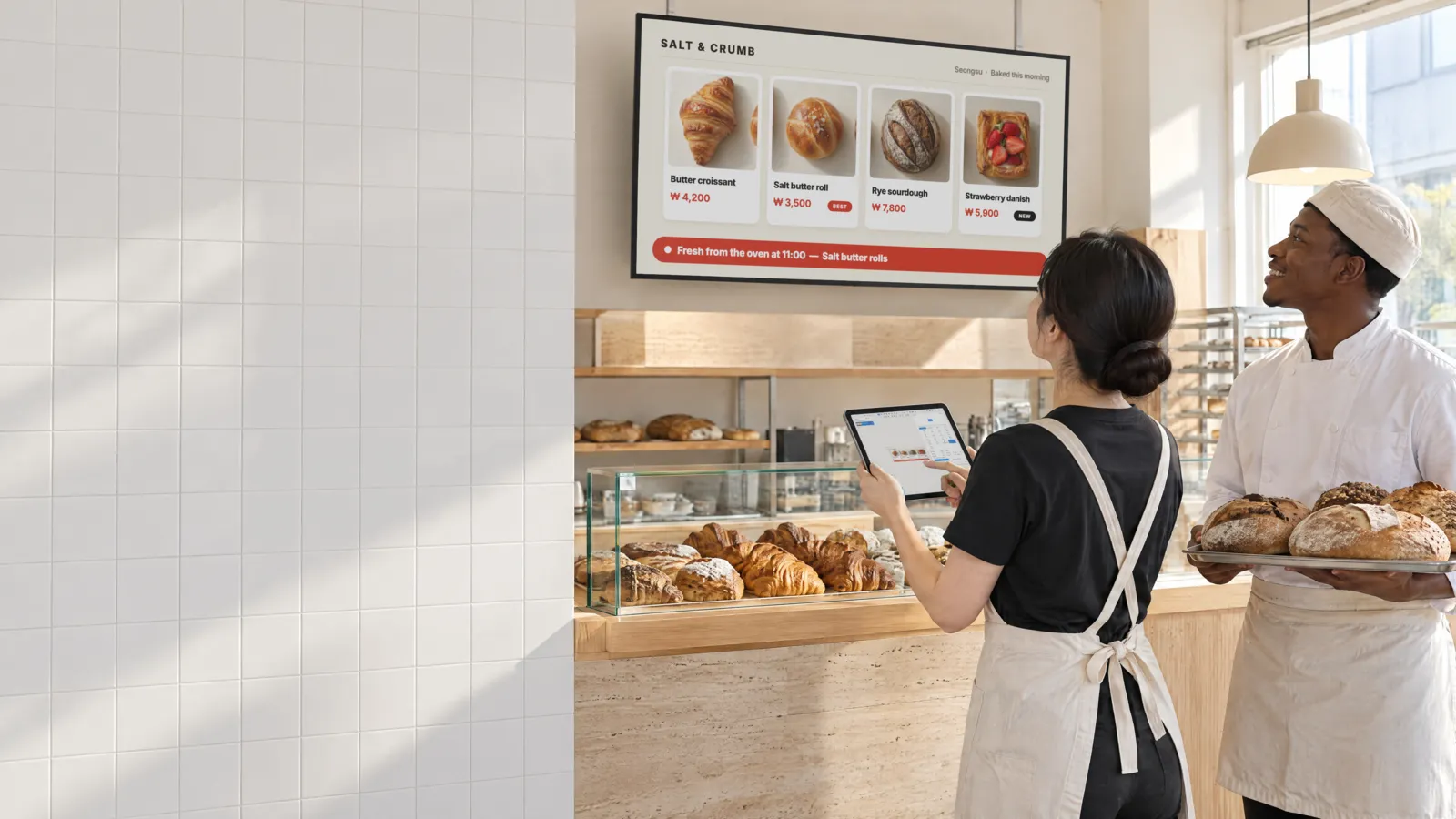
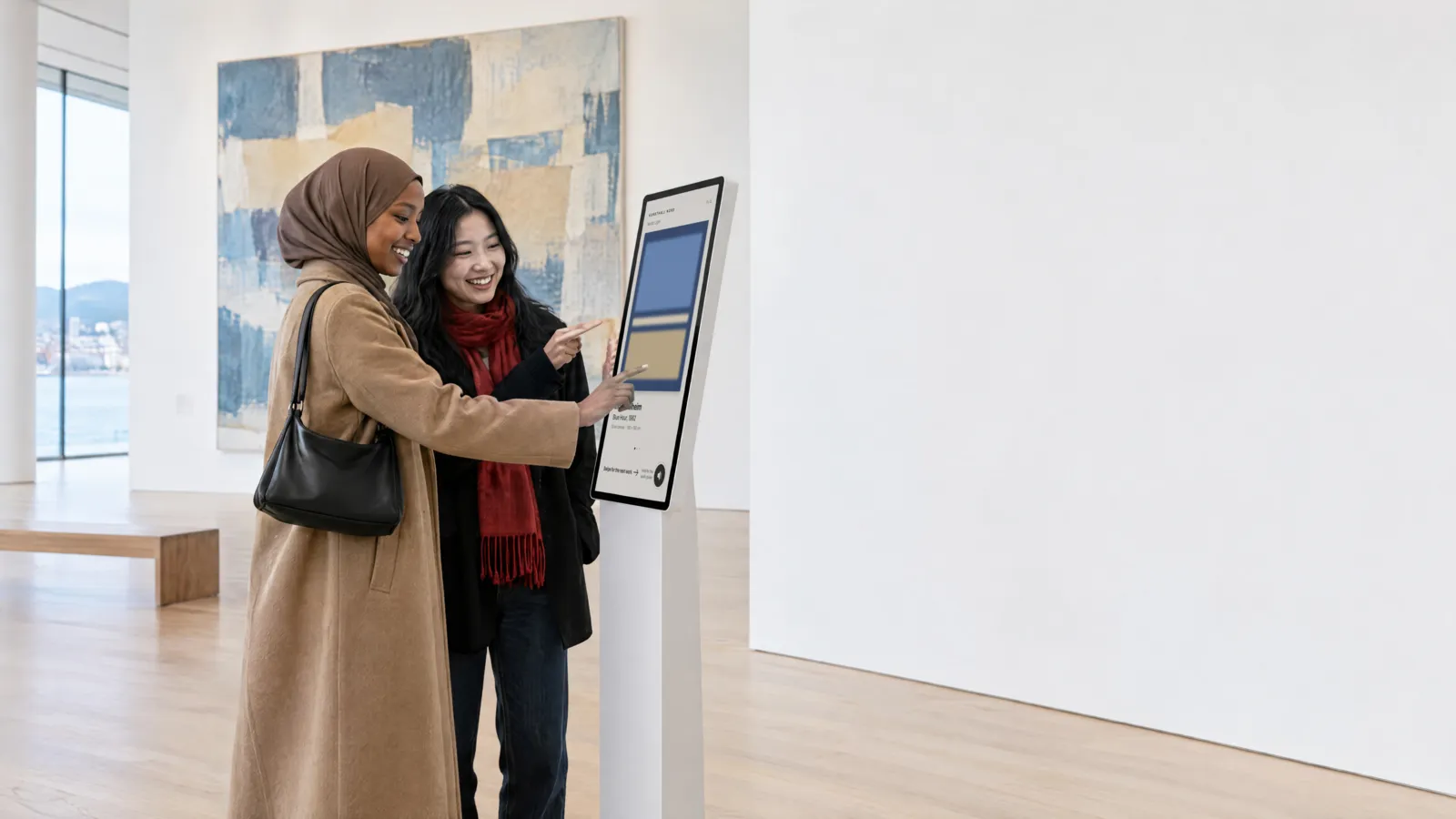
In the shop. In class. On stage.
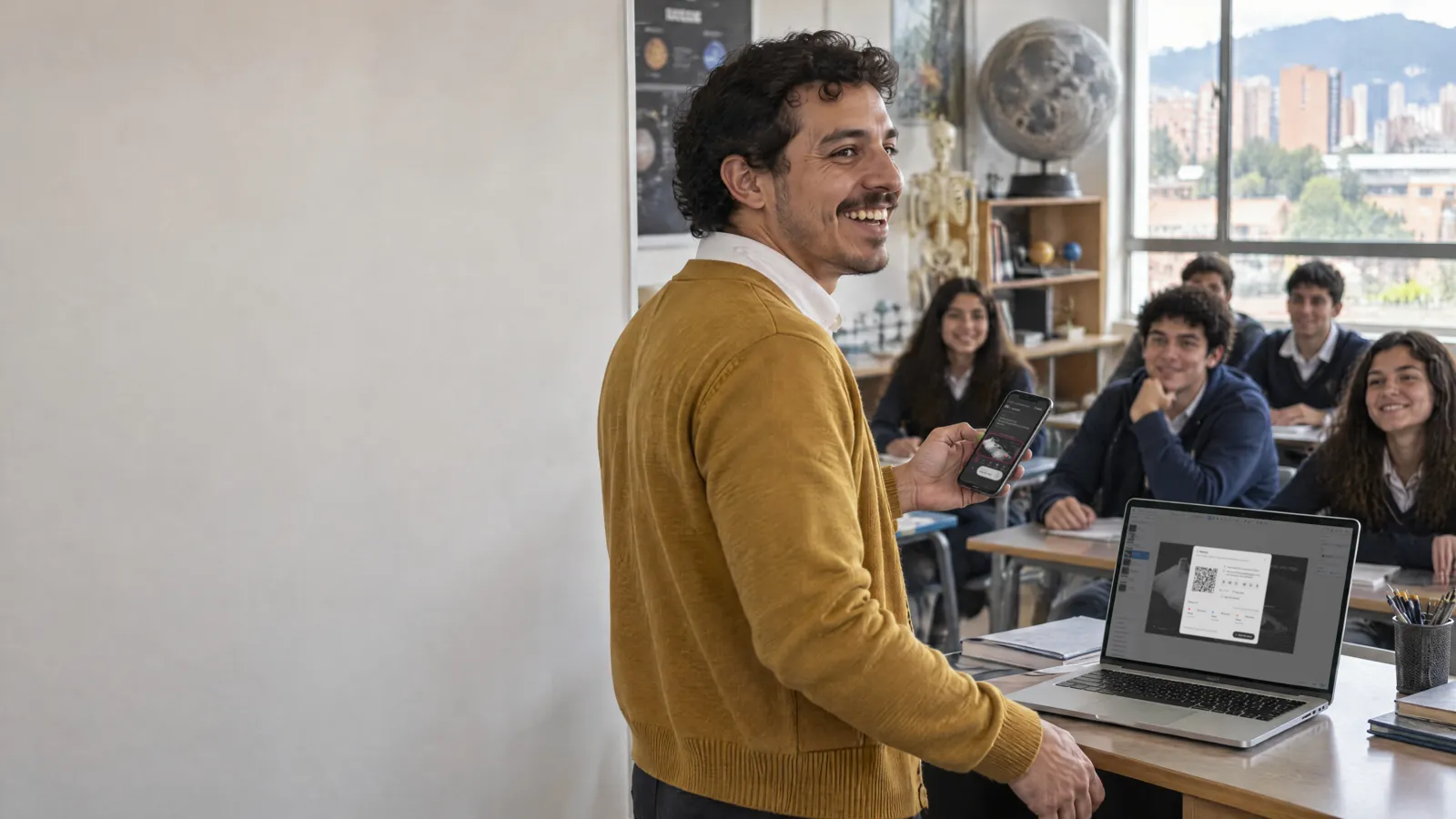
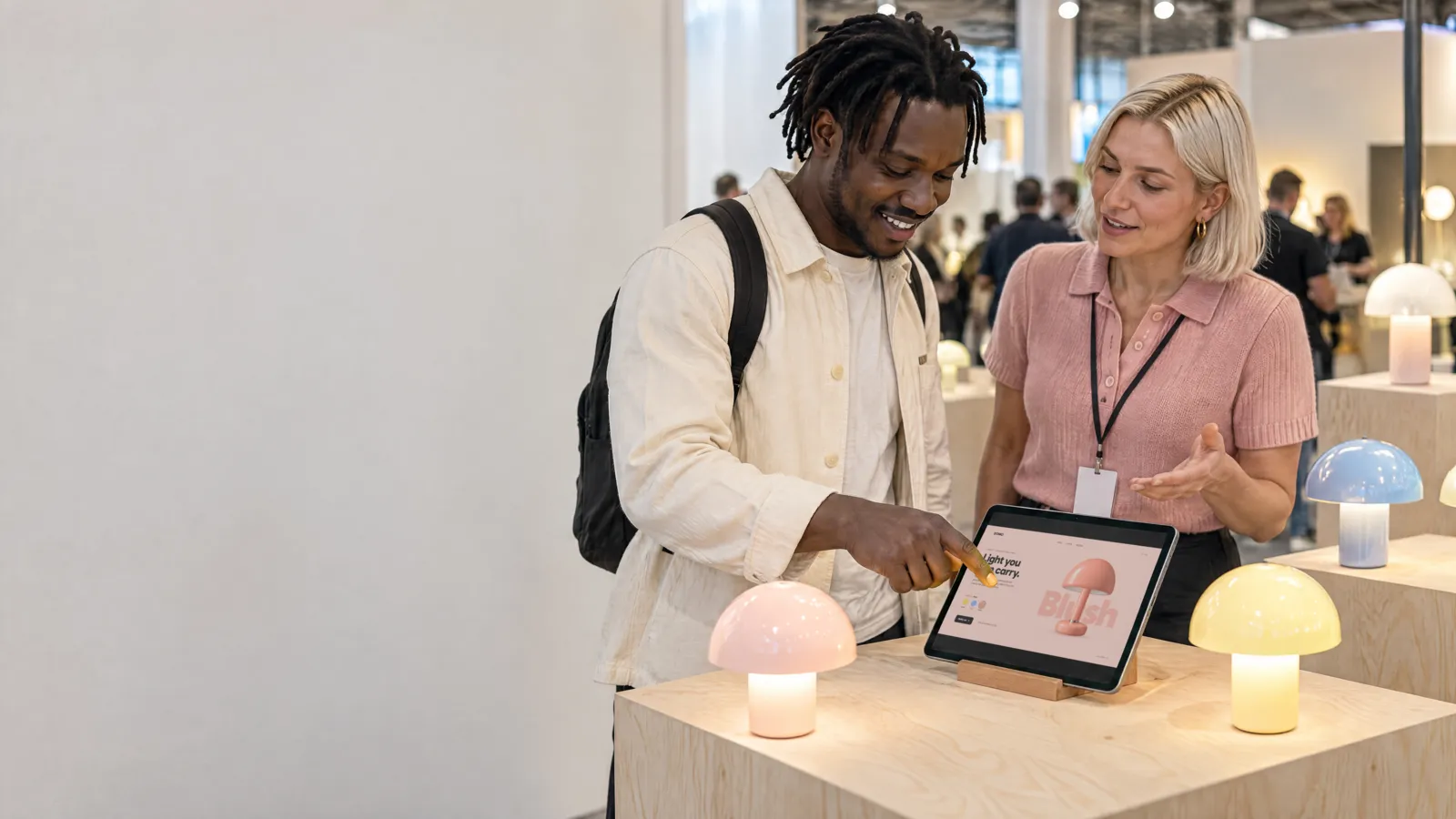
Menu boards, lessons and talks, made in SSHOW and put on the screens where they're needed.
The people and places are AI-made images;
the scenes on the screens were made in SSHOW.

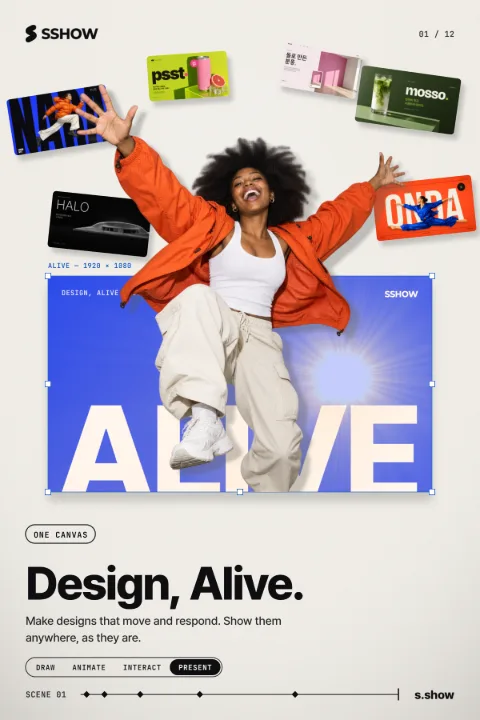
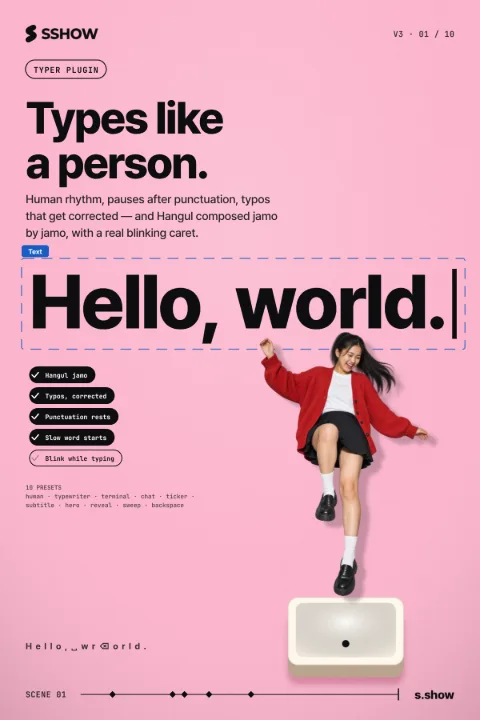
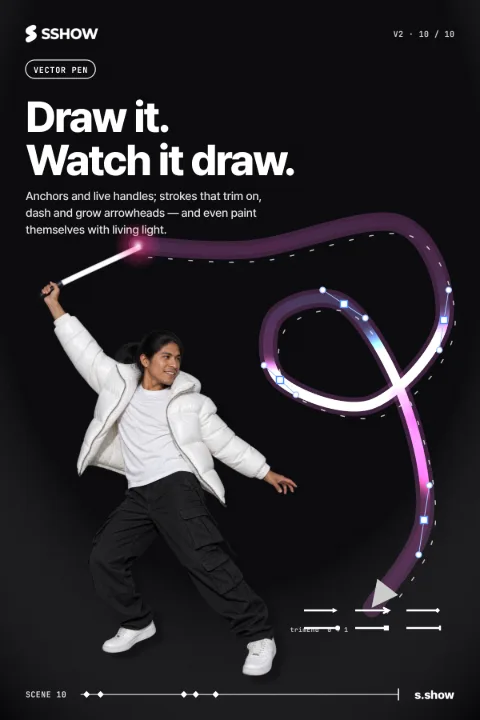
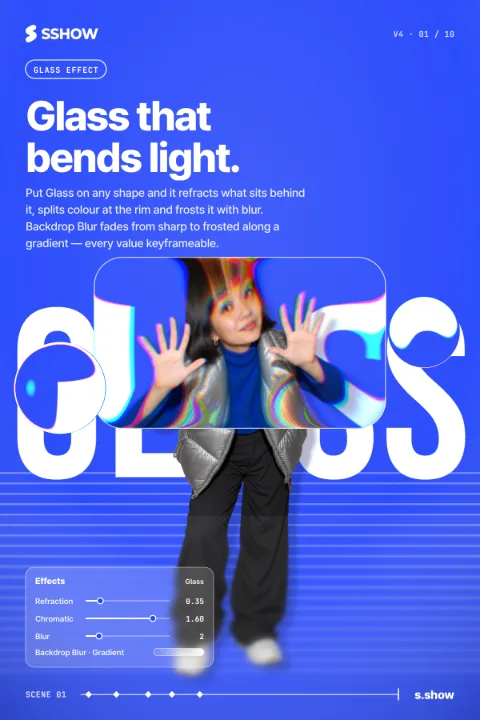
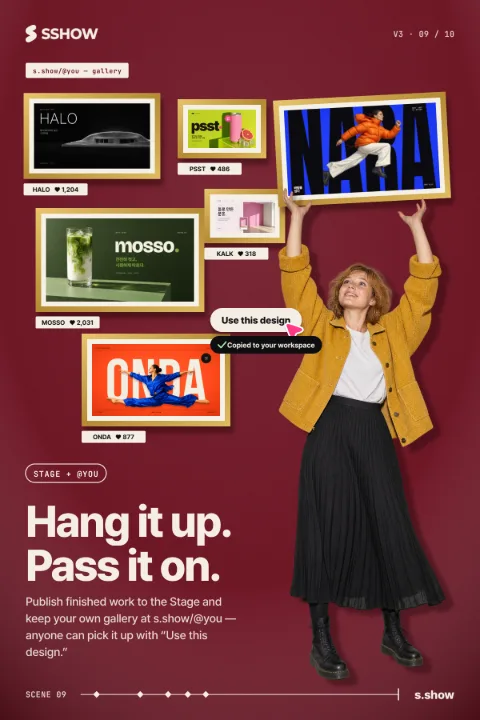
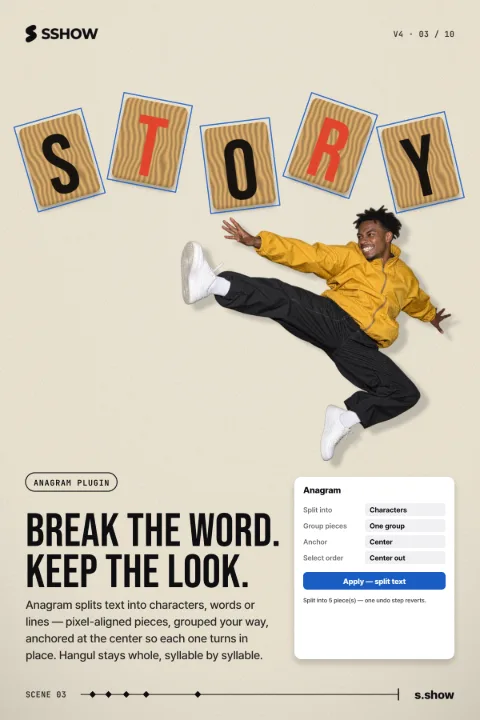
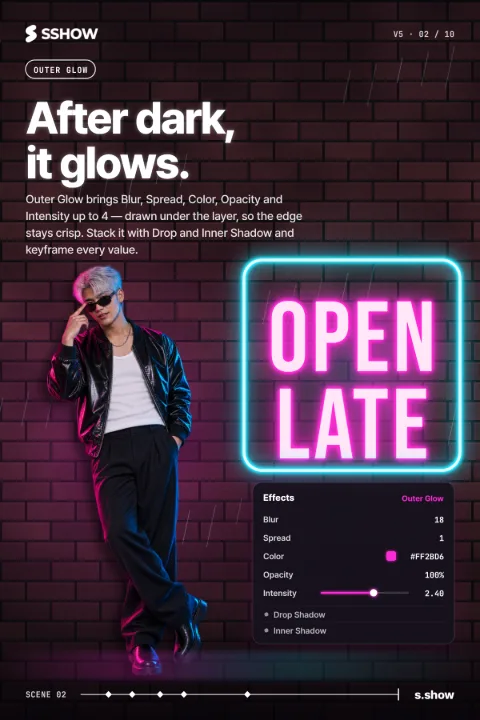
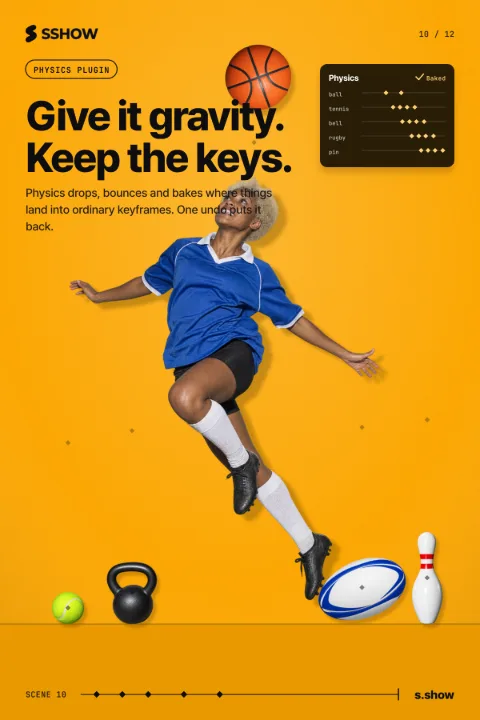
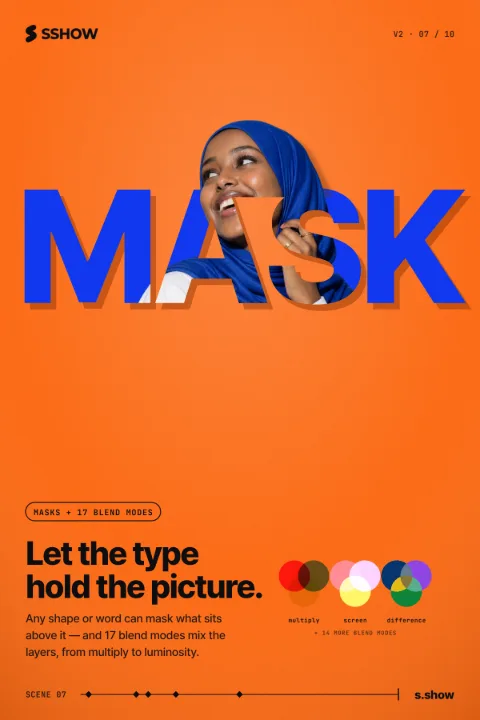
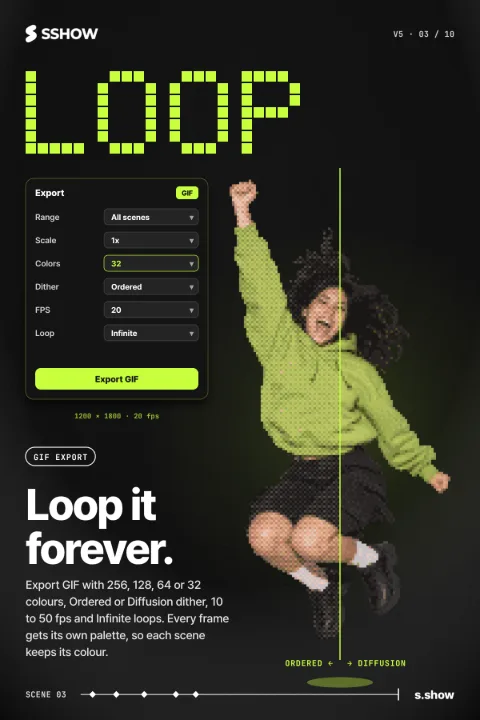
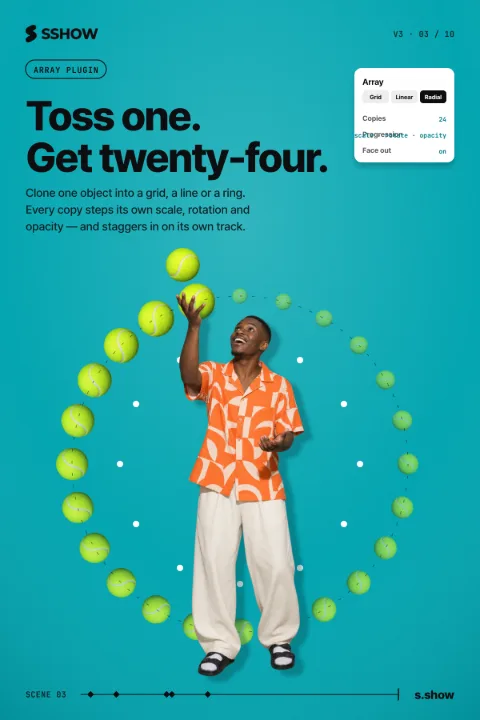
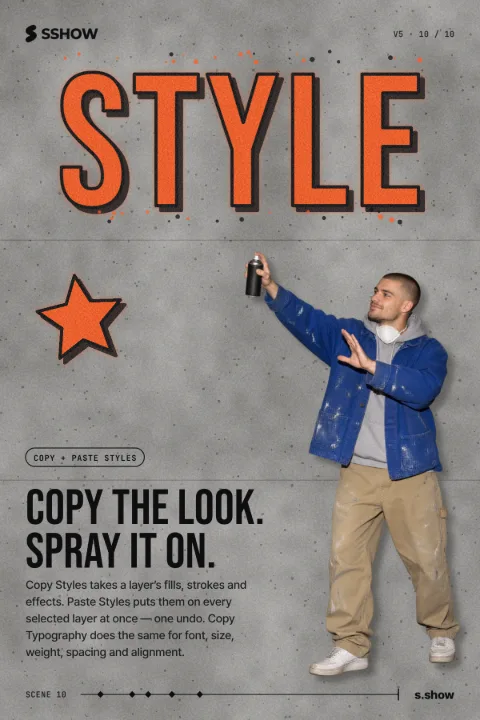
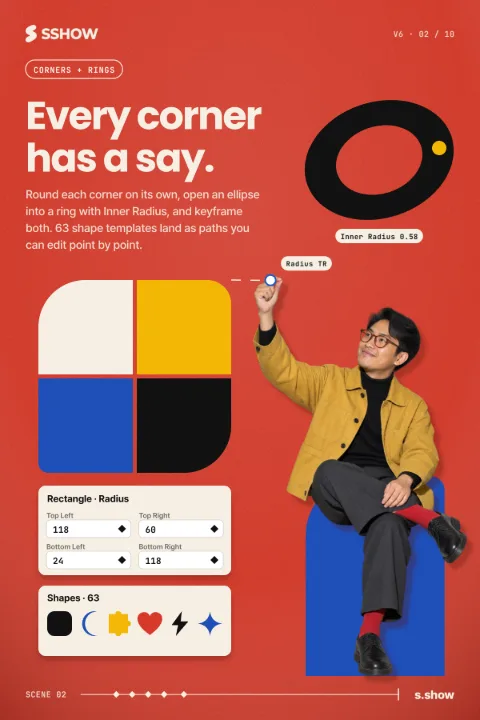
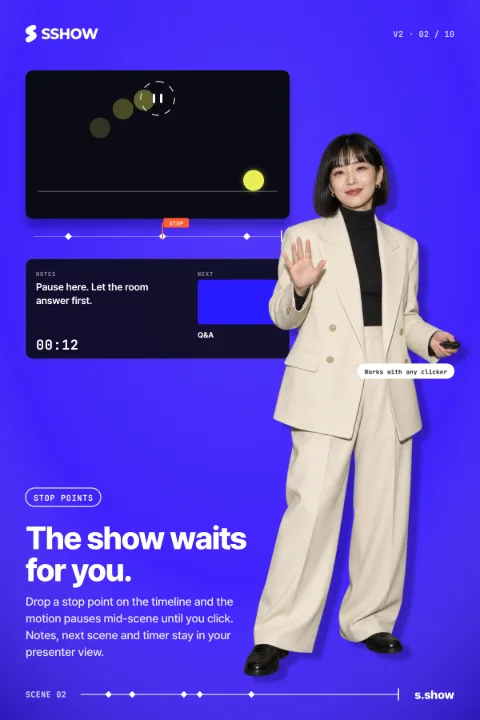
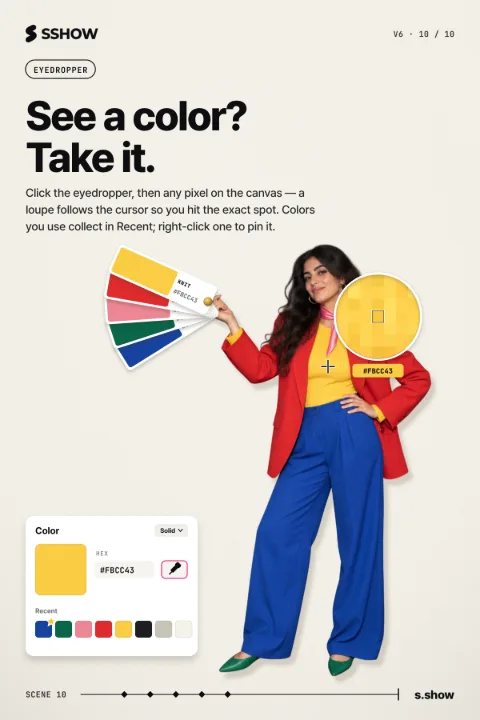
One feature, one poster.
We introduce SSHOW's features as short motion posters.
Find them on Instagram and Threads.
Start the way you like.
-
From an example
Open an example you like and make it tell your story.
-
From your files Beta
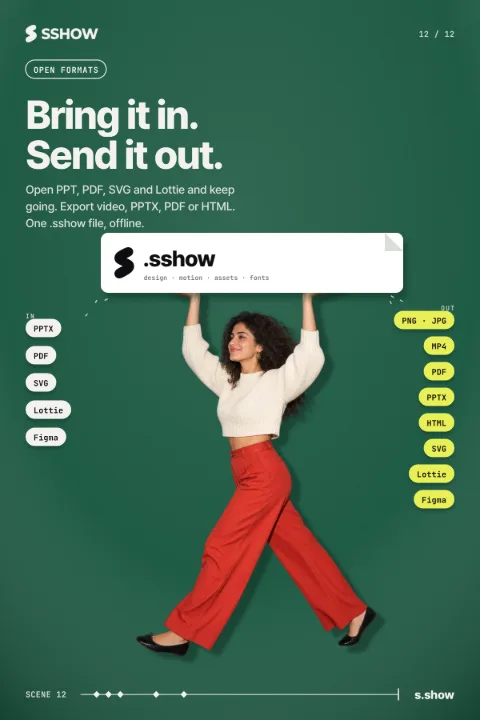
Bring in Figma screens, or PPT, PDF and SVG files, and keep going. When it's done, export video, PPT, PDF or images, or send it back to Figma.
-
In your words
Describe the scene you want, and the AI builds it on the canvas.
What do you want to show?
During the beta, SSHOW runs on the free plan only.