Get started
This chapter is for your first time in the editor. Create your first project, look around the screen, and make your first piece from start to finish.
Start here
Create your first project
Create a blank project in Studio and open it, plus other ways to start.
Pages (6)
-
Scenes, objects, transitions, timeline, interactions: how SSHOW makes motion.Concept · About 3 min
-
Create a blank project in Studio and open it, plus other ways to start.Tutorial · About 3 min
-
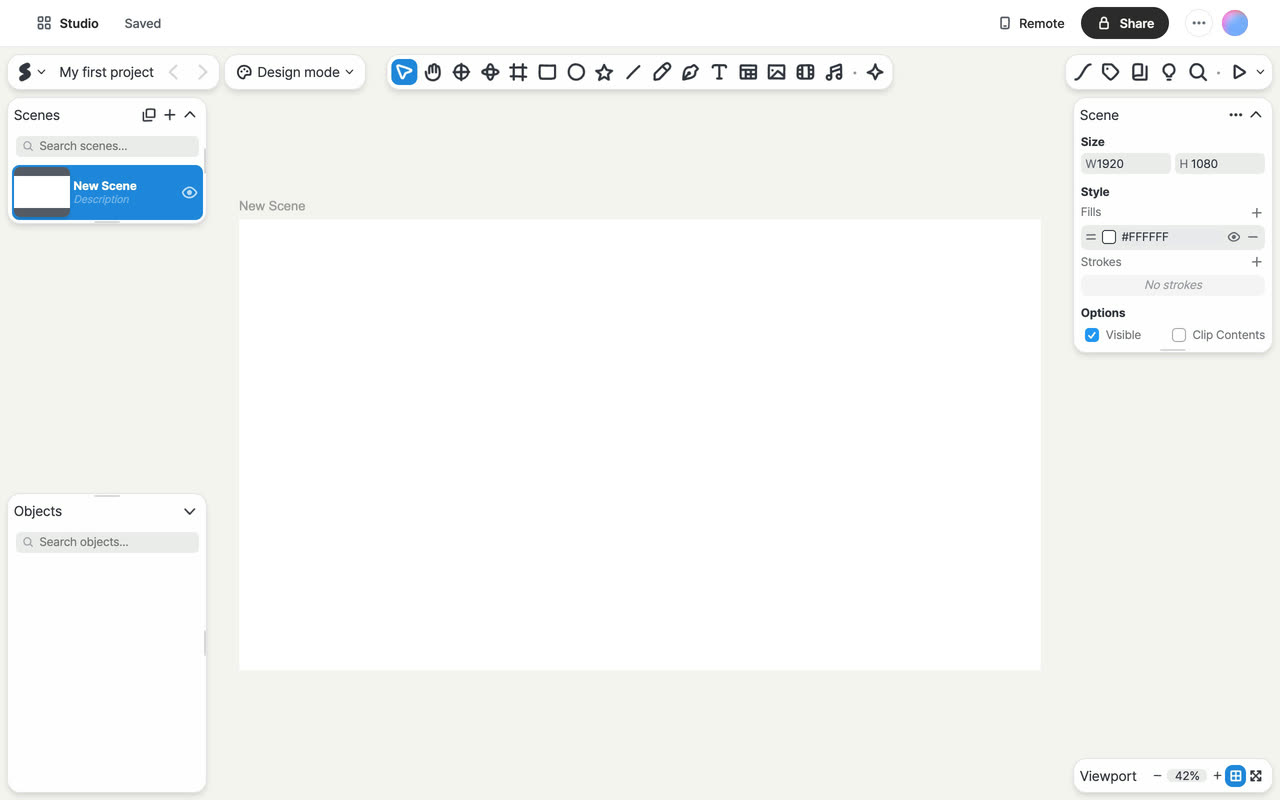
Where canvas, toolbar, lists, right panel, and top buttons are and what they do.Concept · About 3 min
-
Add a title and circle, turn on a transition, duplicate and edit, then play.Tutorial · About 5 min
-
Check save status, undo and redo, and keep a .sshow copy or a duplicate.How-to · About 3 min
-
Answers to common snags, from typing and playback to notifications and storage.How-to · About 4 min